Platform · All tools
All tools
Volunteer management software features: every tool in the platform, all 76 of them
Open any tool to see what it does, an example of it in use, and a screenshot. Every tool is included in every plan.
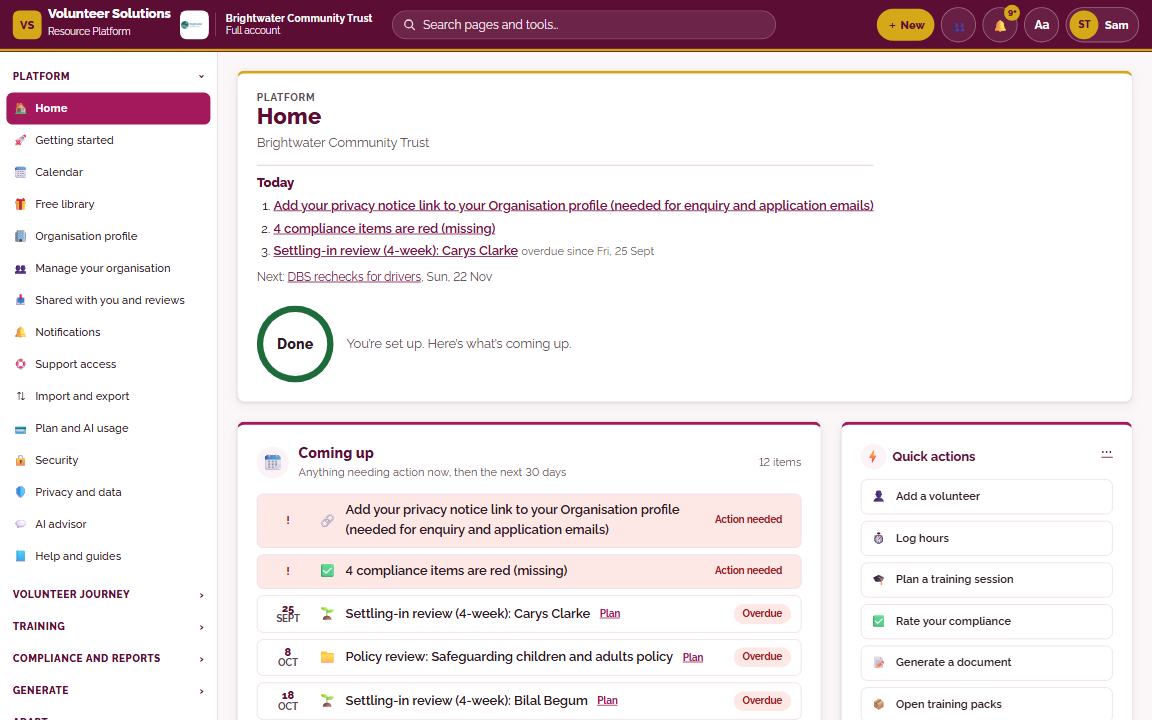
HomeYour day at a glance: what needs doing today, what’s coming up in the next 30 days, and quick actions.
Home opens on Coming up: everything due in the next 30 days, with anything overdue first, from DBS rechecks to policy reviews and settling-in check-ins. Beside it you can pin the widgets you use most and choose up to eight At a glance rings, each showing a figure in words, such as ‘7 of 13’, and what needs doing.
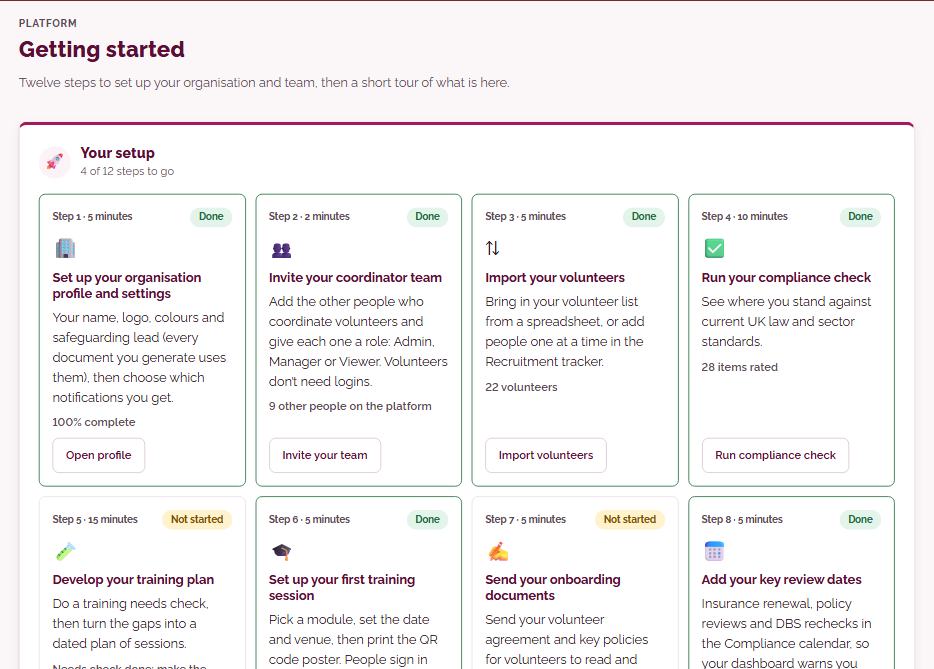
Getting startedTwelve steps to set up your organisation and team, then a short tour of what is here.
Twelve set-up steps, from your organisation profile and team to your first training session and first document, each with a time estimate and a button to the right page. Progress updates from your own records, so a step shows as done once the work is actually there.
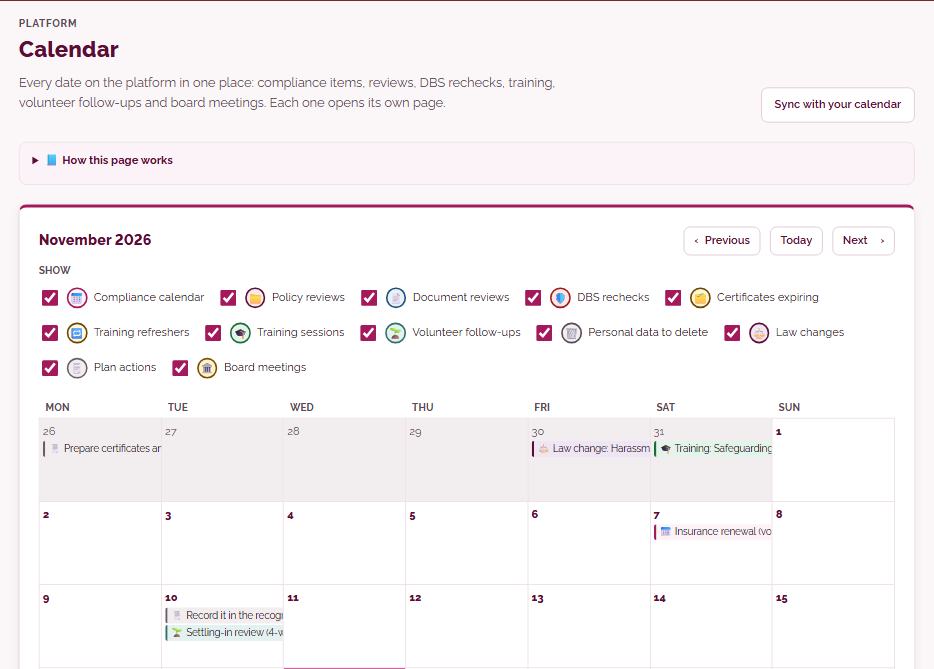
CalendarEvery date on the platform in one place: compliance items, reviews, DBS rechecks, training, volunteer follow-ups and board meetings. Each one opens its own page.
A month view of every date the platform holds: compliance items, policy and document reviews, DBS rechecks, training sessions, volunteer follow-ups and board meetings, each linking to the page where it is done. You can choose which types to show, and make a private link that adds the dates to Google Calendar, Outlook or Apple Calendar without ever including volunteers’ names.
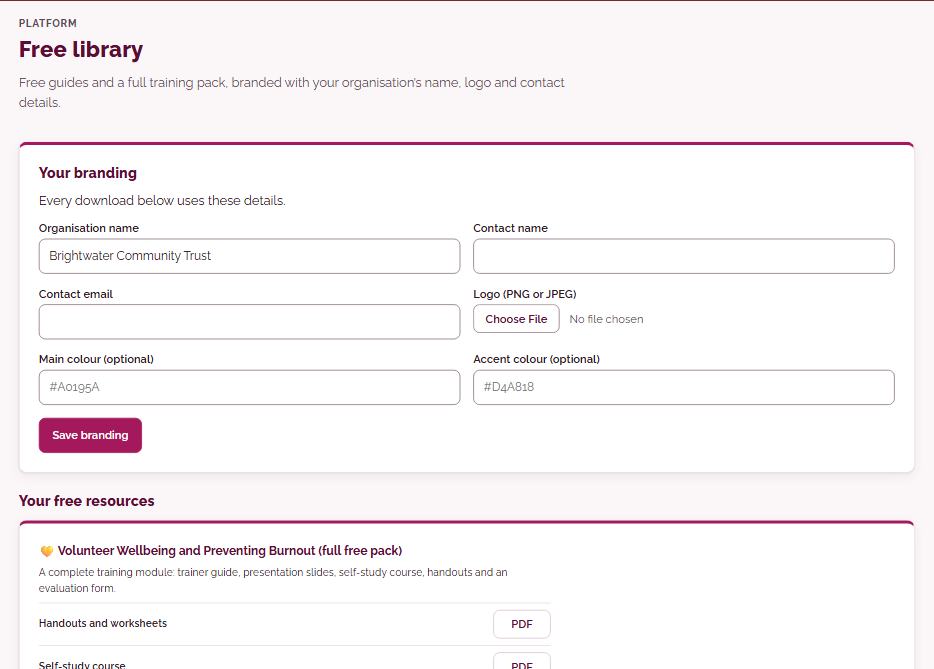
Free libraryFree guides and a full training module, branded with your organisation’s name, logo and contact details.
Free guides and a full training module, branded with your organisation’s name, logo, colours and contact details, ready to download as PDF. Free accounts can also see what the full platform includes and start a 14-day trial from here.
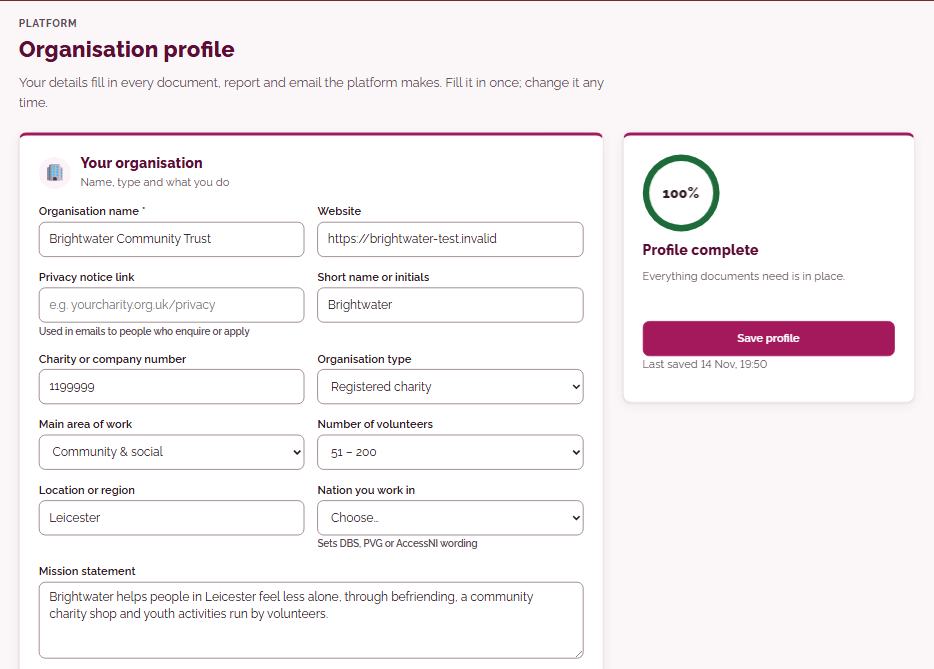
Organisation profileYour details fill in every document, report and email the platform makes. Fill it in once; change it any time.
Enter your organisation’s name, type, location, activities, logo, colours, website, policy owner and safeguarding lead once. A completeness score shows what is still missing, and everything you add fills in the documents, reports, certificates and emails the platform makes.
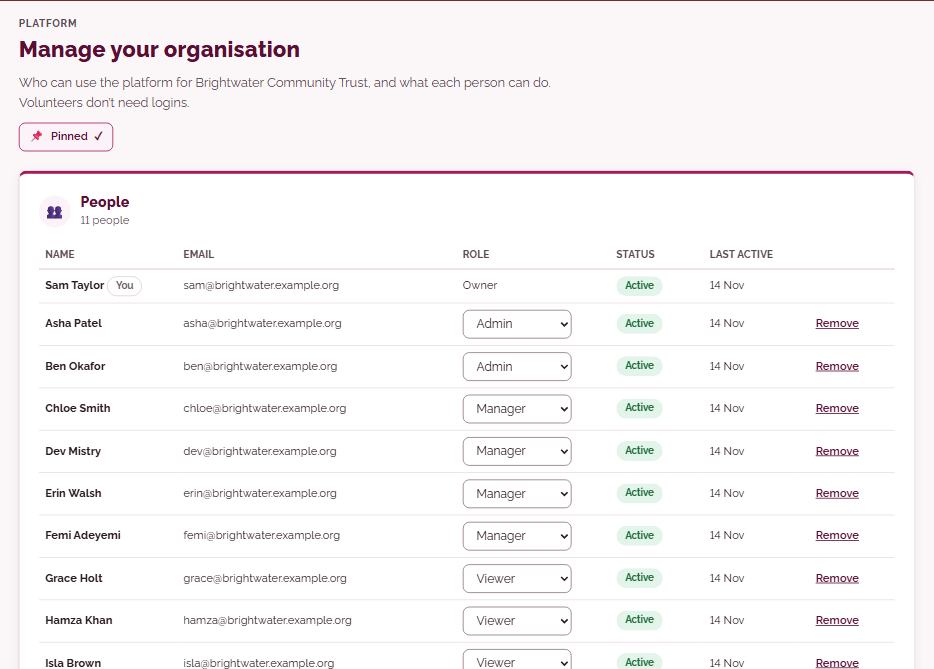
Manage your organisationWho can use the platform for your organisation, and what each person can do. Volunteers don’t need logins.
Invite the staff who coordinate volunteers and give each person a role: Admin, Manager or Viewer. Managers can be limited to the volunteers they look after, Viewers such as trustees can see but not change anything, and the Owner can transfer ownership or see the recent activity log.
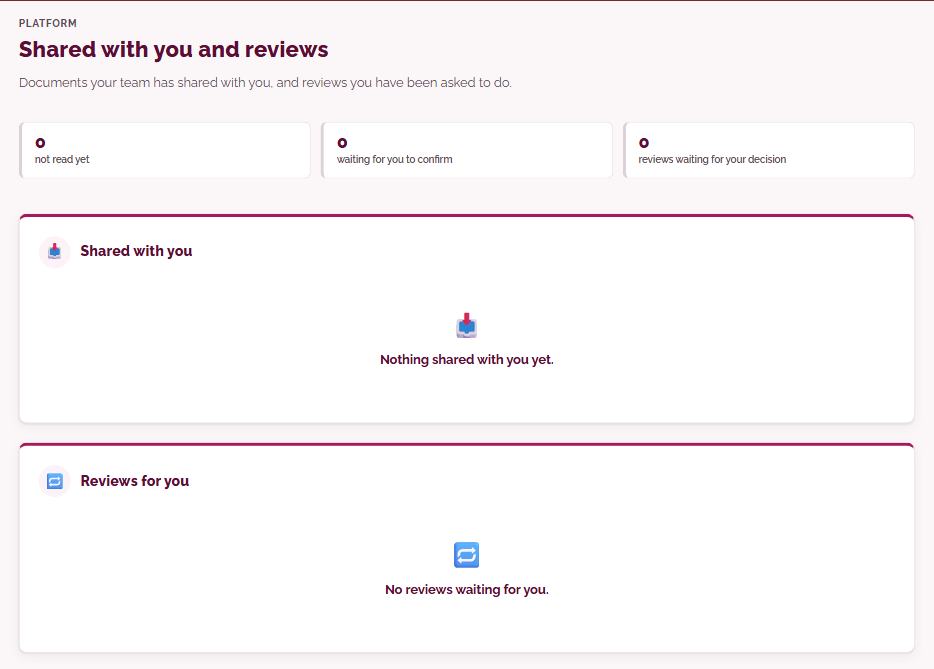
Shared with you and reviewsDocuments your team has shared with you, and reviews you have been asked to do.
Documents your colleagues have shared with you and reviews you have been asked to do, in one list. You can open the document itself, confirm you have read it, add comments, and approve it or send it back.
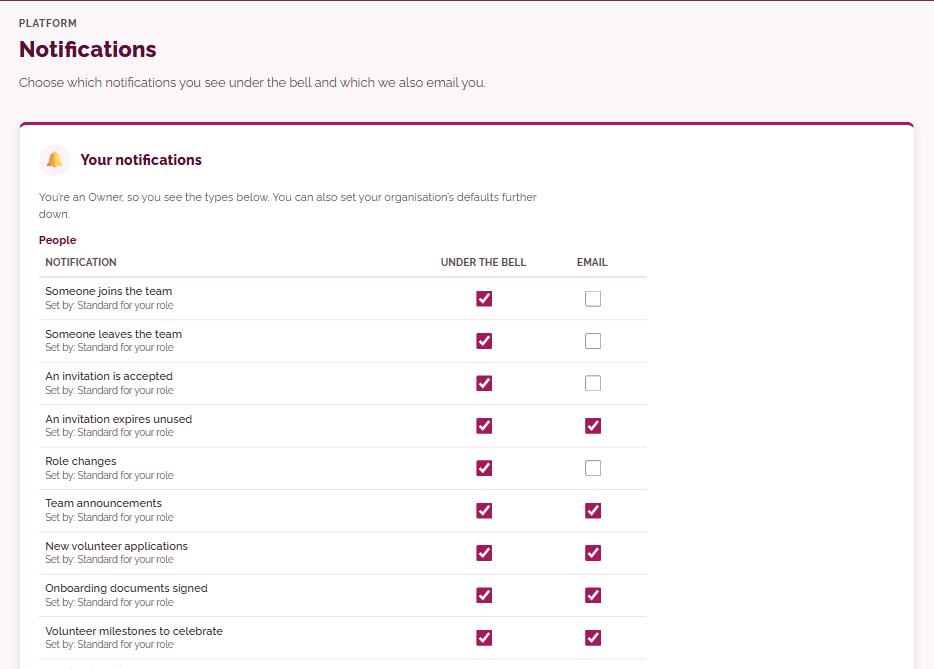
NotificationsChoose which notifications you see under the bell and which we also email you.
Each person chooses, for every type of notification their role receives, whether it appears under the bell, arrives by email, or both. Owners and Admins can also set the organisation’s defaults for each role.
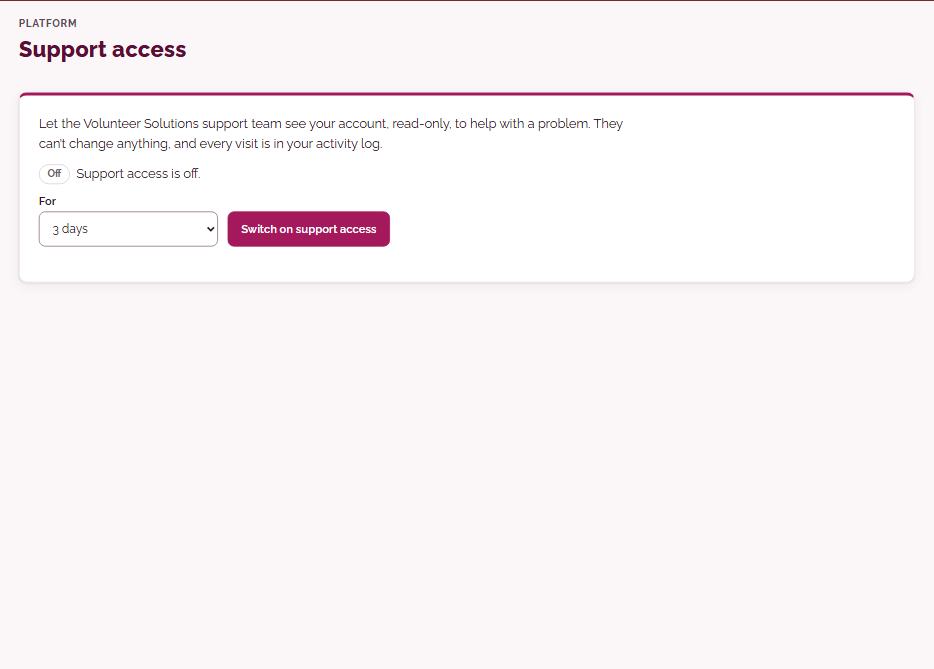
Support accessLet Volunteer Solutions support see your account to help you, read-only and only for as long as you allow.
The Owner can let the Volunteer Solutions support team see the account, read-only, for a set time between one hour and 30 days, and switch it off again at any point. Support can’t change anything, and every visit is written to your activity log.
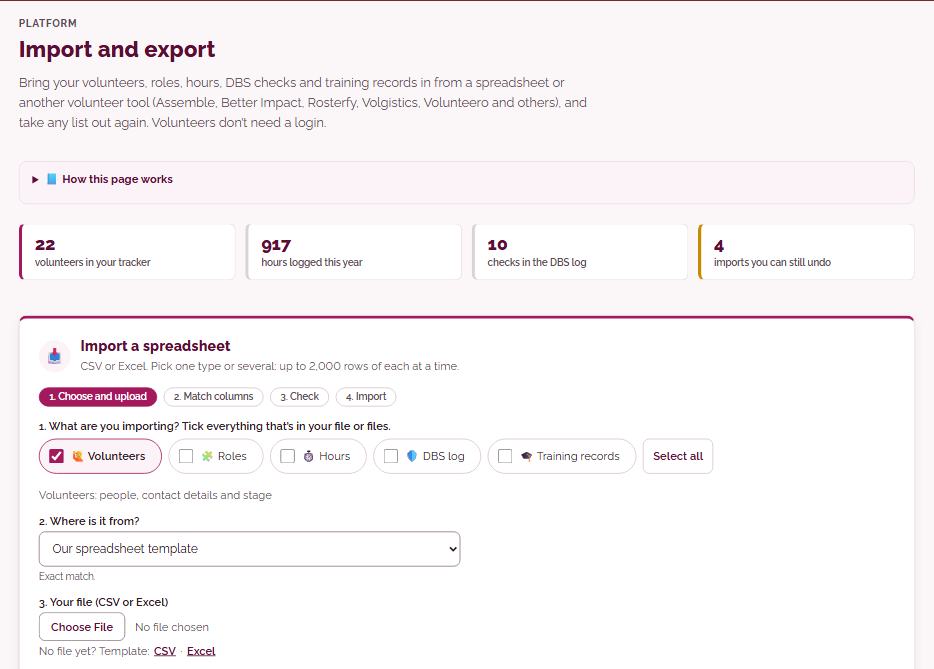
Import and exportBring your volunteers, roles, hours, DBS checks and training records in from a spreadsheet or another volunteer tool (Assemble, Better Impact, Rosterfy, Volgistics, Volunteero and others), and take any list out again. Volunteers don’t need a login.
Bring volunteers, roles, hours, DBS checks and training records in from a CSV or Excel file, including lists exported from other volunteer tools. The platform suggests which column matches which field, checks every row and shows problems and duplicates before anything is saved, and any import can be undone for 7 days. You can also download any list as CSV or Excel.
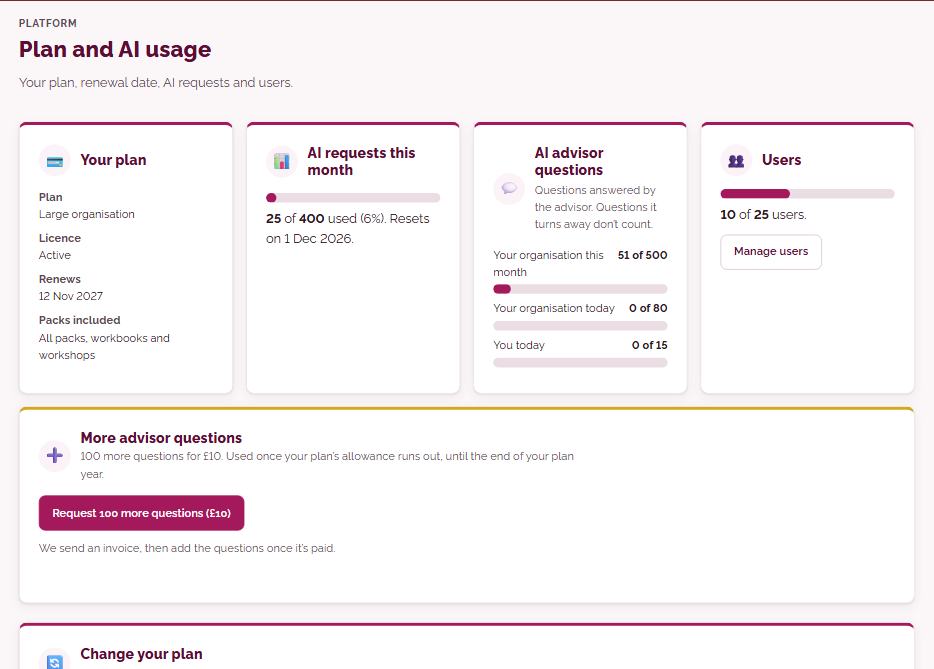
Plan and AI creditsYour plan, renewal date and staff users, and your AI credits for the year: what is left, what each job used, by month and by type. Add extra users, redeem a voucher or ask for more credits here.
Shows your plan, renewal date, staff users and the AI credits your organisation has for the plan year: what is left, and what each job used, by month and by type. Owners and Admins can add users, link an existing licence or ask for more credits here.
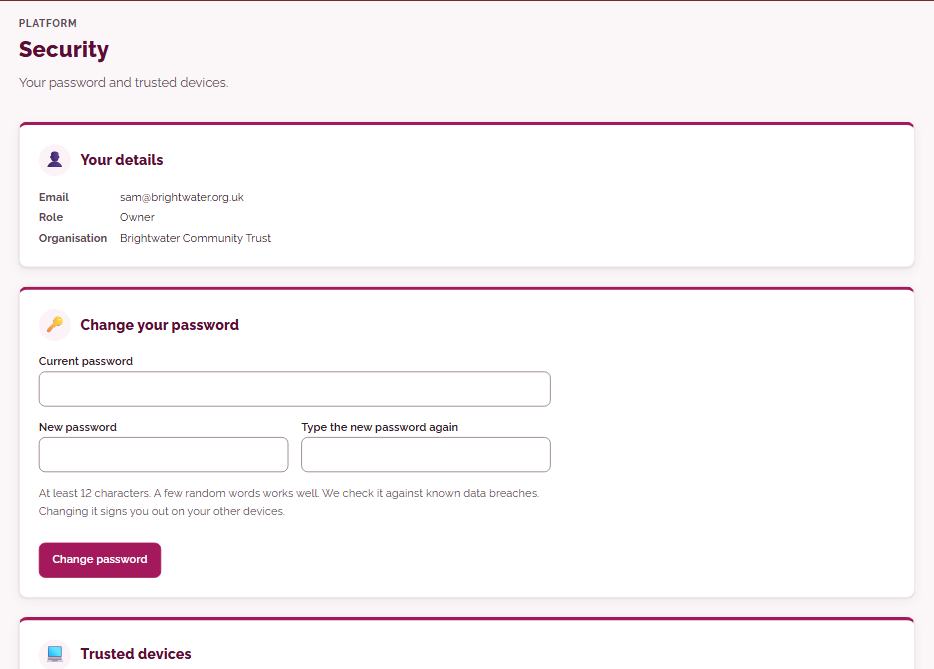
SecurityYour password and trusted devices.
Change your password and see the devices you have trusted, removing any you no longer use. Signing in takes two steps, your password and then a link sent by email, unless you are on a trusted device, and the Owner decides whether staff may trust devices at all.
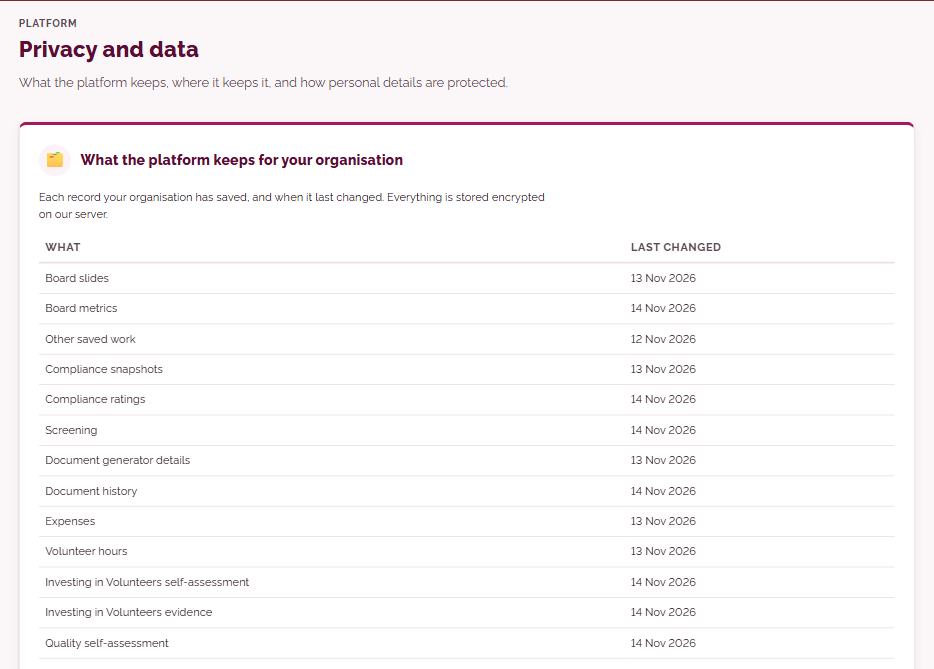
Privacy and dataWhat the platform keeps, where it keeps it, and how personal details are protected.
Explains in plain words what the platform keeps for your organisation, where it is kept and how personal details are protected, including imports, signed documents and training records. Data is stored encrypted on servers in Germany, in the EU, and the Owner can download everything the organisation holds as one file.
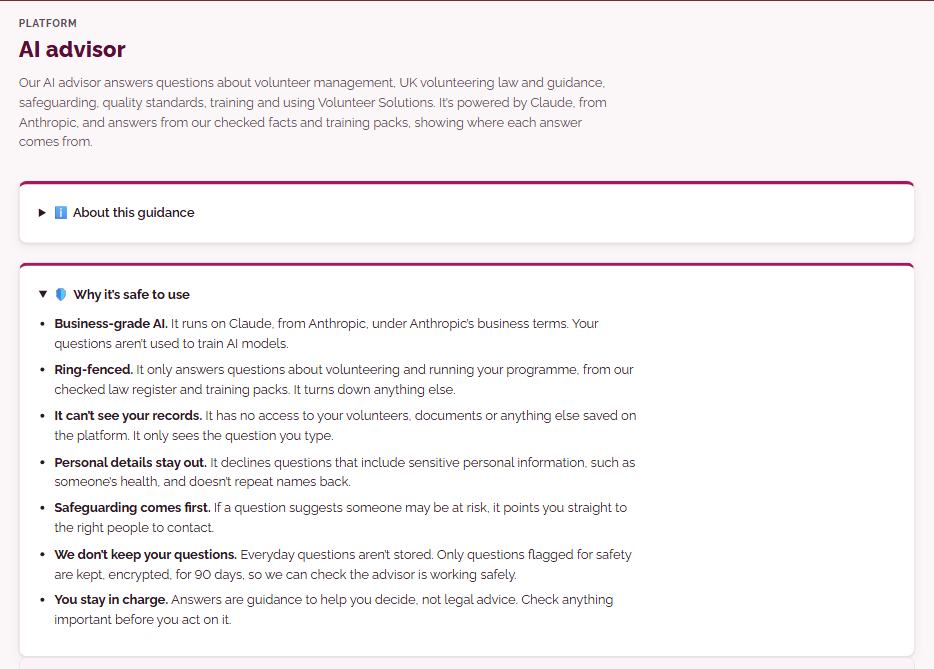
AI advisorOur AI advisor answers questions about volunteer management, UK volunteering law and guidance, safeguarding, quality standards, training and using Volunteer Solutions. It’s powered by Claude, from Anthropic, and answers from our checked facts and training modules, showing where each answer comes from.
Ask a question in plain words about volunteer management, UK volunteering law and guidance, safeguarding, quality standards, training or using the platform. The answer draws on Volunteer Solutions’ checked facts and training modules and shows its sources underneath, and each answered question uses a small number of your AI credits.
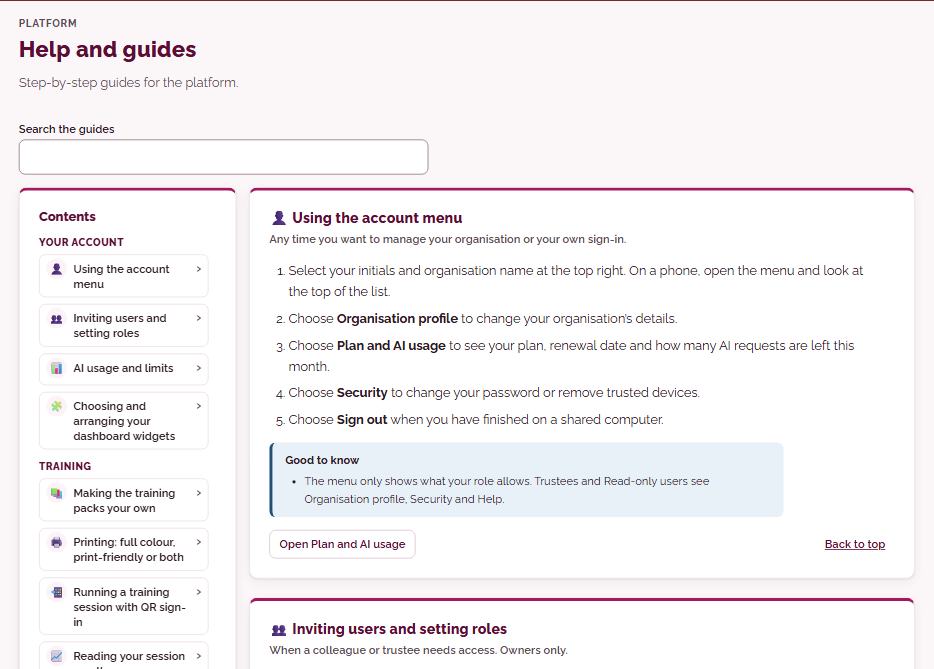
Help and guidesStep-by-step guides for the platform.
Step-by-step guides to every part of the platform, with a search box and contents list, plus longer pages on how the platform fits together and its key features. Many pages also carry their own short ‘How this page works’ guide at the top.
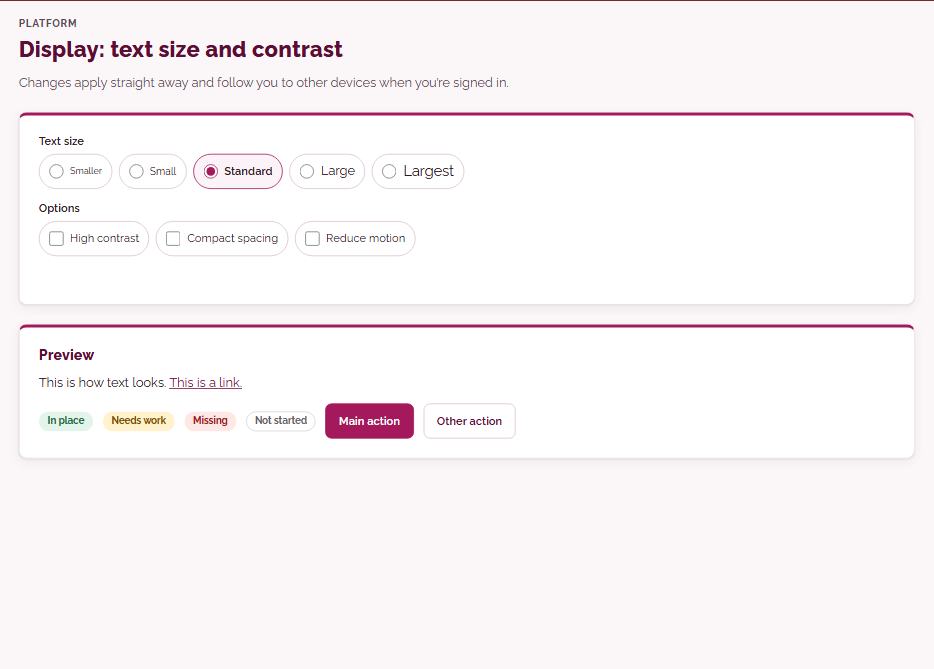
Display: text size and contrastChanges apply straight away and follow you to other devices when you’re signed in.
Choose a larger or smaller text size, high contrast, a compact layout or reduced motion. Changes apply straight away and follow you to your other devices when you are signed in.
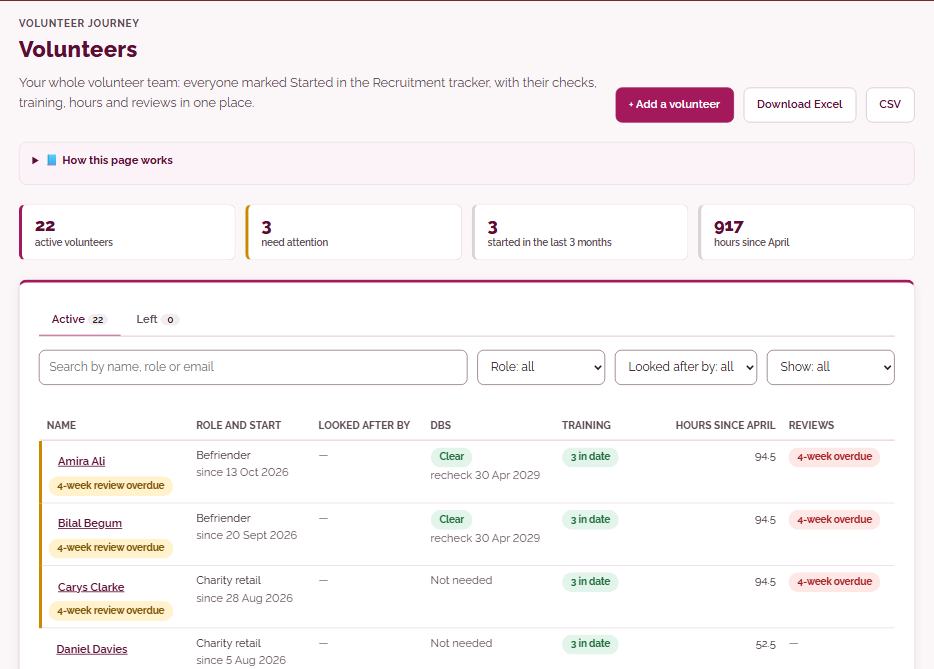
VolunteersYour whole volunteer team: everyone marked Started in the Recruitment tracker, with their checks, training, hours and reviews in one place.
Your whole volunteer team in one list: everyone marked Started in the Recruitment tracker, with their role, who looks after them, DBS, training, hours since April and reviews. Anyone with something overdue is marked and listed first, you can search and filter, and Managers can see only the volunteers they look after.
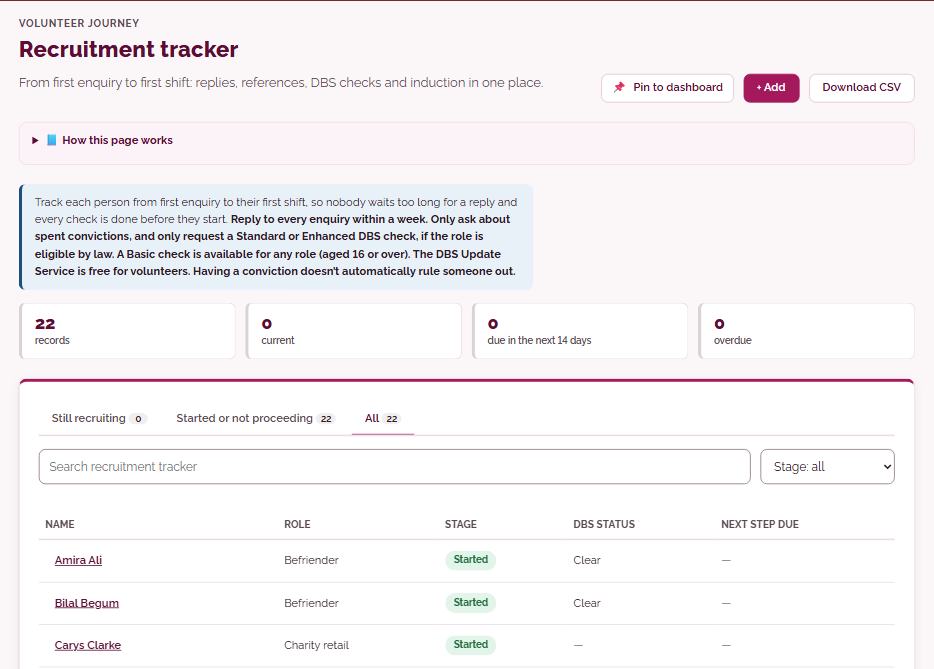
Recruitment trackerFrom first enquiry to first shift: replies, references, DBS checks and induction in one place.
Track each applicant from first enquiry through application, chat, references, checks and induction, with a next-step date for each one. Record the check level the role needs and its status, and when you mark someone Started they join your Volunteers list and their settling-in reviews are set up.
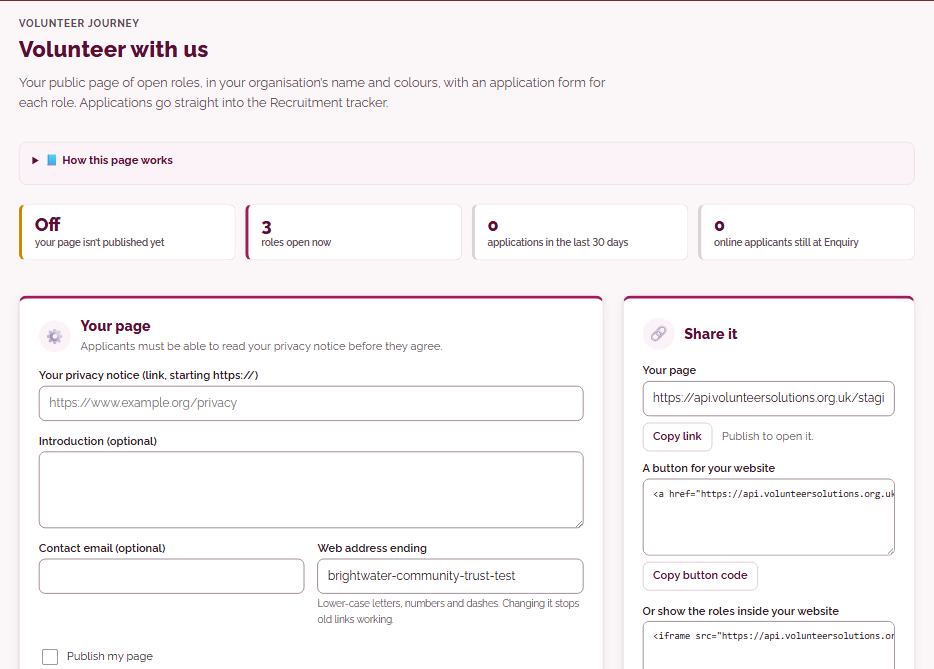
Volunteer with usYour public page of open roles, in your organisation’s name and colours, with an application form for each role. Applications go straight into the Recruitment tracker.
A public page of your open roles in your organisation’s name and colours, each with its own application form: name, email and consent, plus optional questions and up to five of your own. Share the link, a button or embed code on your website, or a QR code, and each application arrives in the Recruitment tracker as an enquiry.
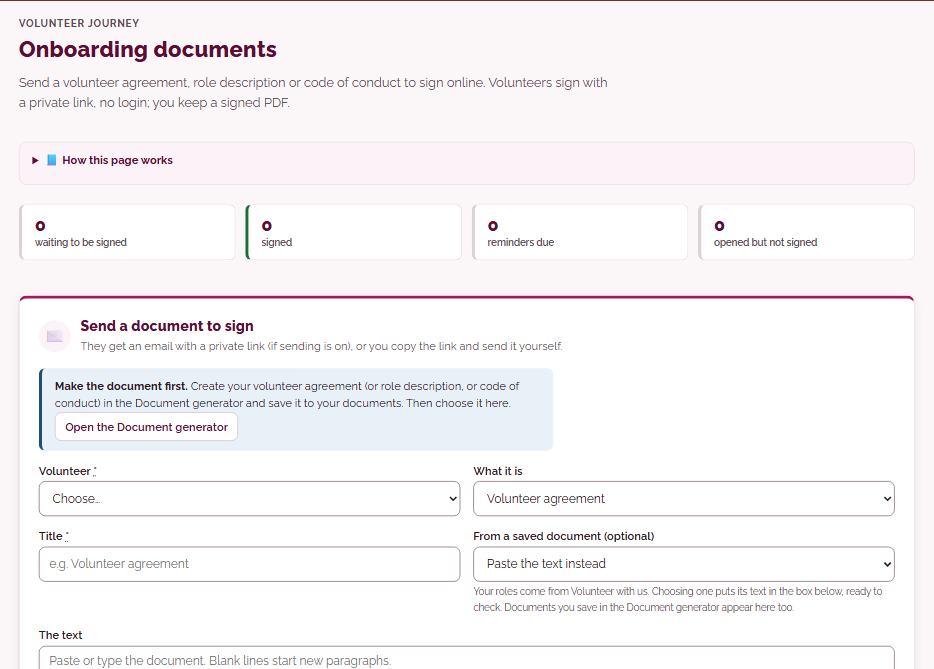
Onboarding documentsSend a volunteer agreement, role description or code of conduct to sign online. Volunteers sign with a private link, no login; you keep a signed PDF.
Send a volunteer agreement, role description or code of conduct you have made in the Document generator for signing online. The volunteer opens a private link, with no login, reads the document, ticks to agree and types their name, and you keep a signed PDF on their record.
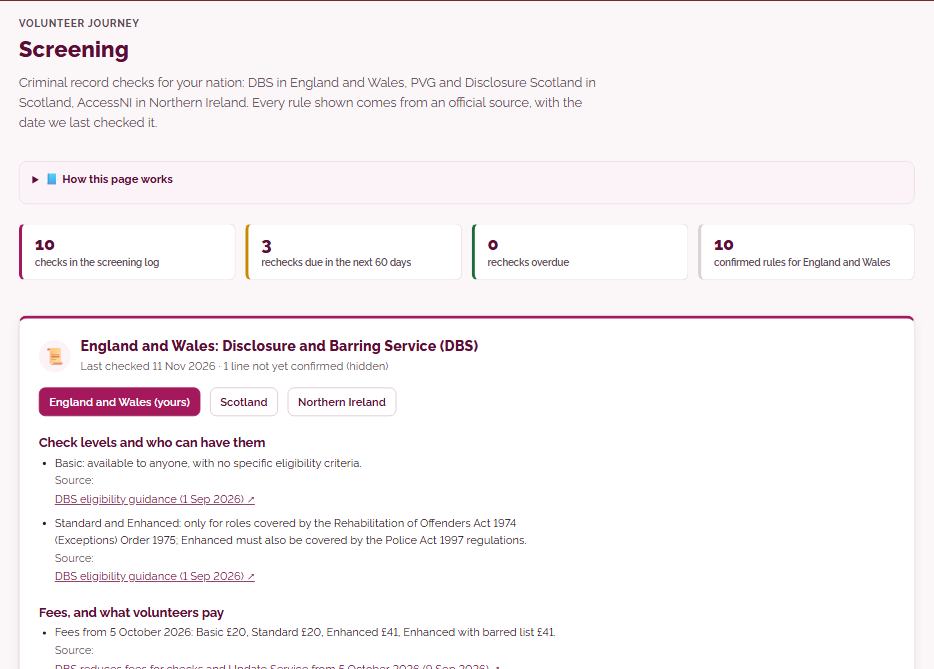
ScreeningCriminal record checks for your nation: DBS in England and Wales, PVG and Disclosure Scotland in Scotland, AccessNI in Northern Ireland. Every rule shown comes from an official source, with the date we last checked it.
Criminal record checks for your nation: DBS in England and Wales, PVG and Disclosure Scotland in Scotland and AccessNI in Northern Ireland, with a register of levels, fees and rules where every line has an official source and the date it was checked. The screening log records each check’s scheme, level, status, dates and certificate number, and recheck dates feed Coming up and your calendar.
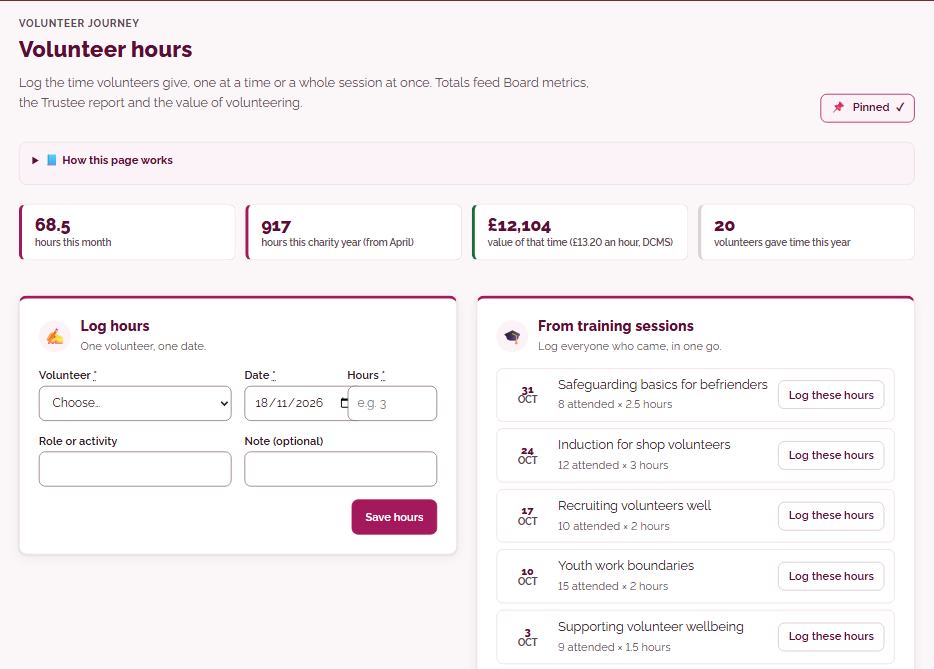
Volunteer hoursLog the time volunteers give, one at a time or a whole session at once. Totals feed Board metrics, the Trustee report and the value of volunteering.
Log volunteer time one person at a time, or a whole shift or event at once by ticking who came. Hours from training sessions can be added in one go, and totals by volunteer, role and month feed Board metrics, the dashboard and your Trustee report.
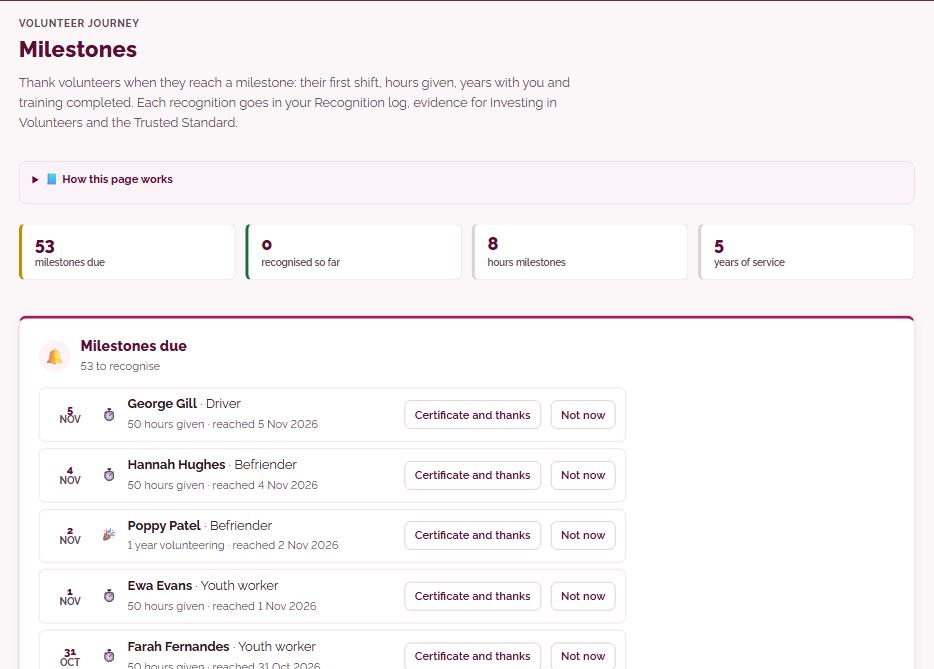
MilestonesThank volunteers when they reach a milestone: their first shift, hours given, years with you and training completed. Each recognition goes in your Recognition log, evidence for Investing in Volunteers and the Trusted Standard.
The platform works out milestones from your hours log, start dates and training records: a first shift, 50 to 500 hours, one, five and ten years, and modules completed. New milestones appear here and in the bell, and in one click you can open a certificate in your branding, copy a suggested thank-you and mark it recognised.
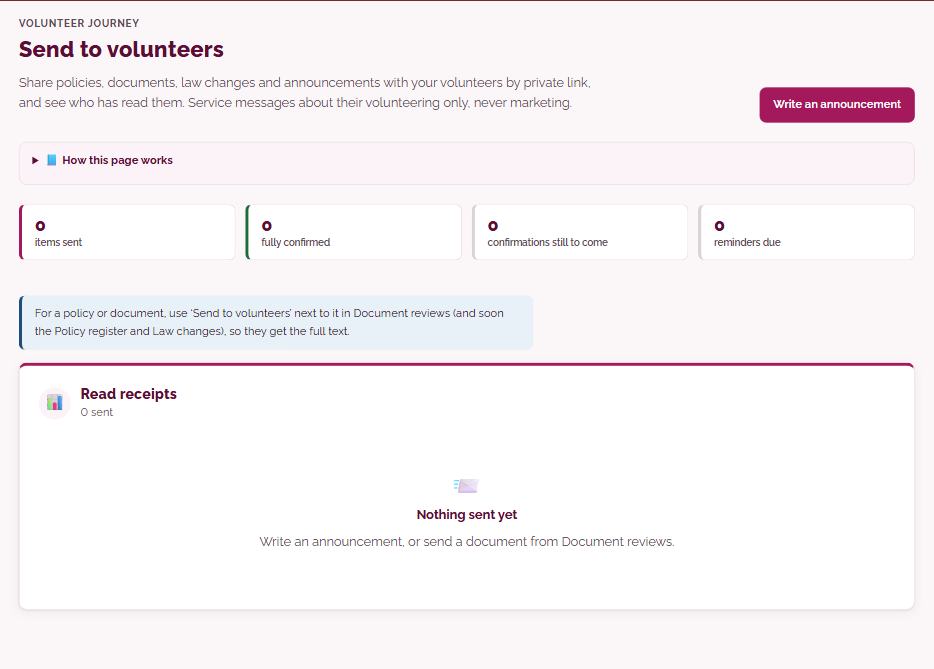
Send to volunteersShare policies, documents, law changes and announcements with your volunteers by private link, and see who has read them. Service messages about their volunteering only, never marketing.
Send a policy, document, law change or announcement to all volunteers, a role or chosen people. Each person gets a private link with no login, and can confirm ‘I’ve read this’; you see who has opened and read it, and anyone who hasn’t confirmed after 7 days gets one reminder.
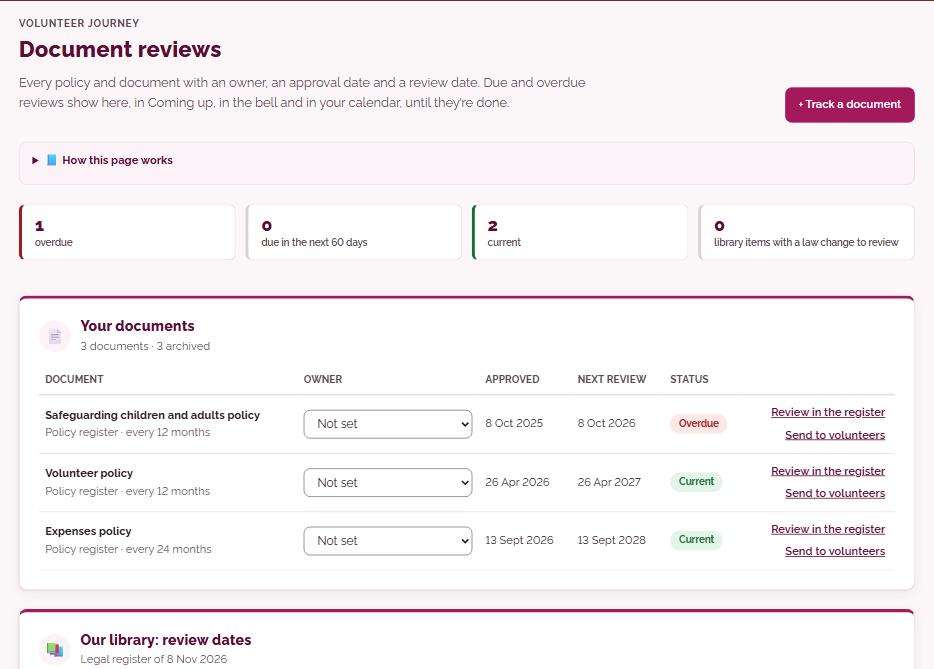
Document reviewsEvery policy and document with an owner, an approval date and a review date. Due and overdue reviews show here, in Coming up, in the bell and in your calendar, until they’re done.
Every policy and document you track has an owner, an approval date and a review date, 12 months unless you change it. Due and overdue reviews show here, in Coming up, in the owner’s bell and in your calendar until they are marked reviewed, and then the next date is set.
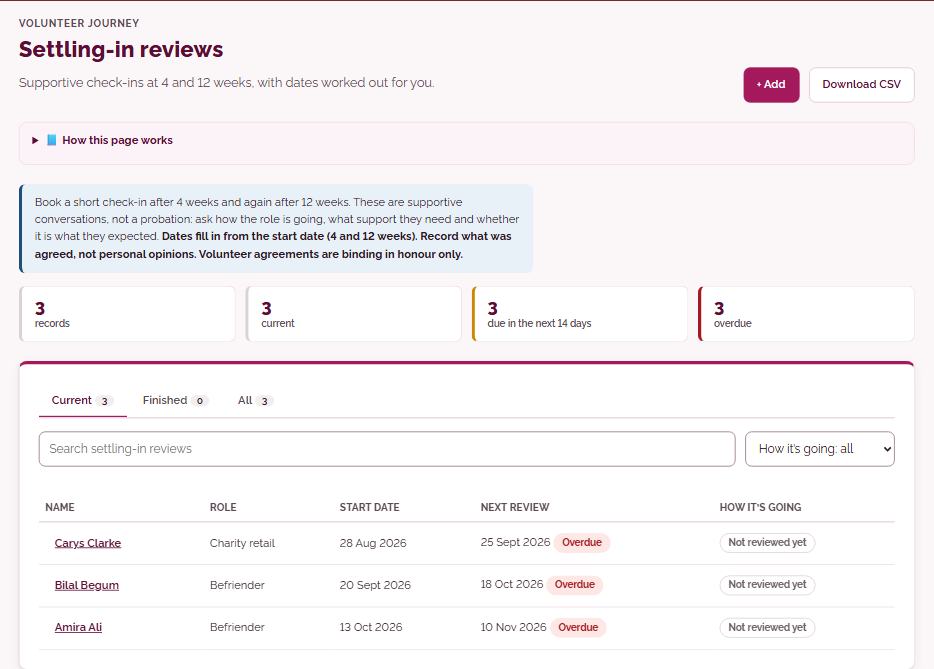
Settling-in reviewsSupportive check-ins at 4 and 12 weeks, with dates worked out for you.
Volunteers marked Started are listed with their 4-week and 12-week check-in dates worked out from their start date. You use the review sheet during a relaxed conversation, or print it, then record the outcome; overdue reviews show in Coming up.
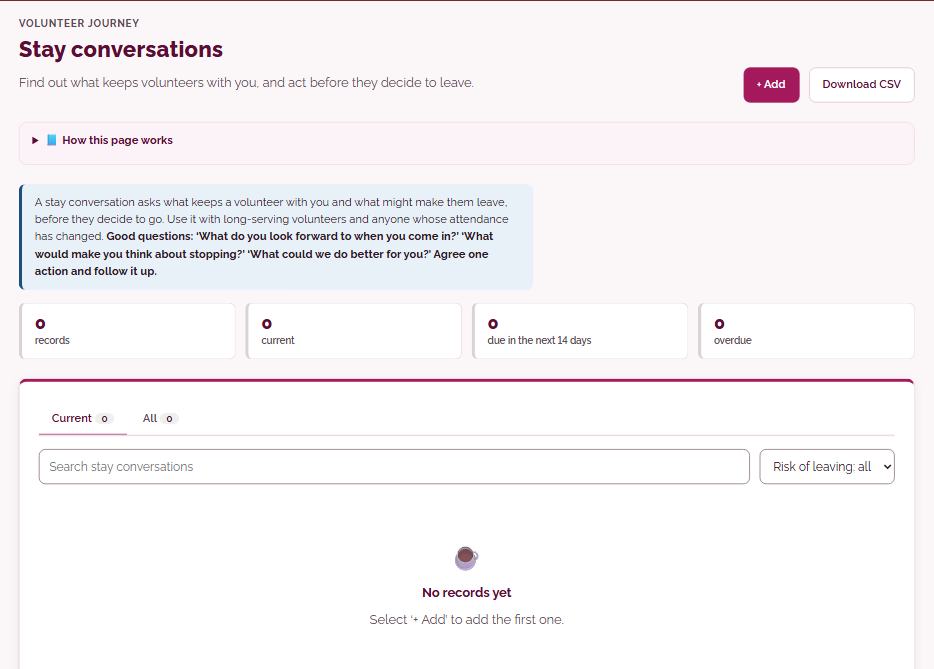
Stay conversationsFind out what keeps volunteers with you, and act before they decide to leave.
Record a friendly check-in with an established volunteer: the date, what they said in their own words, and how likely they are to leave. Add a follow-up date for anything you agreed, and it stays in Coming up until it is done.
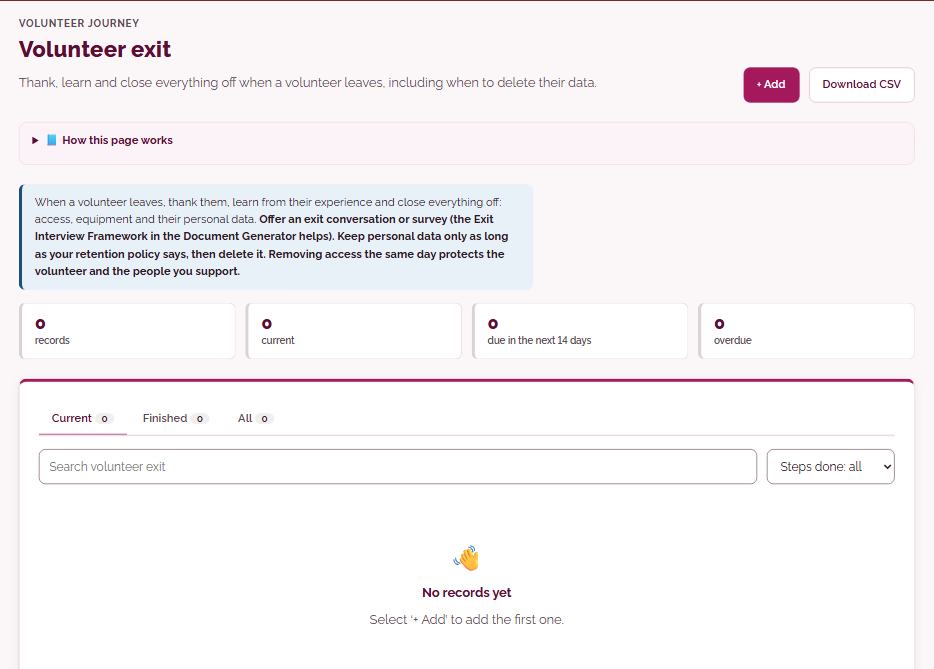
Volunteer exitThank, learn and close everything off when a volunteer leaves, including when to delete their data.
When someone leaves, record their leaving date and reason, thank them, note what you learned from an exit conversation and close off loose ends. A ‘delete by’ date is worked out from your retention rule, and Coming up reminds you when it is due.
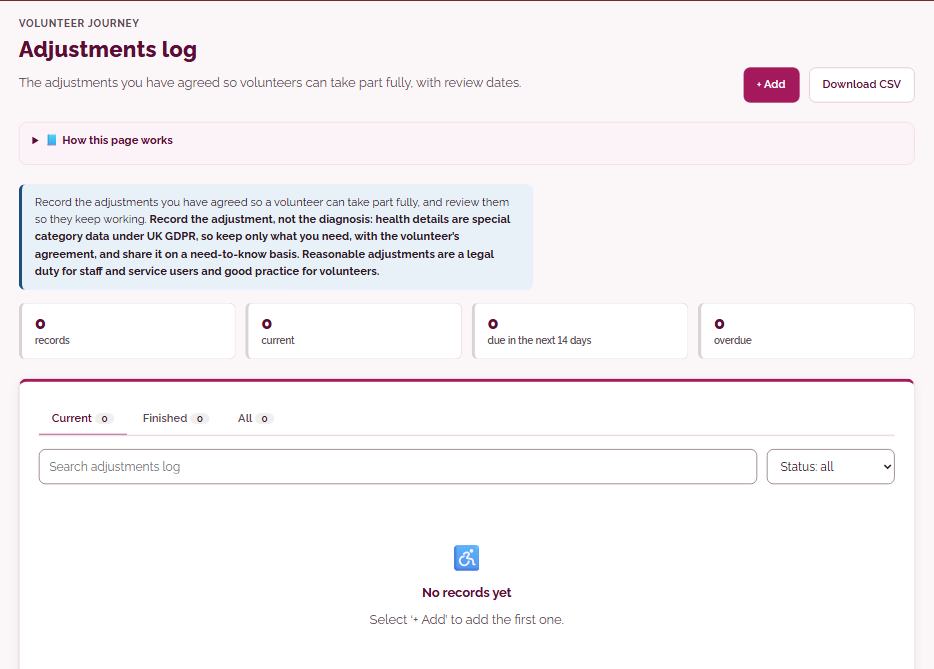
Adjustments logThe adjustments you have agreed so volunteers can take part fully, with review dates.
Record the adjustments you have agreed so a volunteer can take part fully: what makes the role harder, in their own words and without medical details, what changes, who makes it happen and when. Each adjustment has a review date that shows in Coming up.
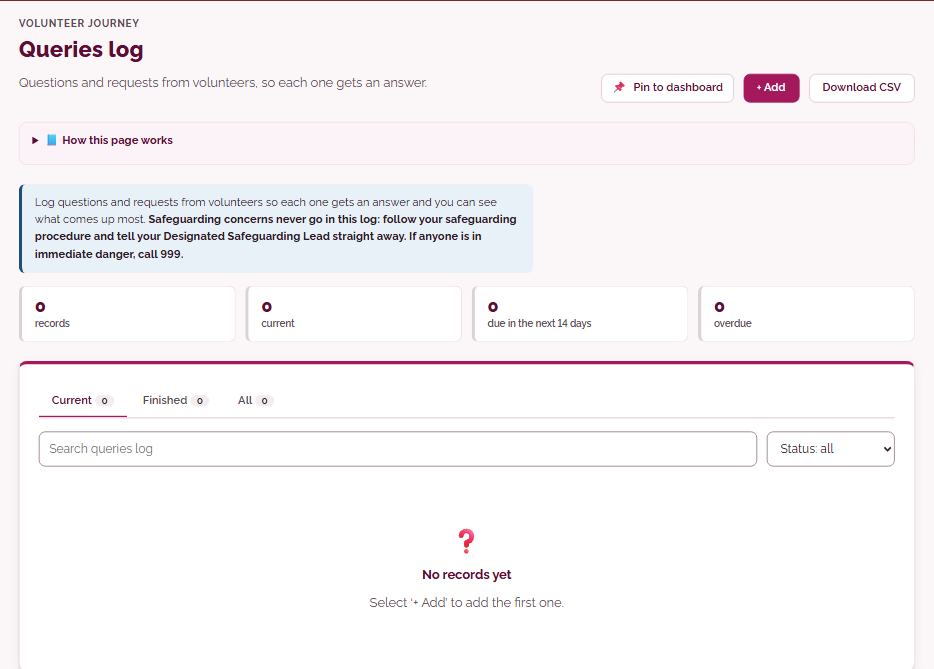
Queries logQuestions and requests from volunteers, so each one gets an answer.
Log each question or request from a volunteer, with who asked, the topic and a date to answer by. Open queries show in Coming up, and when you close one your answer is kept with it.
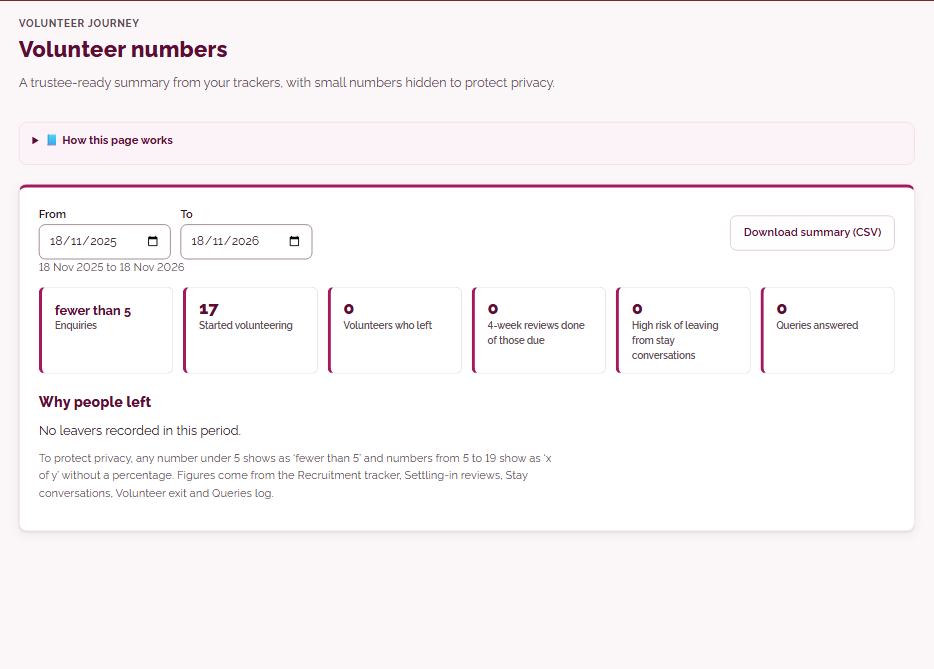
Volunteer numbersA trustee-ready summary from your trackers, with small numbers hidden to protect privacy.
Choose any period and see starters, leavers, active volunteers and reasons for leaving, worked out from your Recruitment tracker and exit records. Any figure under 5 shows as ‘fewer than 5’, and you can download the summary.
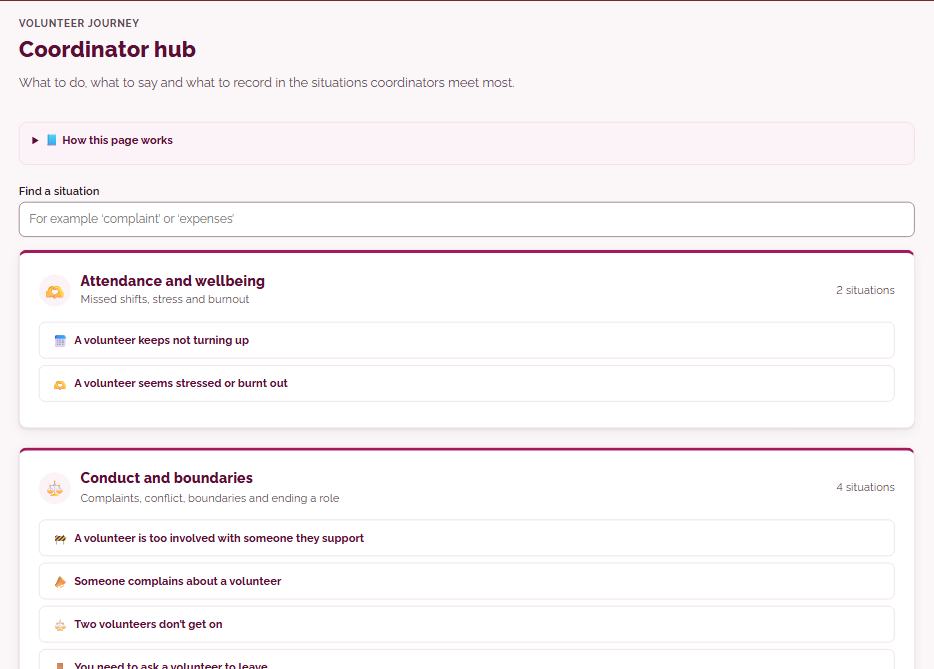
Coordinator hubWhat to do, what to say and what to record in the situations coordinators meet most.
Practical guidance for the situations coordinators meet most, from missed shifts and burnout to complaints, boundaries, worrying disclosures and expenses. Each one sets out what to do first, what you could say, what to avoid and what to record, with a link to the right tracker.
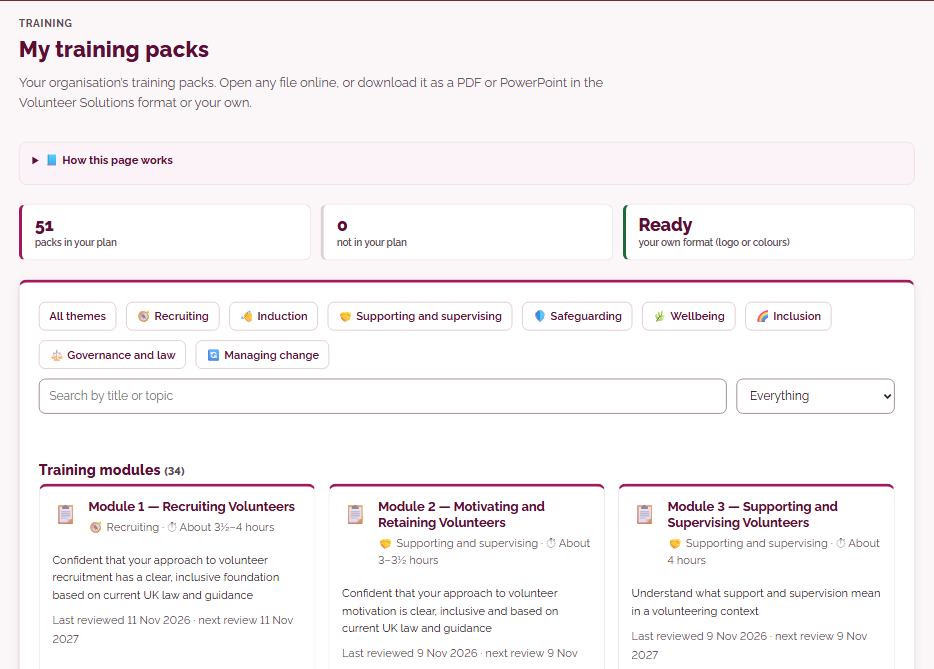
My training modulesYour organisation’s training modules. Open any file online, or download it as a PDF or PowerPoint in the Volunteer Solutions format or your own.
Every training module, workbook, workshop and toolkit your plan includes, in one place. Open any file online, or download it as a PDF, or PowerPoint where it has slides, in the Volunteer Solutions format or your own logo and colours.
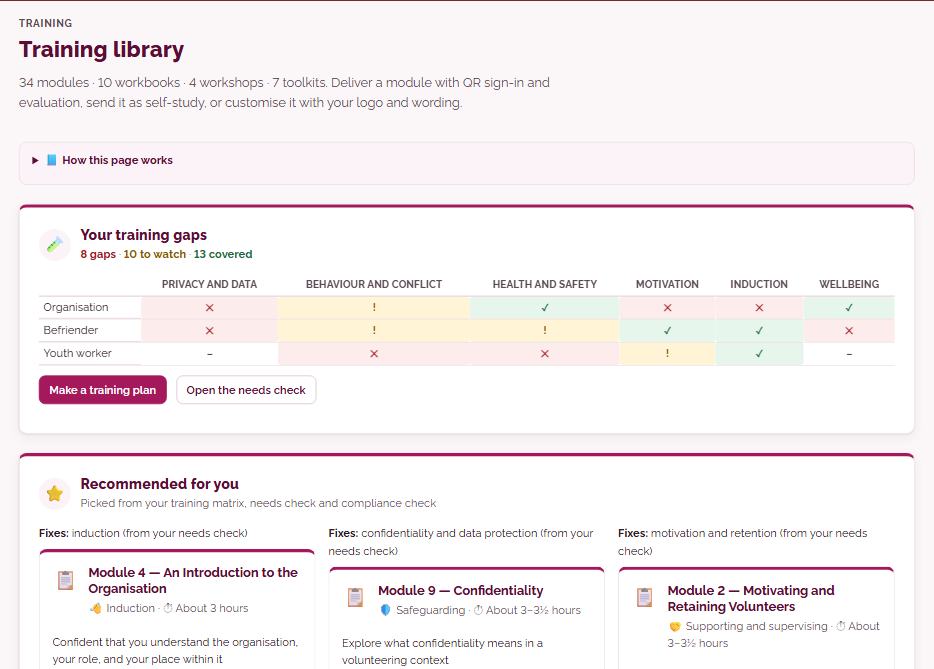
Training library34 modules · 10 workbooks · 4 workshops · 7 toolkits. Deliver a module with QR sign-in and evaluation, send it as self-study, or customise it with your logo and wording.
Browse the whole library by theme, type or search, with each item’s length and the date its content was last reviewed. Up to three modules are recommended from your own training matrix, needs check and compliance checklist, and each module can be delivered as a QR session, sent as self-study or customised with your wording and logo.
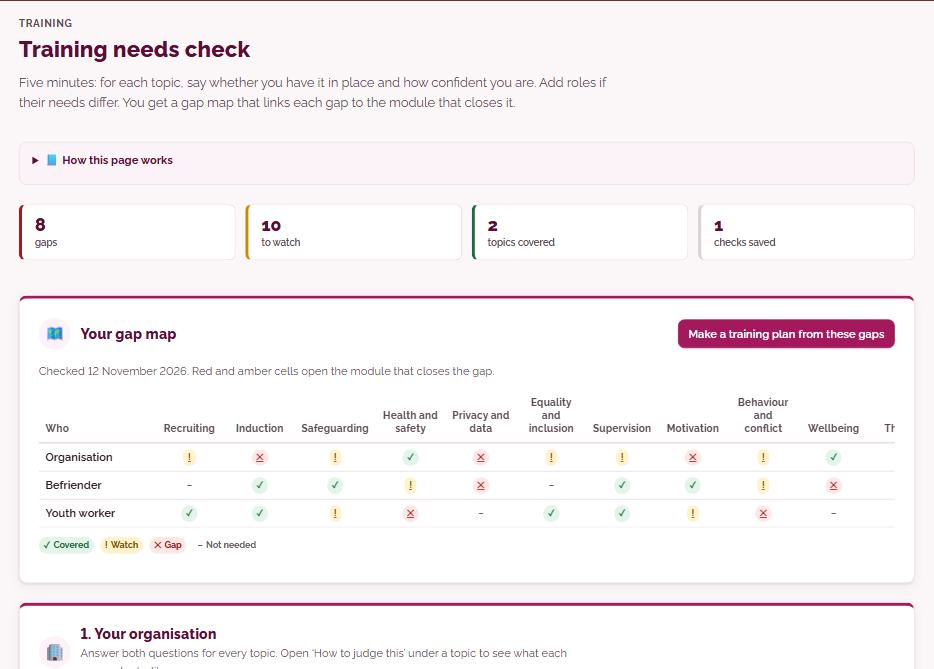
Training needs checkFive minutes: for each topic, say whether you have it in place and how confident you are. Add roles if their needs differ. You get a gap map that links each gap to the module that closes it.
For each of 12 topics, say whether it is in place and how confident you are, and add roles such as drivers if their needs differ. You get a gap map where every red or amber cell links to the module that could close it, and earlier checks are kept so you can see progress.
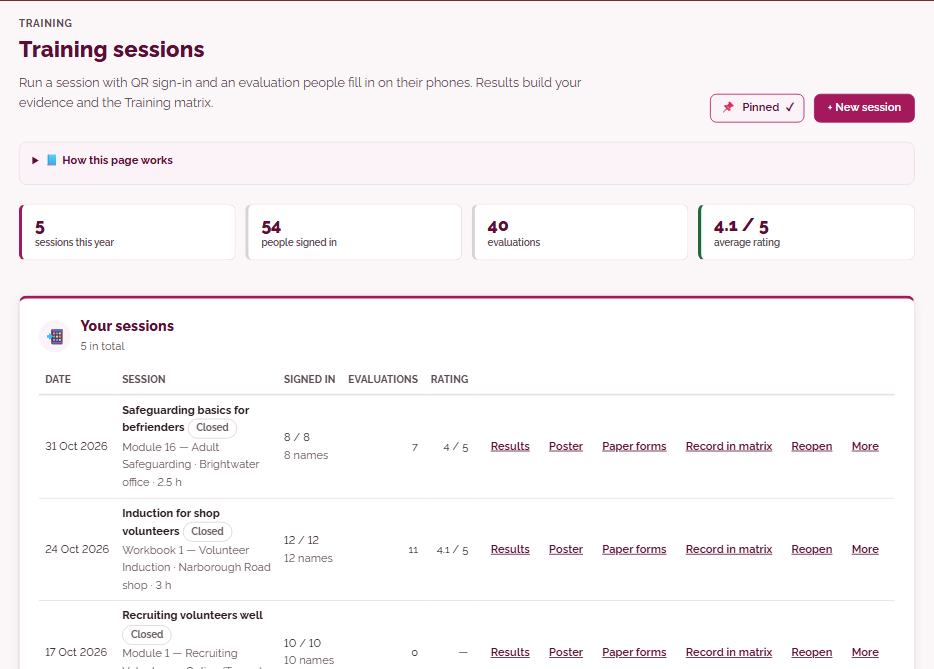
Training sessionsRun a session with QR sign-in and an evaluation people fill in on their phones. Results build your evidence and the Training matrix.
Create a session with its module, date, venue and optional trainer, then show a QR code so people sign in on their phones. At the end the same code switches to an evaluation, results show ratings, confidence before and after and comments, and attendance can be recorded in the Training matrix.
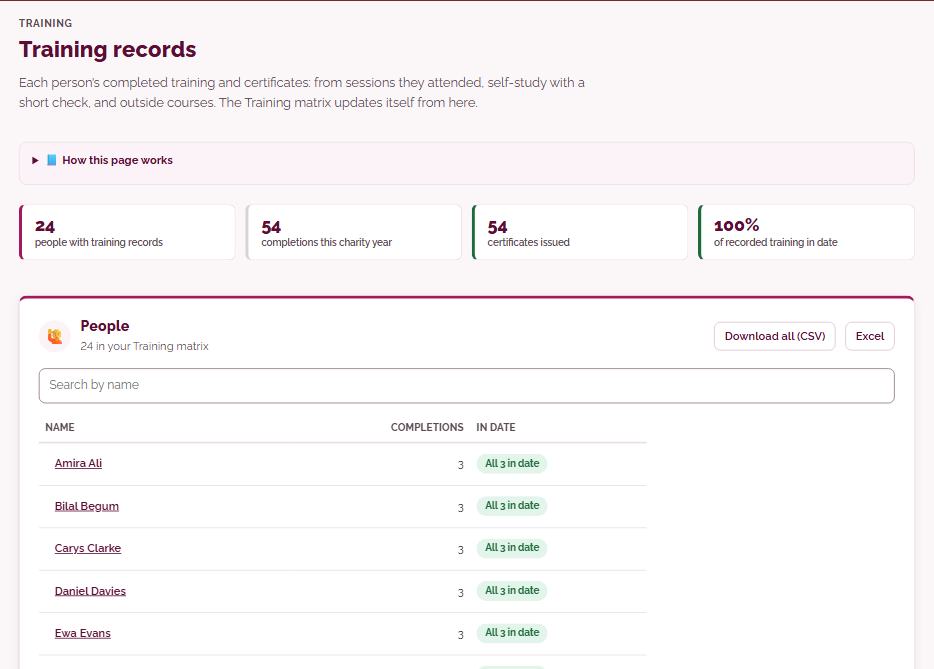
Training recordsEach person’s completed training and certificates: from sessions they attended, self-study with a short check, and outside courses. The Training matrix updates itself from here.
Each person’s completed training: sessions they signed in to, self-study done from a private link with a short end-of-module check, and outside courses with their certificate uploaded. Every completion gets a numbered certificate with a link anyone can use to check it, and the Training matrix updates itself.
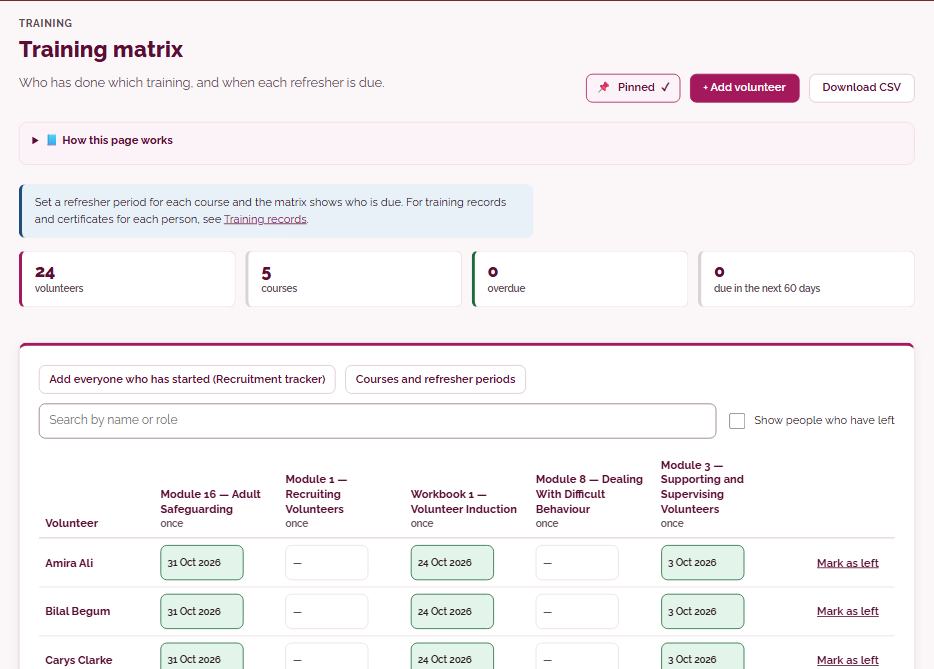
Training matrixWho has done which training, and when each refresher is due.
A grid of who has done which training, with the refresher period you set for each course. Cells show Up to date, Due within 60 days, Overdue or Not done, and dates fill in from training sessions and self-study as well as by hand.
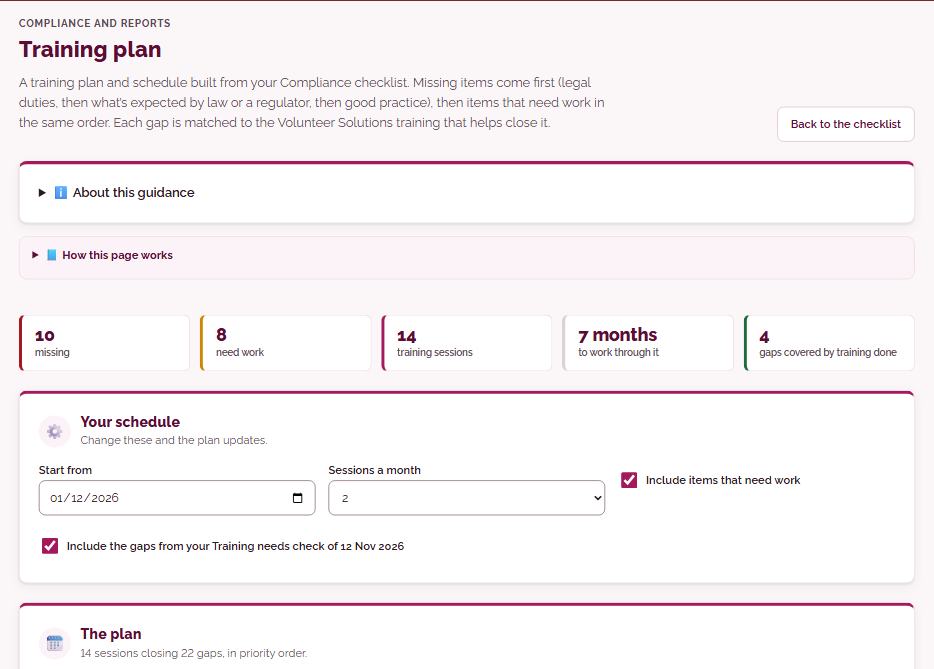
Training planA training plan and schedule built from your Compliance checklist. Missing items come first (legal duties, then what’s expected by law or a regulator, then good practice), then items that need work in the same order. Each gap is matched to the Volunteer Solutions training that helps close it.
Builds a prioritised training plan from your Compliance checklist: missing items first, starting with legal duties, then items that need work, each matched to the Volunteer Solutions training that helps close it. Choose a start date and one to three sessions a month, then add the sessions to Training sessions in one step, or download the plan as Word or a spreadsheet.
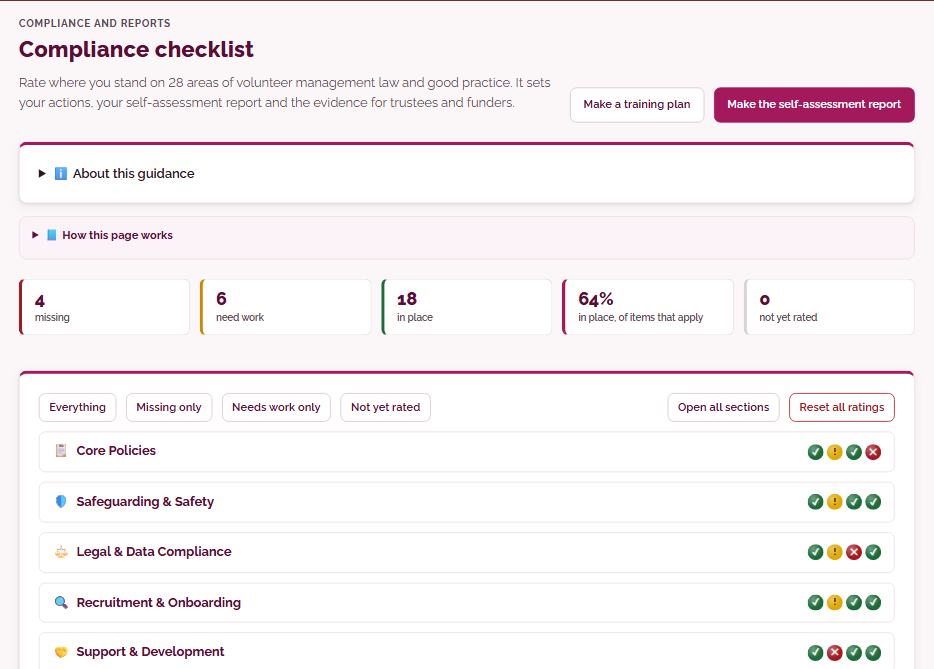
Compliance checklistRate where you stand on 28 areas of volunteer management law and good practice. It sets your actions, your self-assessment report and the evidence for trustees and funders.
Rate 28 items of volunteer management law and good practice, in 7 areas, as Missing, Needs work or In place, with a ‘What good looks like’ guide to help you judge. Items can be marked not applicable with a reason, snapshots chart your progress, and one button makes a self-assessment report in your format or ours.
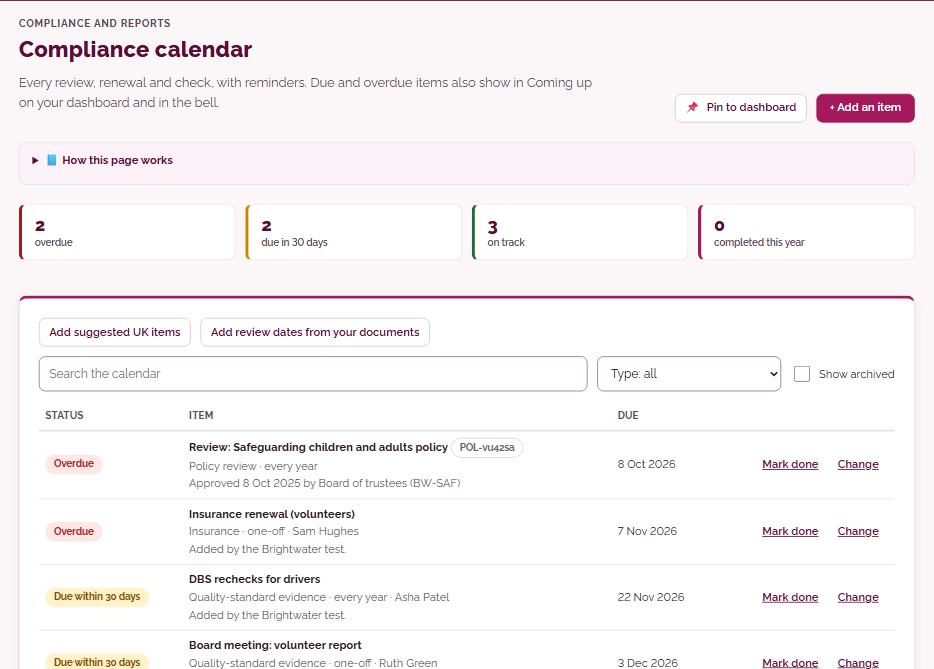
Compliance calendarEvery review, renewal and check, with reminders. Due and overdue items also show in Coming up on your dashboard and in the bell.
Add every review, renewal and check with its due date and how often it repeats, or start from a suggested set of UK items and the review dates of documents you have made. Marking an item done rolls it on to its next date, and due and overdue items also show in Coming up and in the bell.
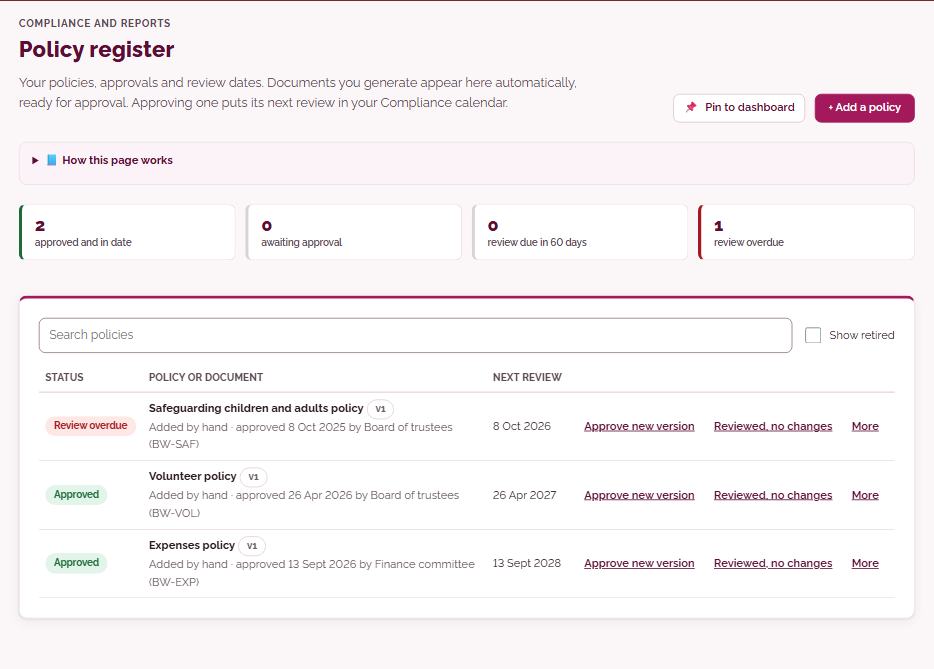
Policy registerYour policies, approvals and review dates. Documents you generate appear here automatically, ready for approval. Approving one puts its next review in your Compliance calendar.
A list of your policies with their version, who approved them and when they are next reviewed. Policies you generate arrive here as drafts ready for approval, recording the approval works out the next review date and adds it to your Compliance calendar, and you can send a policy to volunteers or for review from here.
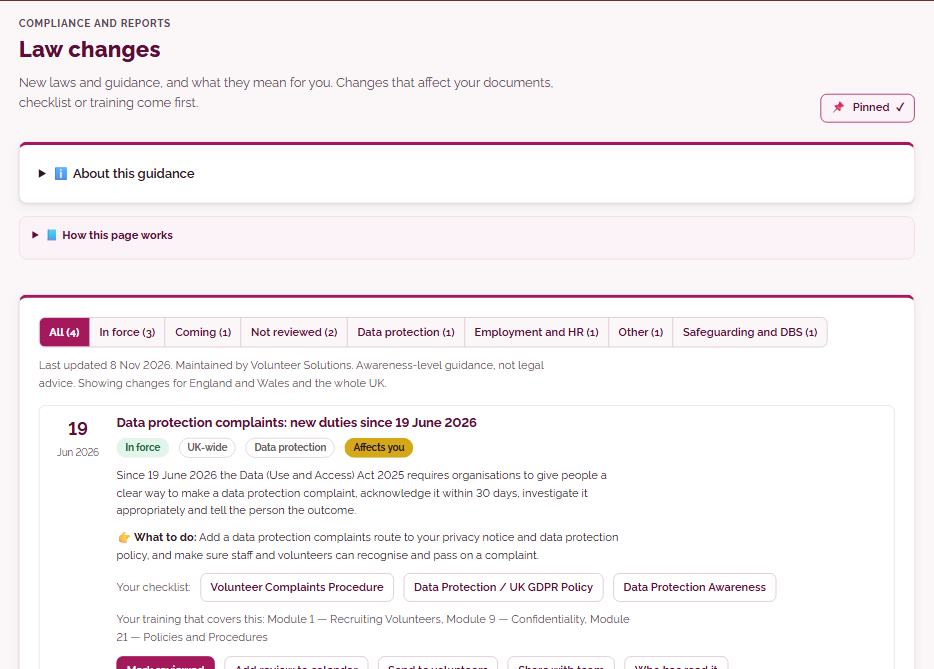
Law changesNew laws and guidance, and what they mean for you. Changes that affect your documents, checklist or training come first.
New laws and guidance for your nation and the whole UK, with what each one means for volunteers and a link to its source. Changes that affect your documents, checklist or training come first, and you can mark one reviewed, add a review to your calendar or send it to volunteers.
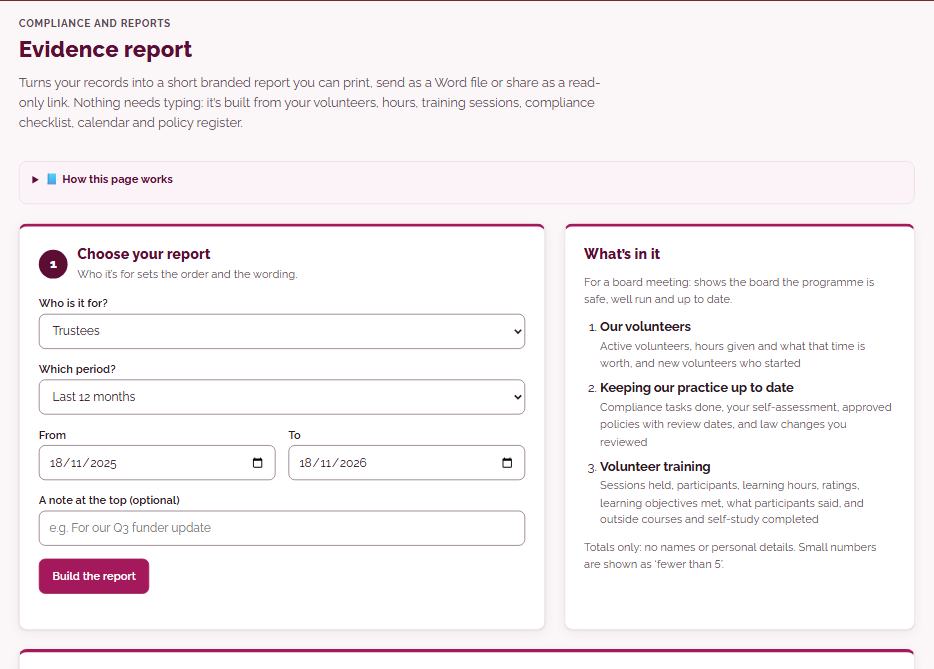
Evidence reportTurns your records into a short branded report you can print, send as a Word file or share as a read-only link. Nothing needs typing: it’s built from your volunteers, hours, training sessions, compliance checklist, calendar and policy register.
Choose who the report is for, trustees, funders or an assessor, and the period, and the platform builds a short branded report from your volunteers, hours, training sessions, checklist, calendar and policy register. Print it, save it as PDF, download it as Word or share a read-only link for a set time.
ReportsEvery report in one place: what each is for and when you last made it.
Every report in one place, the Trustee report, board deck, Evidence report, compliance self-assessment and Volunteer numbers, each with a line on what it is for. Each tile shows when you last printed, downloaded or shared that report.
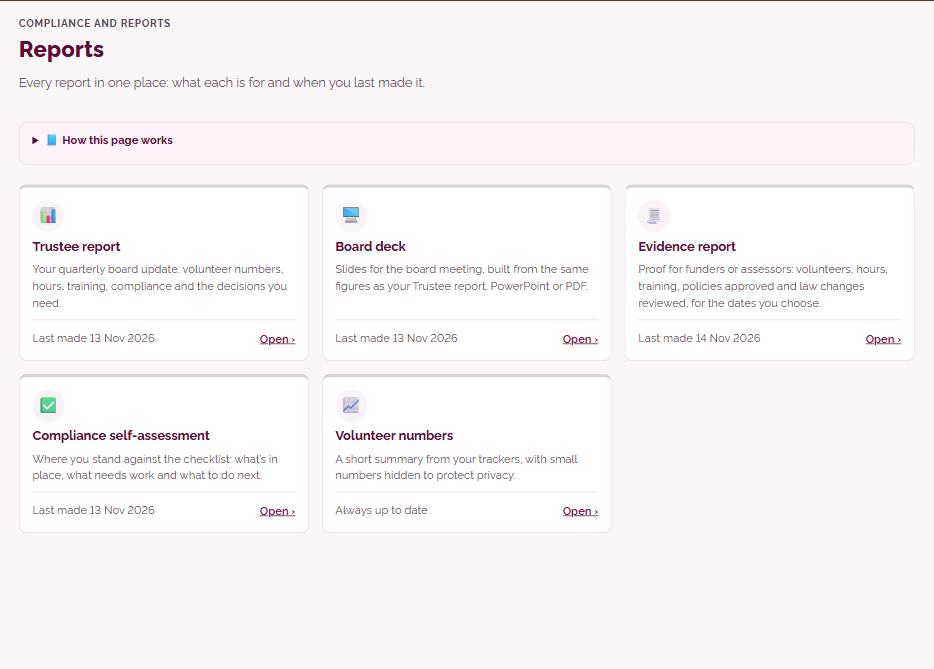
Trustee reportCompliance, volunteer numbers, training and risks in one report for your trustees.
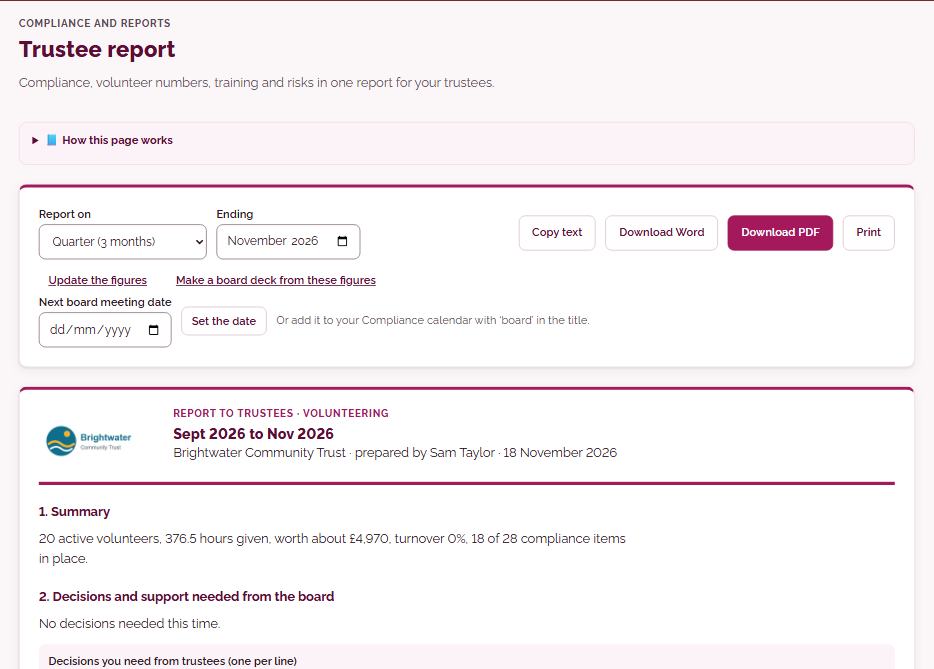
One report covering compliance, volunteer numbers, training and risks for the period you choose, using the same figures as Board metrics. Add the decisions you need from trustees, then copy it or download it as Word or PDF, and set the next board date so it shows in Coming up.
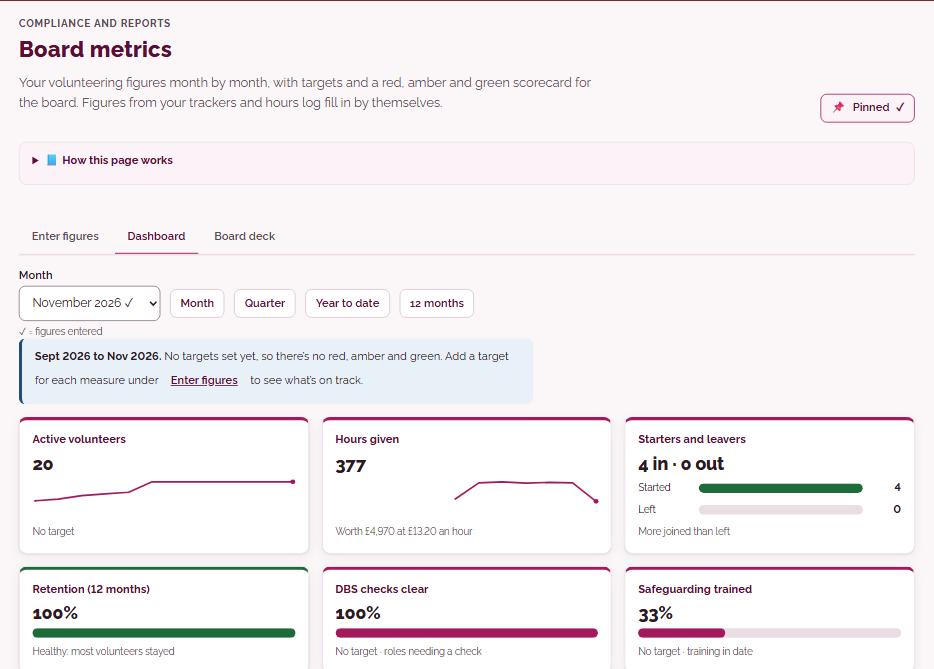
Board metricsYour volunteering figures month by month, with targets and a red, amber and green scorecard for the board. Figures from your trackers and hours log fill in by themselves.
Enter your volunteering figures month by month, with many filling in from your trackers and hours log, and set targets and what counts as green or amber. The dashboard shows each figure against its target with a 12-month trend, and you can make a board deck as PowerPoint or PDF.
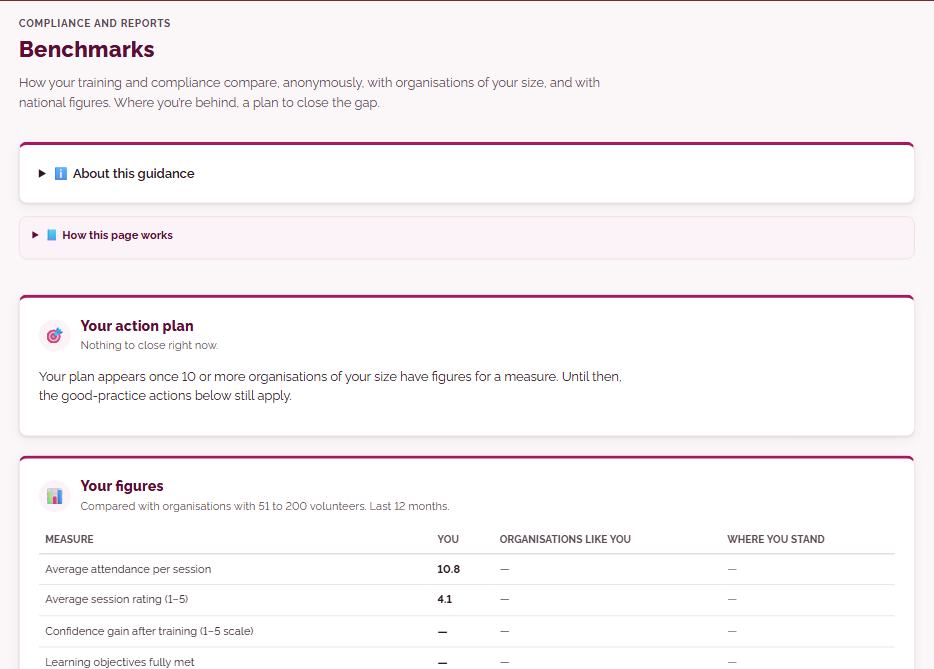
BenchmarksHow your training and compliance compare, anonymously, with organisations of your size, and with national figures. Where you’re behind, a plan to close the gap.
Compares your training and compliance figures, anonymously, with organisations of your size and with published national figures. Where you are behind, an action plan sets out the gap, an aim six months ahead and three practical steps linked to the page that does each one.
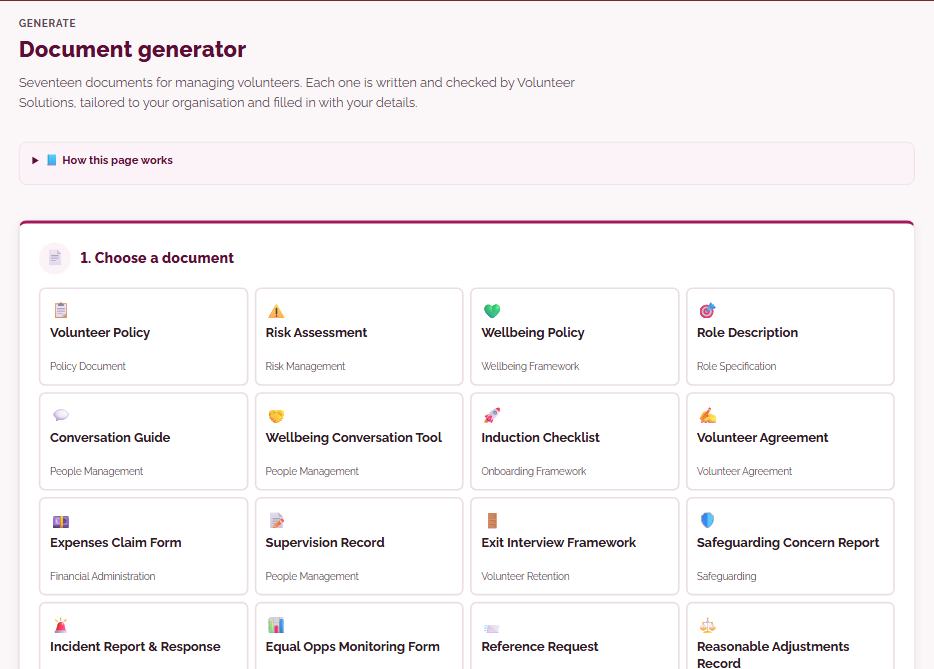
Document generatorSeventeen documents for managing volunteers. Each one is written and checked by Volunteer Solutions, tailored to your organisation and filled in with your details.
Choose one of seventeen documents for managing volunteers, each written and checked by Volunteer Solutions, set your nation, type of organisation, checks and volunteering, and it is filled in with your details. Where you choose, AI can suggest a few small, highlighted changes to the same reviewed template, which you can untick, and you then download it as Word or PDF or send it for signing.
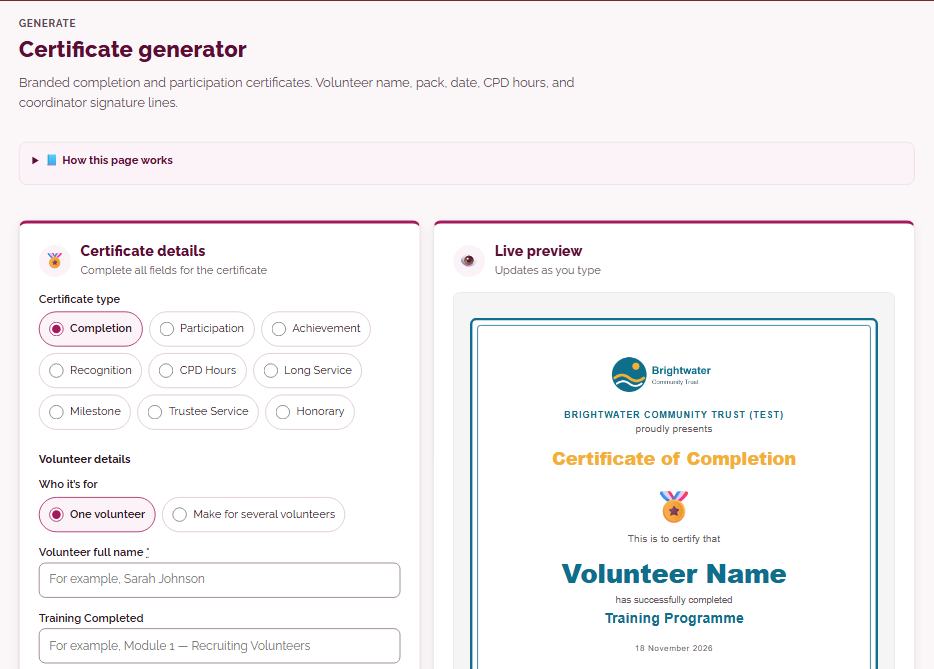
Certificate generatorBranded completion and participation certificates. Volunteer name, module, date, CPD hours, and coordinator signature lines.
Choose from nine certificate types, such as Completion, Recognition or Long Service, and eight styles, then add the volunteer’s name, what it is for, the date, any CPD hours and who signs. Your logo, colours and name come from your profile, and you can make the same certificate for many volunteers at once in one PDF.
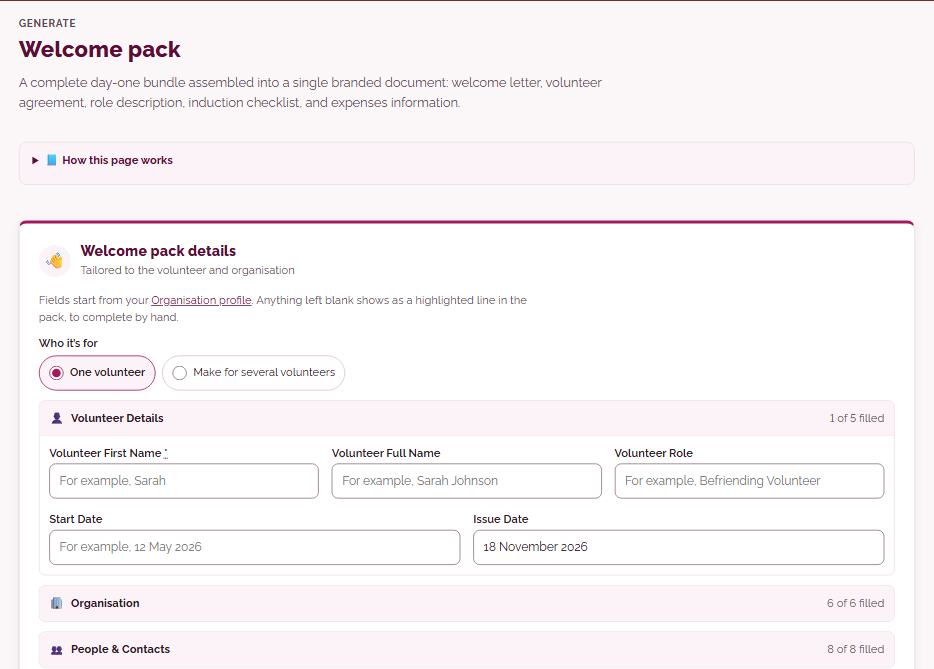
Welcome packA complete day-one bundle assembled into a single branded document: welcome letter, volunteer agreement, role description, induction checklist, and expenses information.
Builds one branded document for a new starter from Volunteer Solutions’ welcome pack: welcome letter, agreement, role description, safeguarding for your nation, expenses information and key contacts, with sections you can switch on or off. Pick a volunteer from the Recruitment tracker to fill in their details, then download PDF or Word or send it to them with no login needed.
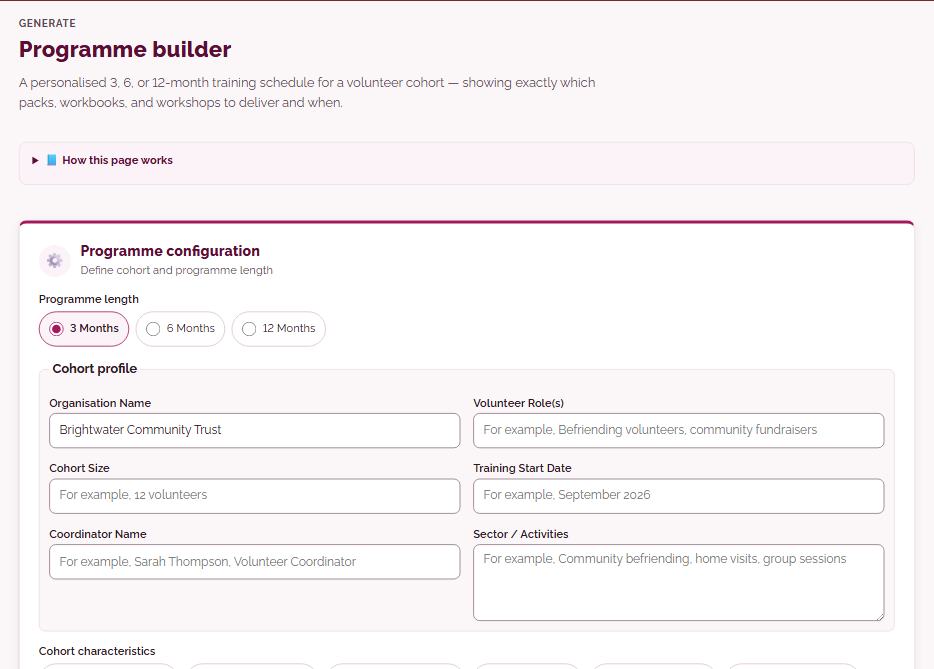
Programme builderA personalised 3, 6, or 12-month training schedule for a volunteer cohort — showing exactly which modules, workbooks, and workshops to deliver and when.
Describe your cohort, its size, roles and start date, and choose 3, 6 or 12 months. The builder produces a schedule from a Volunteer Solutions template showing which training modules, workbooks and workshops to deliver and when, ready to download as PDF or Word.
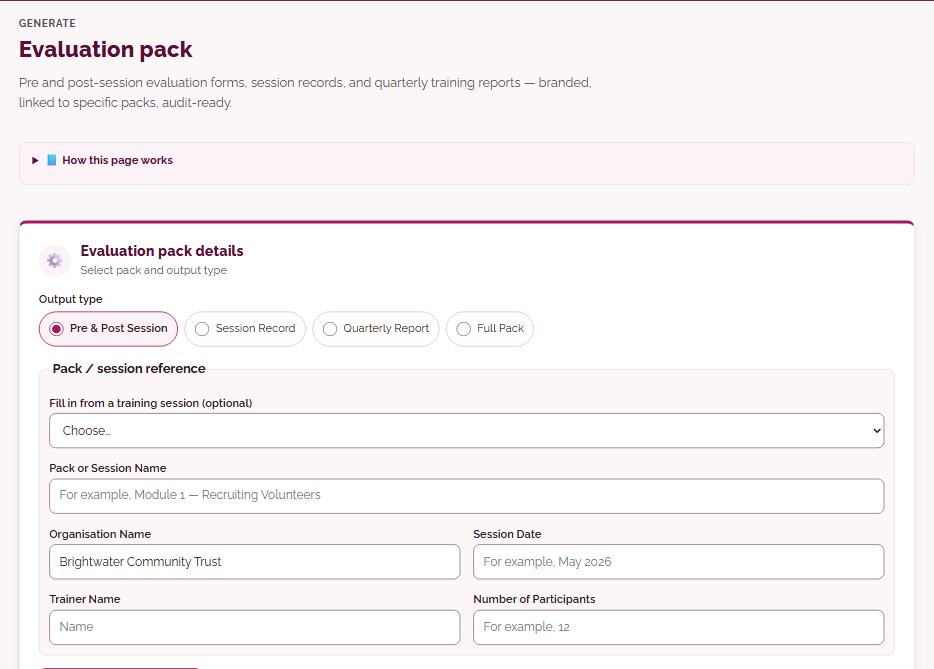
Evaluation packPre and post-session evaluation forms, session records, and quarterly training reports — branded, linked to specific modules, audit-ready.
Make before-and-after session evaluation forms, a session record, a quarterly training report or the full module, filled in from one of your Training sessions or from details you type. Download it as PDF or Word, or collect feedback on phones through Training sessions instead.
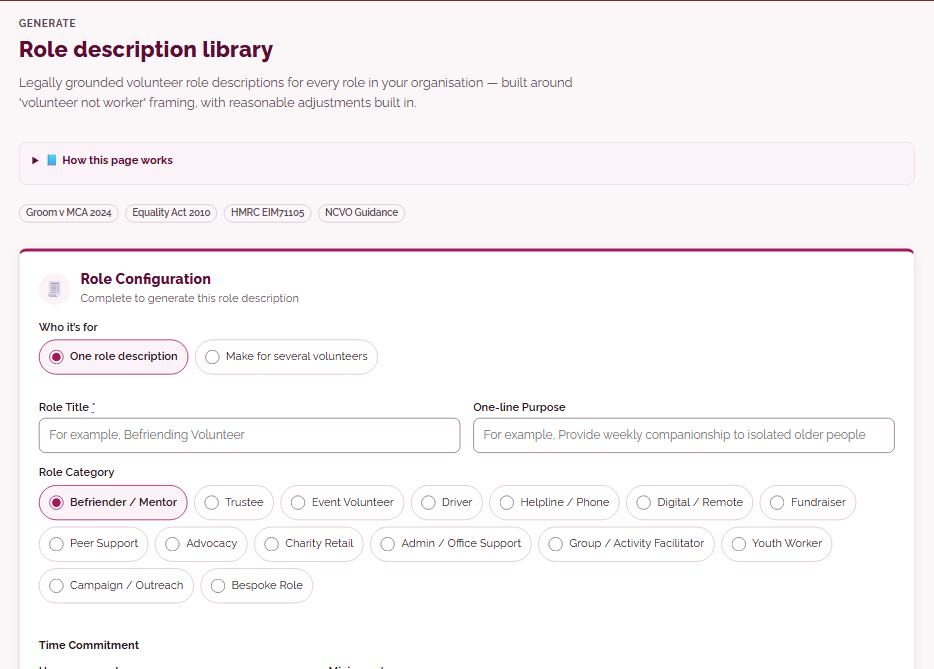
Role description libraryLegally grounded volunteer role descriptions for every role in your organisation — built around 'volunteer not worker' framing, with reasonable adjustments built in.
Fourteen pre-written role descriptions from Volunteer Solutions, plus a reviewed template for any other role, filled in with the hours, location, checks, supervisor and expenses you set. They use ‘volunteer, not worker’ wording, and a ‘Checks and safeguards’ panel lists the checks for the role in your nation, each with its source.
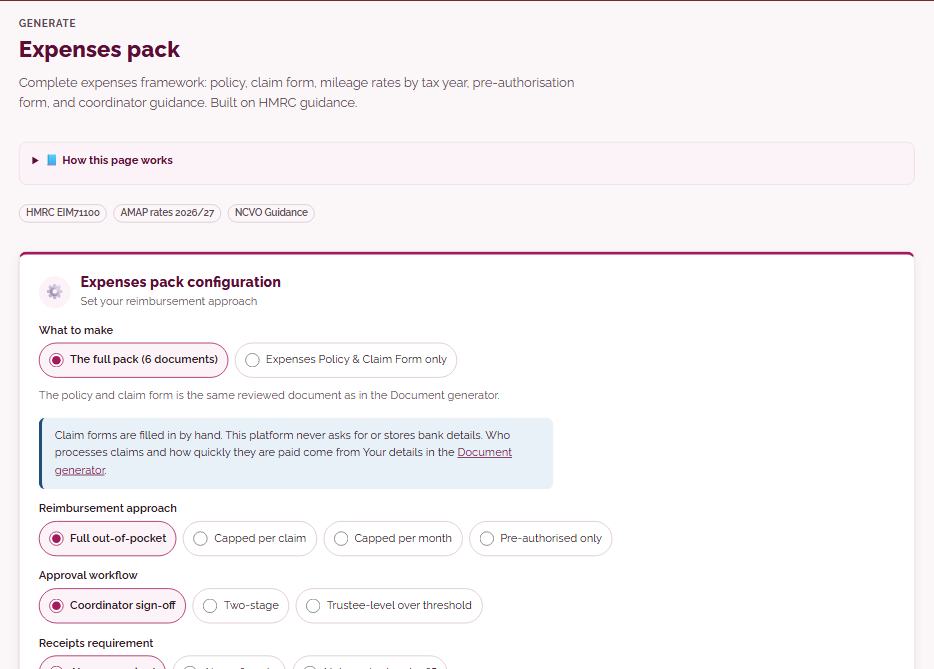
Expenses packComplete expenses framework: policy, claim form, mileage rates by tax year, pre-authorisation form, and coordinator guidance. Built on HMRC guidance.
Set how expenses are reimbursed, approved, evidenced and paid, with any caps or receipt limits, and get either the full six-document expenses pack or just the expenses policy and claim form. It includes mileage rates by tax year, based on HMRC guidance, and downloads as PDF or Word.
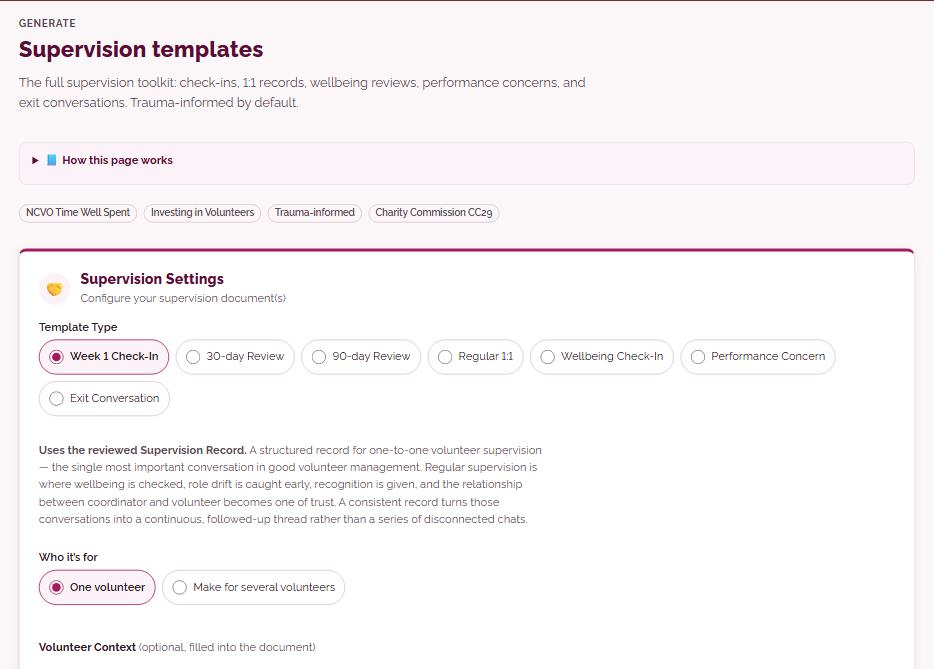
Supervision templatesThe full supervision toolkit: check-ins, 1:1 records, wellbeing reviews, performance concerns, and exit conversations. Trauma-informed by default.
Seven reviewed templates: week 1 check-in, 30 and 90-day reviews, regular 1:1, wellbeing check-in, performance concern and exit conversation, filled in from your profile and the volunteer’s details. You can ask AI to suggest a few small, highlighted changes for the situation, then save it or download it as Word or PDF.
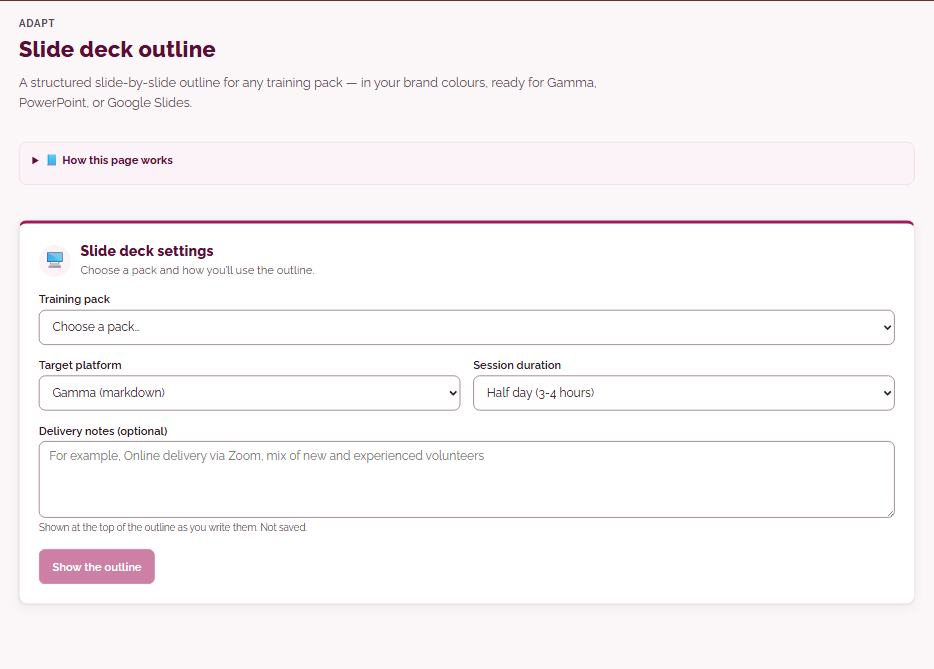
AGM prep moduleThe working documents an organisation needs to run its AGM — notice, agenda, minutes template, proxy form, accounts cover sheet, and the post-meeting filing checklist.
Choose your organisation type, such as a CIO or company limited by guarantee, and set the date, venue, format and notice period. The module gives you the notice, agenda, minutes template, proxy form and planning timeline, with a risk and contingency sheet and a legal framework summary, ready to download as PDF or Word.
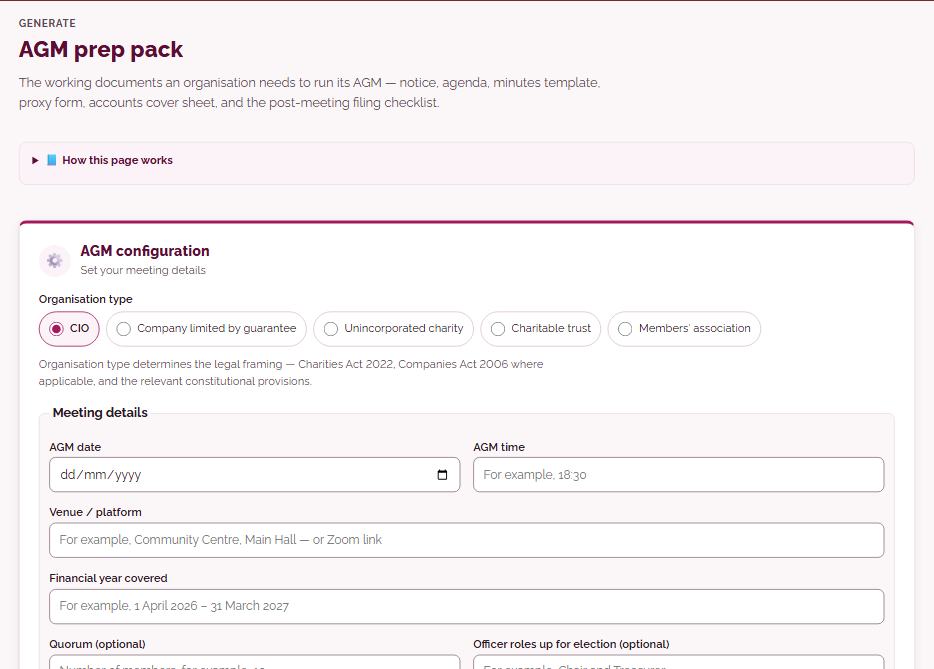
Brand my libraryRebrand any training module to your organisation’s identity. Every header, banner, table, and footer reflects your colours and logo.
Choose any training module, workbook, workshop or toolkit in your plan and download every file with your logo and colours on every page. The content stays exactly as Volunteer Solutions wrote and reviewed it; only the look changes, and slides come as PowerPoint.
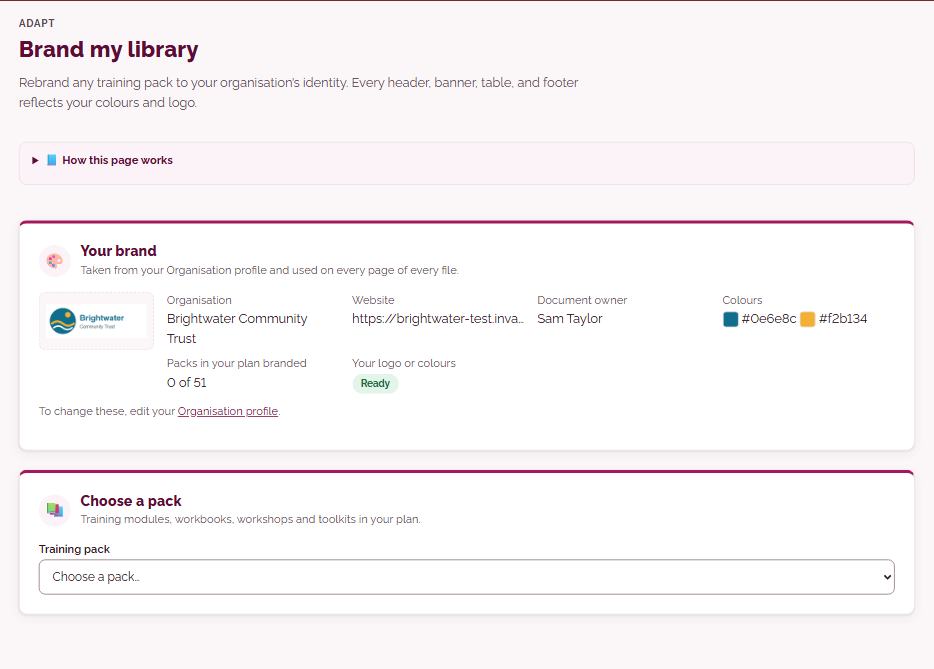
Module handoutsDownload a module’s own handouts, evaluation form and self-study materials in your brand, plus a pre-course questionnaire and a reflection page to print.
Pick a training module to download its own handouts and worksheets, evaluation form and self-study materials, in your brand or ours. You can also make a pre-course questionnaire and a reflection page, with your course details filled in, to print.
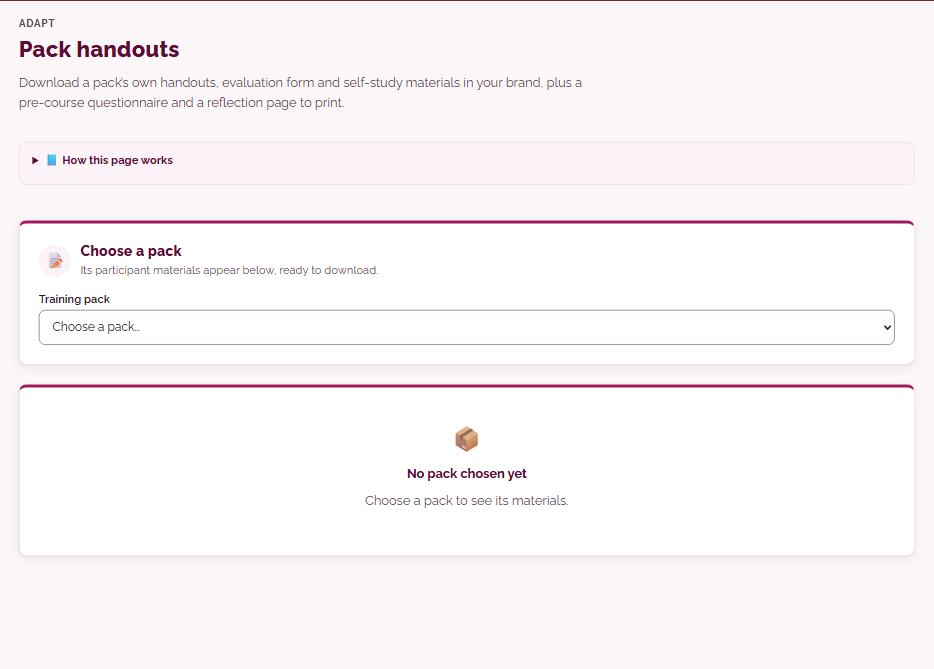
Slide deck outlineA structured slide-by-slide outline for any training module — in your brand colours, ready for Gamma, PowerPoint, or Google Slides.
Pick a training module that has a slide deck and get a slide-by-slide outline read from the reviewed deck, with activity slides marked and slides that need your local details flagged. Choose a half or full day to see suggested timings, then download the deck as PowerPoint in your brand, or the outline for Gamma, Word or PDF.
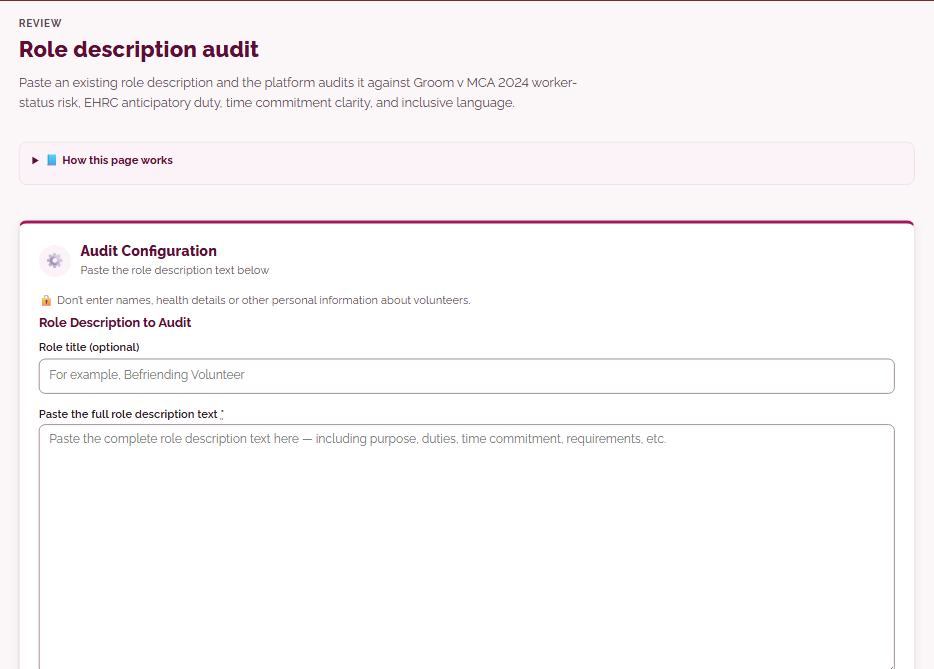
Trainer briefingA personalised session preparation document: what to read, accessibility considerations based on your cohort, timing notes, and a pre-session checklist.
Enter the training module, date, venue, group size and delivery mode, plus anything you know about the group’s access needs, and get a preparation document: what to read, the activities with suggested timings, a preparation timeline, a safeguarding section and a pre-session checklist. Managers can ask AI for a few small, highlighted changes for the group, and download it as PDF or Word.
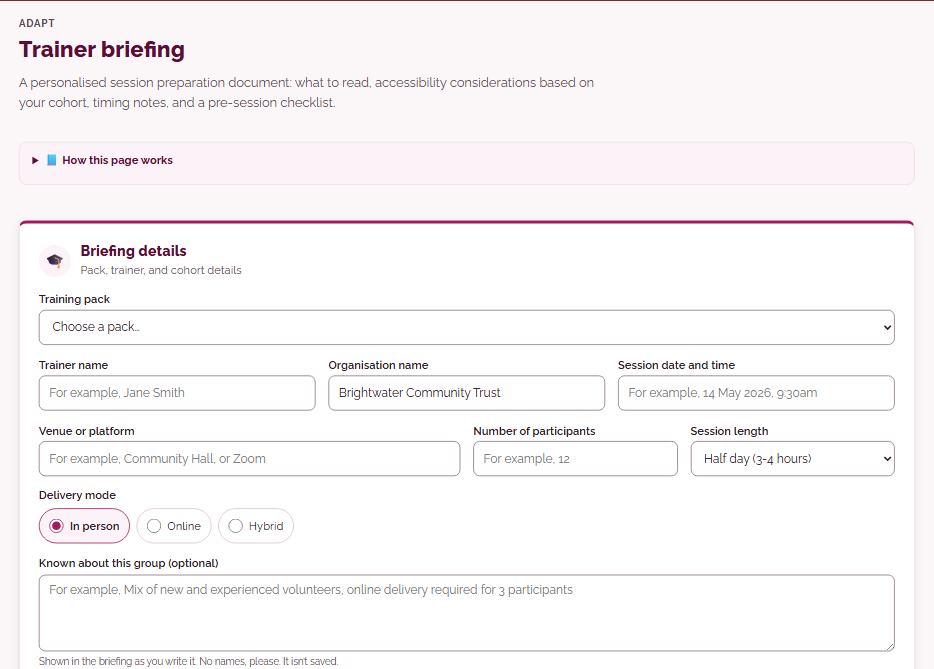
Volunteer handbookA single combined PDF the volunteer keeps: role description, agreement, welcome letter, supervision plan, expenses, and key policies — all branded.
Put together one branded handbook a volunteer keeps: welcome letter, role description, agreement, supervision record, expenses, key policies and more, filled in from your profile. Choose a cover, the sections and A5 or A4, then download it as PDF or Word.
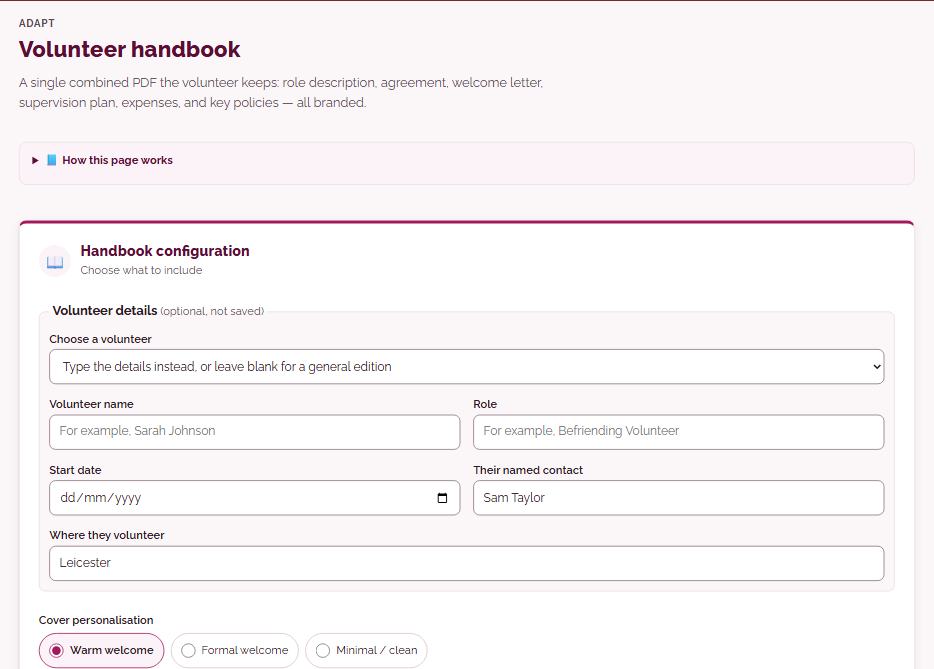
Policy auditPaste your existing policies. Receive a structured gap analysis against 2026/27 UK law, NCVO standards, and AVM benchmarks — with prioritised recommendations.
Choose the policy type, paste your current policy, without any personal details, and pick a standard, detailed or red, amber and green assessment. AI produces a report with a summary, the gaps it finds against current UK law and good practice, and a prioritised action plan, using a few of your AI credits.
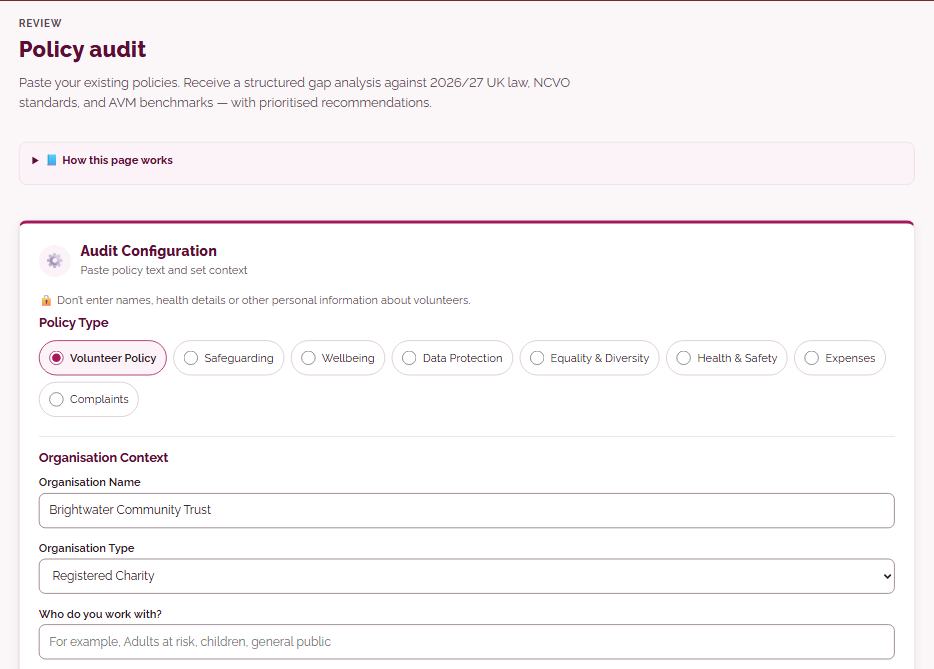
Role description auditPaste an existing role description and the platform audits it against Groom v MCA 2024 worker-status risk, EHRC anticipatory duty, time commitment clarity, and inclusive language.
Paste an existing role description and tick what to focus on, such as worker-status risk, time commitment, inclusive language or DBS level. AI checks it and suggests prioritised changes, using a few of your AI credits.
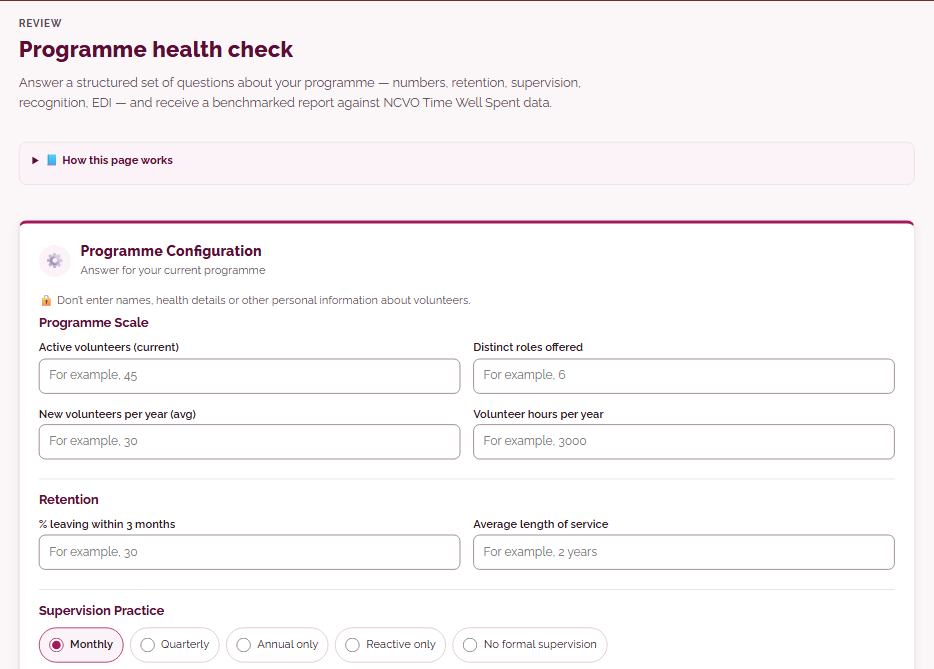
Programme health checkAnswer a structured set of questions about your programme — numbers, retention, supervision, recognition, EDI — and receive a benchmarked report against NCVO Time Well Spent data.
Answer questions about your volunteer numbers, retention, supervision, recognition and equality practice. AI writes a report with a red, amber and green view of each area, comparisons with general sector patterns and NCVO’s Time Well Spent themes where your figures allow, and your top priorities, using a few of your AI credits.
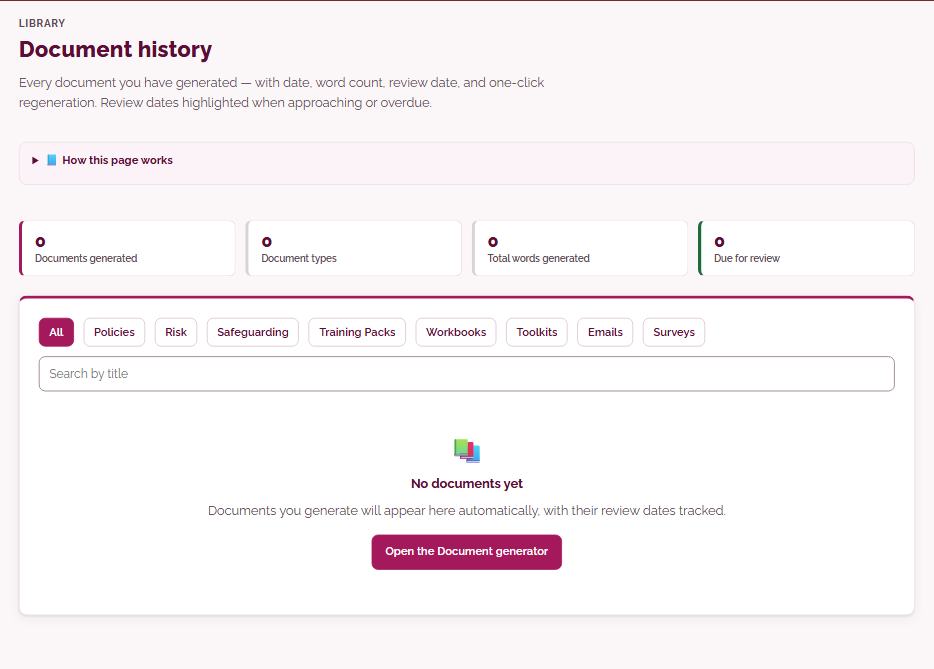
Document historyEvery document you have generated — with date, word count, review date, and one-click regeneration. Review dates highlighted when approaching or overdue.
Every document you have saved from the Document generator, email tools and Survey builder, with its date, word count and review date, and overdue reviews marked. Filter or search, open a recent document to download, print or send it, and use ‘Make it again’ to return to the page that made it.
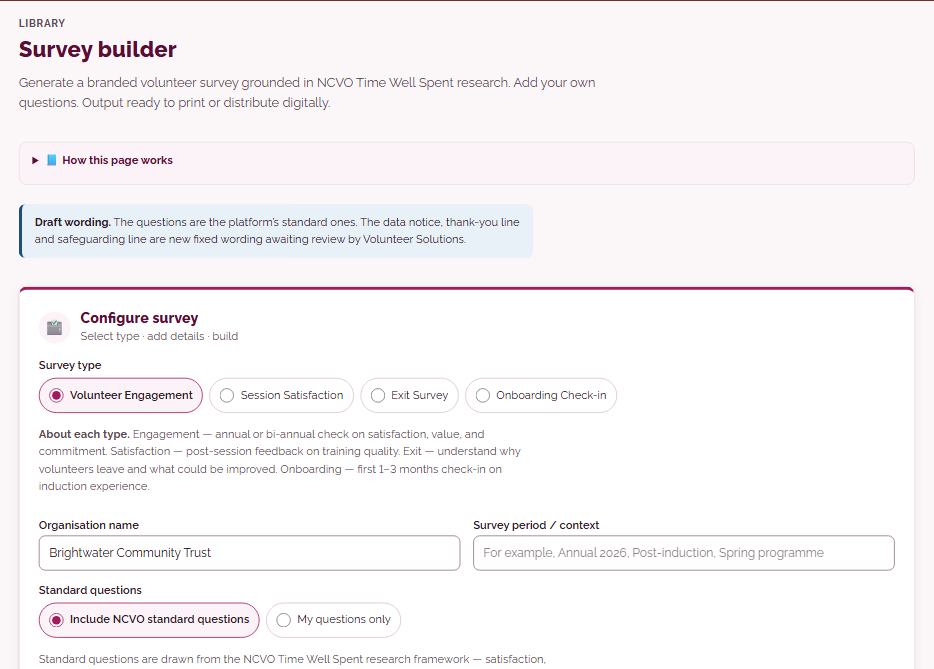
Survey builderGenerate a branded volunteer survey grounded in NCVO Time Well Spent research. Add your own questions. Output ready to print or distribute digitally.
Build a volunteer survey from standard questions grounded in NCVO’s Time Well Spent research, add your own questions, and choose whether it is anonymous. Download it as Word or PDF, or collect answers online by link or QR code, then see counts, averages and comments and download the results.
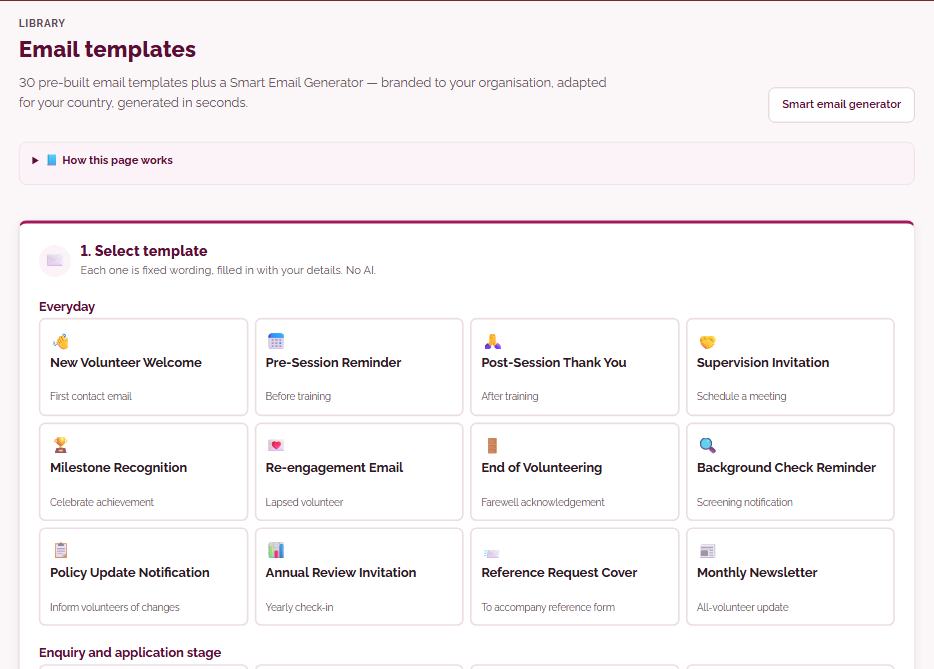
Email templates30 pre-built email templates plus a Smart Email Generator — branded to your organisation, adapted for your country, generated in seconds.
Thirty ready-written emails for common moments, from a welcome to a first shift to an exit thank-you, filled in with your details and the right background check for your nation. Add the recipient’s name and role, then copy it into your own email; nothing is sent from the platform.
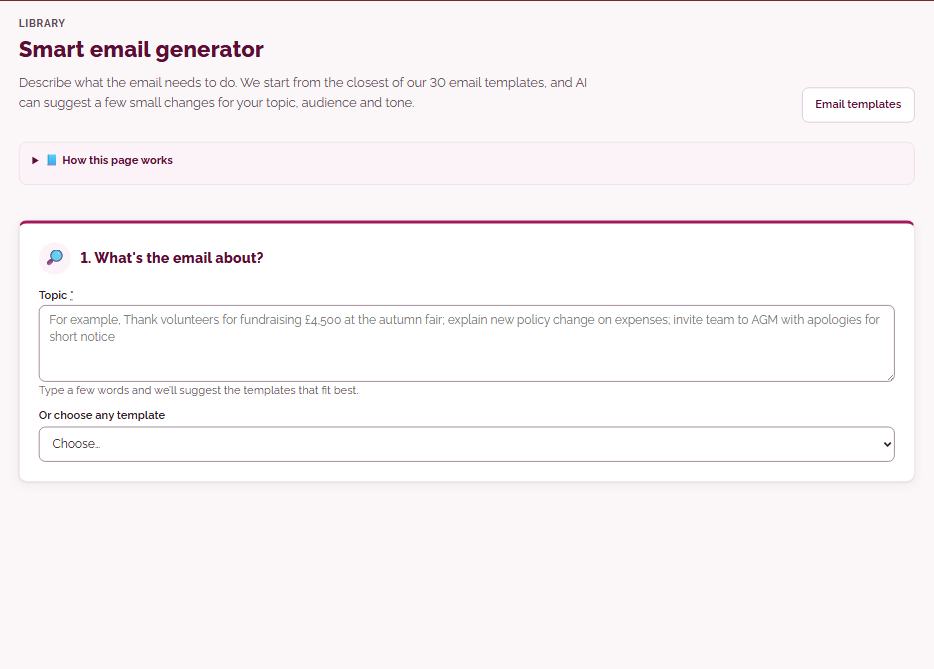
Smart email generatorDescribe what the email needs to do. We start from the closest of our 30 email templates, and AI can suggest a few small changes for your topic, audience and tone.
Type what the email is about and the platform suggests the closest of its 30 templates. Choose the audience, tone and length, and AI can suggest a few small, highlighted changes that you can untick, before you copy it into your own email.
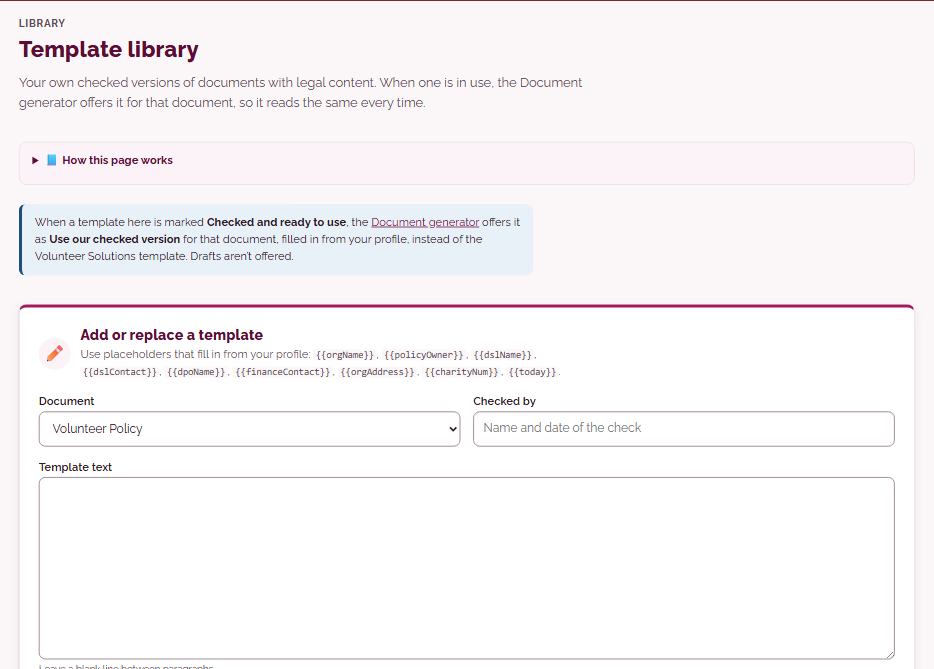
Template libraryYour own checked versions of documents with legal content. When one is in use, the Document generator offers it for that document, so it reads the same every time.
Keep your own checked versions of documents with legal content, with placeholders that fill in from your organisation profile. Once you record who checked a template and mark it ready, the Document generator offers it as ‘Use our checked version’ for that document.
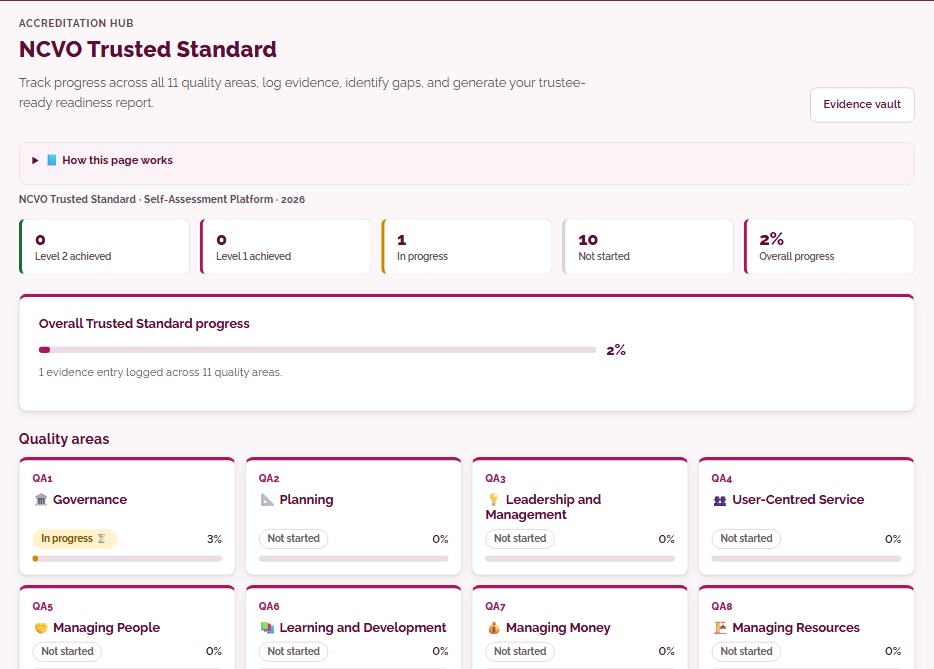
NCVO Trusted StandardTrack progress across all 11 quality areas, log evidence, identify gaps, and generate your trustee-ready readiness report.
Work through NCVO’s Trusted Standard: eleven quality areas, each with Level 1 and Level 2 indicators you rate Met, Part or Gap. Log evidence and notes against each area, and print or download a gaps and evidence report; Managers can also ask AI for guidance on an area or a readiness summary.
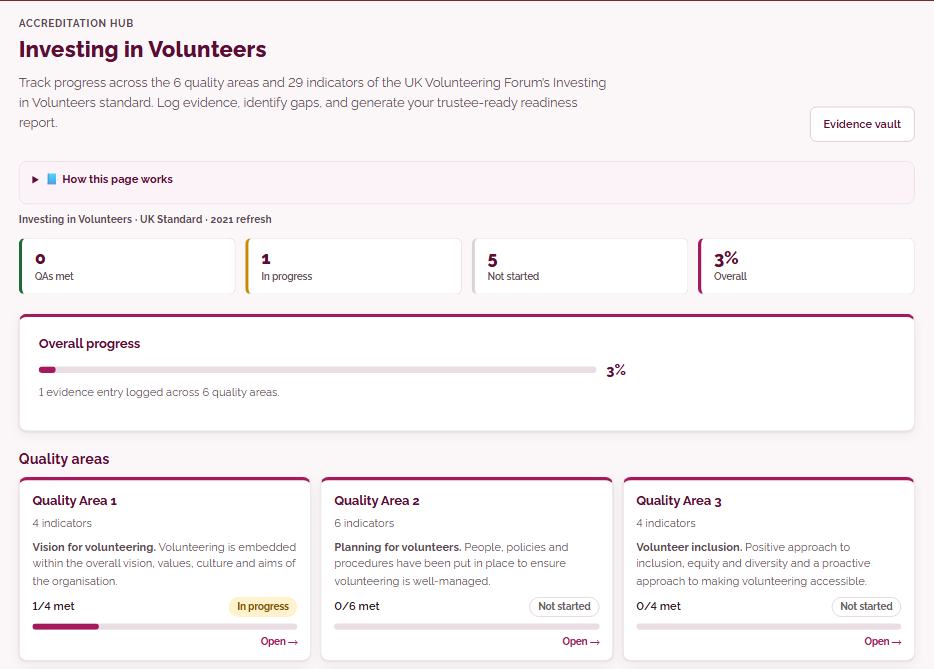
Investing in VolunteersTrack progress across the 6 quality areas and 29 indicators of the UK Volunteering Forum’s Investing in Volunteers standard. Log evidence, identify gaps, and generate your trustee-ready readiness report.
Track the six quality areas and their indicators of the Investing in Volunteers standard, rating each Met, Part or Gap and logging evidence and notes. A gaps and evidence report prints or downloads as Word or CSV, and Managers can ask AI for guidance or a readiness summary.
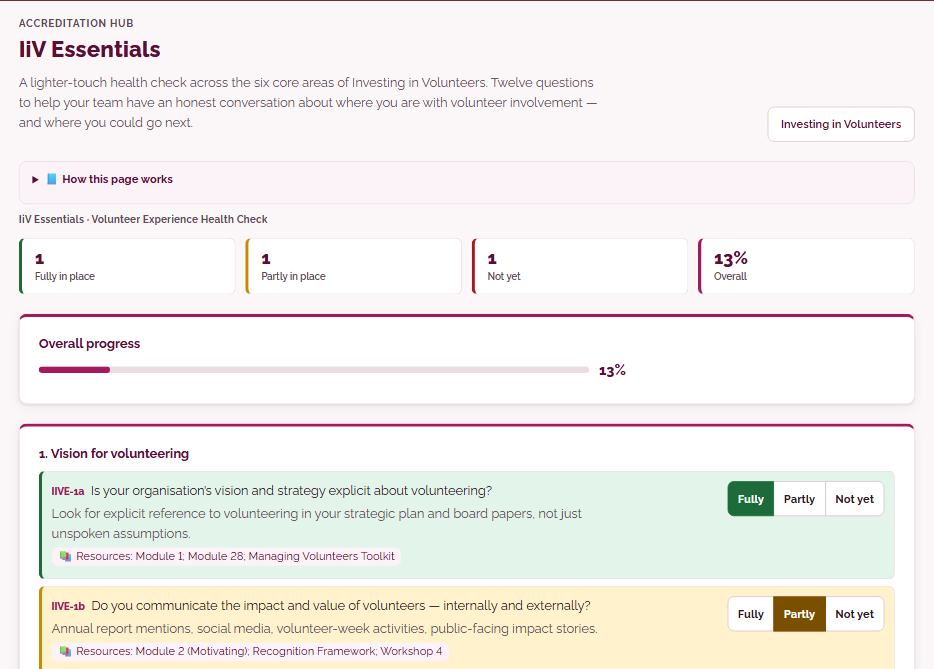
IiV EssentialsA lighter-touch health check across the six core areas of Investing in Volunteers. Twelve questions to help your team have an honest conversation about where you are with volunteer involvement — and where you could go next.
Answer twelve questions across the six Investing in Volunteers areas as Fully, Partly or Not yet, and keep notes of your team’s discussion. You get a summary of strengths and areas to work on to print or download, and Managers can ask AI to suggest next steps.
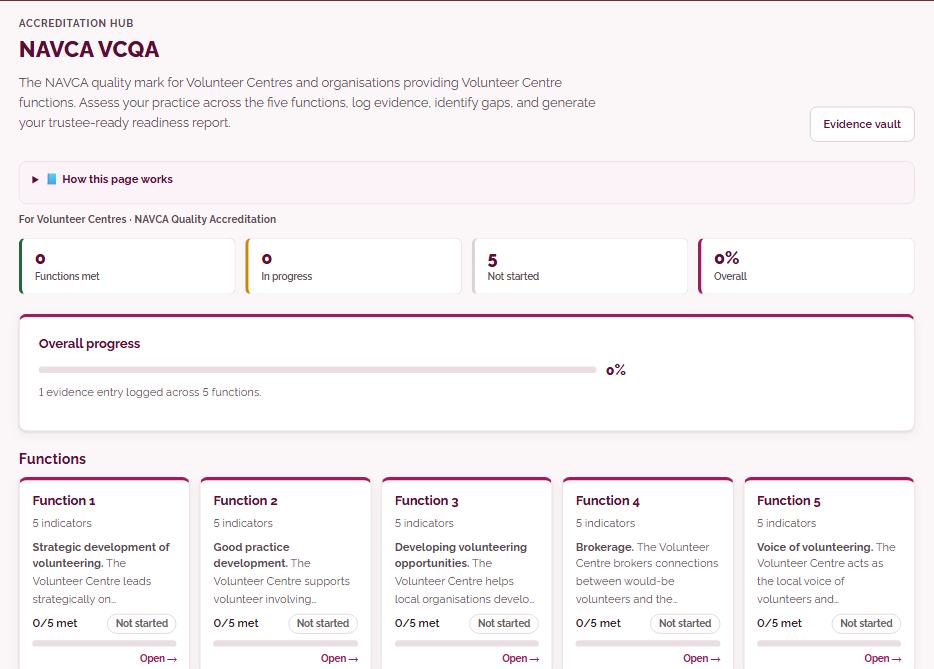
NAVCA VCQAThe NAVCA quality mark for Volunteer Centres and organisations providing Volunteer Centre functions. Assess your practice across the five functions, log evidence, identify gaps, and generate your trustee-ready readiness report.
For Volunteer Centres and organisations providing Volunteer Centre functions: assess your practice against NAVCA’s quality mark across the five functions, rate each indicator and log evidence. Print or download a gaps and evidence report, or ask AI for guidance on a function.
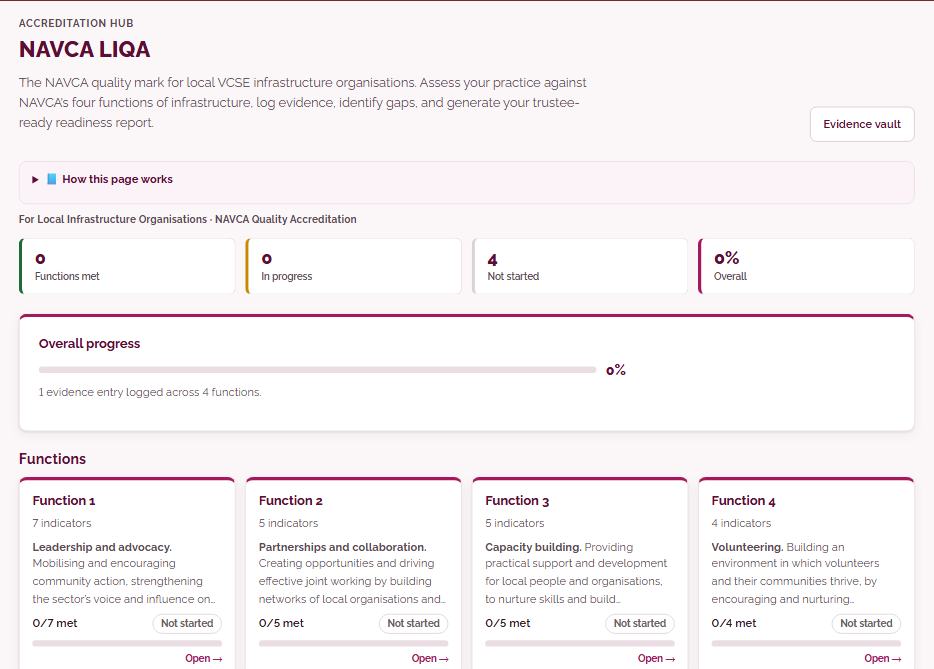
NAVCA LIQAThe NAVCA quality mark for local VCSE infrastructure organisations. Assess your practice against NAVCA’s four functions of infrastructure, log evidence, identify gaps, and generate your trustee-ready readiness report.
For local infrastructure organisations: rate your practice against NAVCA’s four functions of infrastructure, log evidence and notes, and see your gaps. A gaps and evidence report prints or downloads, and Managers can ask AI for guidance or a readiness summary.
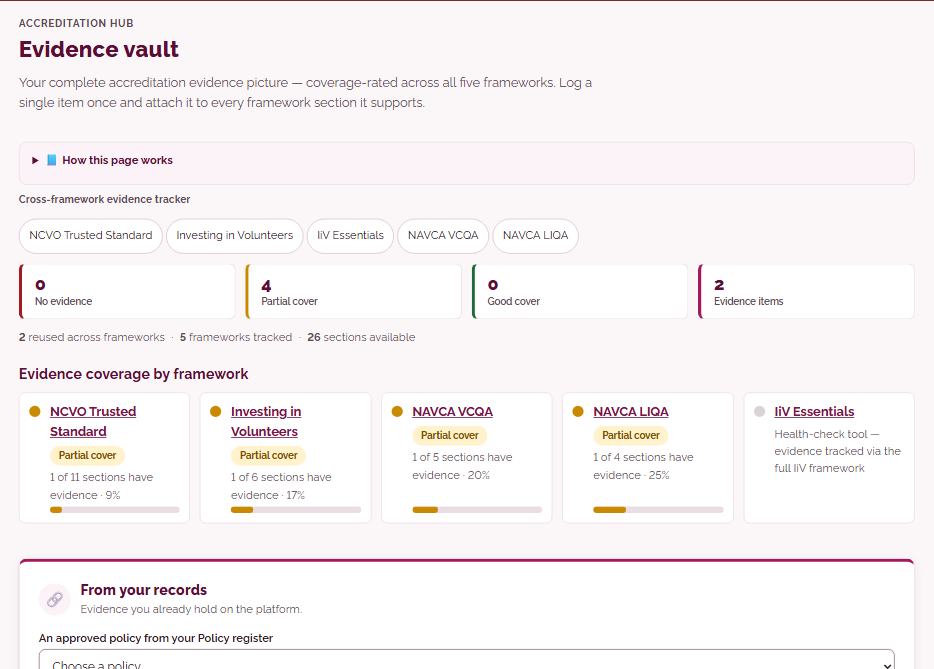
Evidence vaultYour complete accreditation evidence picture — coverage-rated across all four frameworks. Log a single item once and attach it to every framework section it supports.
Log a piece of evidence once, such as your safeguarding policy, and the platform suggests the sections it could support across the Trusted Standard, Investing in Volunteers, VCQA and LIQA. Tick the ones that apply and it appears on each tracker; approved policies, signed onboarding documents, training records and the Recognition log add their own entries.
No tools match. Try another word.
Try the platform free for 14 days
Try the main tools with up to 2 people. If you decide it is not for you, that is fine.
Not ready yet? Get free resources first