The platform
Volunteer management software for UK charities, all in one place
The full Volunteer Solutions training library, set up for your organisation, alongside the tools that keep you safe, legal and organised. Most organisations are up and running in an afternoon.
Time back
The jobs that used to take days now take minutes
Coordinators tell us the hardest part is finding the time. The platform does the preparation, the paperwork and the remembering, so you can spend your time with volunteers.
Prepare a training session
About 10 hours saved a session≈ 60 hours a year · 6 sessions a year
Write a volunteer policy
About 15 hours saved a document≈ 30 hours a year · 2 new or reviewed documents a year
Know where you stand on compliance
About 3 hours saved a check≈ 6 hours a year · checked twice a year
Find your training gaps
About 6 hours saved a check≈ 12 hours a year · checked twice a year
Keep track of dates
About 25 hours saved a year≈ 25 hours a year · every week of the year
Report to your trustees
About 3 hours saved a report≈ 12 hours a year · 4 board reports a year
Our estimates, for a small to medium volunteer programme: the yearly figures on each card, staff time at £15 an hour and a 37.5-hour week. Session preparation from scratch is a coordinator’s typical estimate. Your own savings will depend on how you work.
Your first 30 minutes
What you can do in your first 30 minutes
Start your free trial, and in the time it takes to drink a coffee you will know where you stand and have something to show for it.
- 0–5 minSet up your organisationAdd your name, logo and colours once. Everything after this carries your brand.
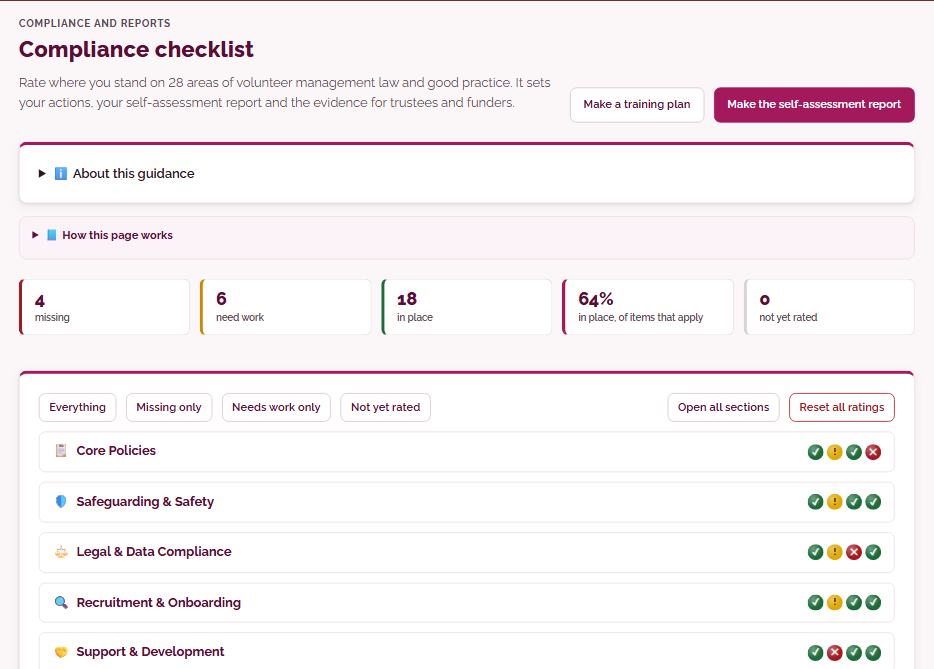
- 5–15 minRun your compliance check28 areas of volunteer management rated red, amber or green, with the fix for every gap.
- 15–17 minGenerate your volunteer policyWritten and checked by experts, filled in with your details and logo, ready to approve.
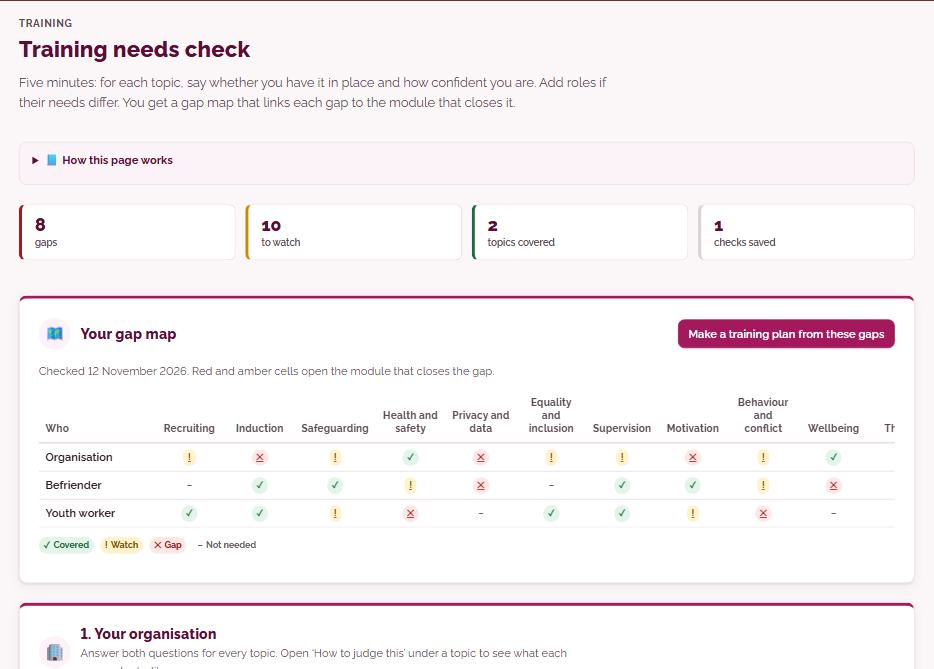
- 17–22 minFind your training gapsA five-minute check gives you a gap map linked to the right training modules.
- 22–30 minGet your first session readyPick a module, read the trainer notes and share the QR sign-in. Ready to deliver.
30 minutes in: your organisation set up, your compliance picture, a branded volunteer policy, your training gaps and your first session, ready to go.
Your first week
And by the end of your first week
- 1Invite your teamOwners, Admins, Managers and Viewers, each seeing what they need.
- 2Bring in your volunteersImport a spreadsheet or another volunteer tool.
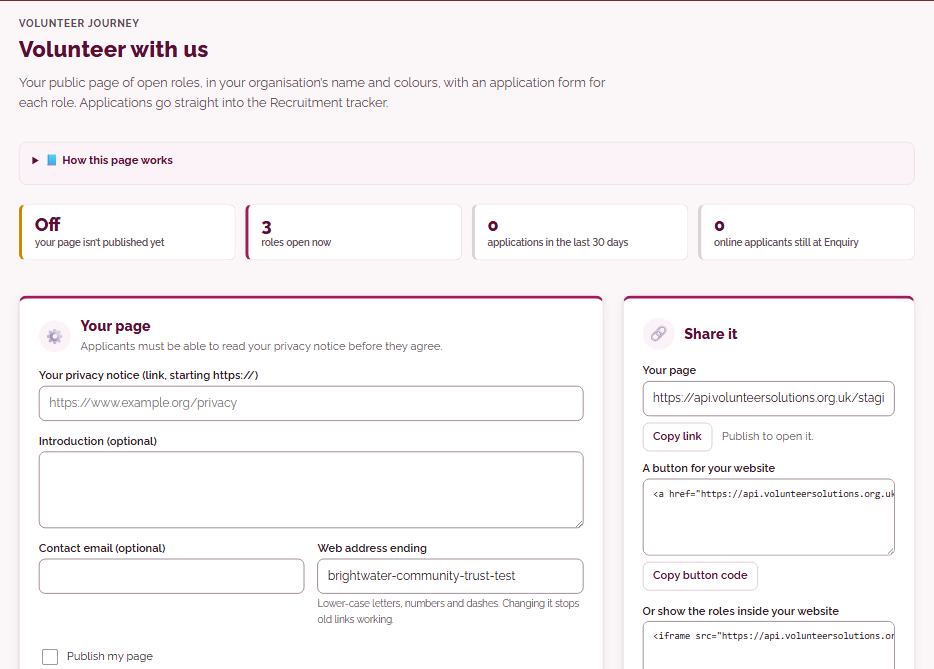
- 3Publish your Volunteer with us pageOpen roles and an application form in your colours.
- 4Share policies with volunteersSend by private link and see who has read them.
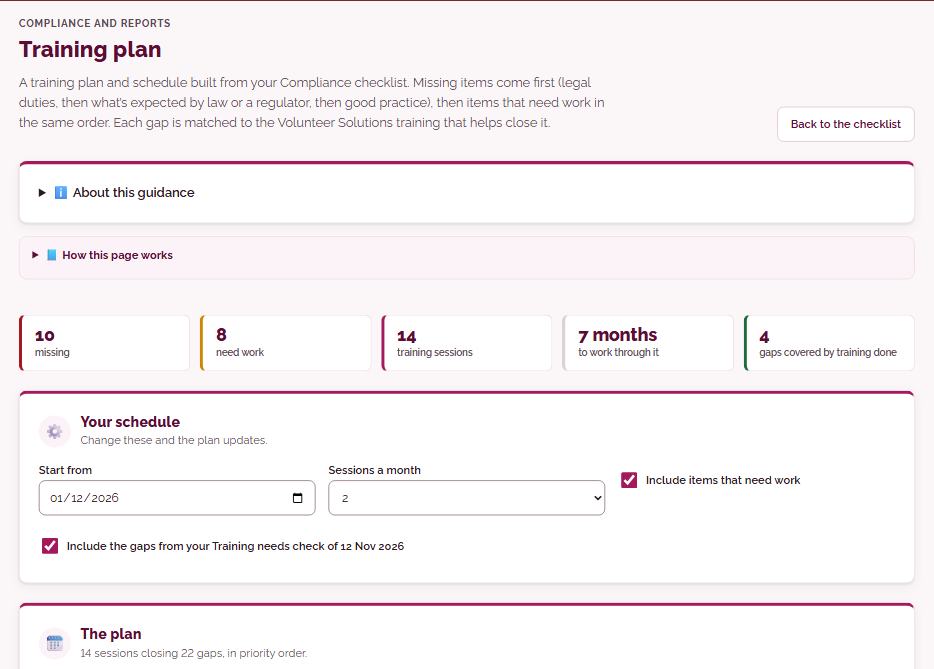
- 5Build your training planA schedule for the year, built from your gaps and legal duties.
- 6Set up your calendarDBS rechecks, reviews and renewals, with reminders before they are due.
- 7Produce your first trustee reportBuilt from your records, with nothing to type.
- 8Ask the AI advisorYour first volunteering question answered.
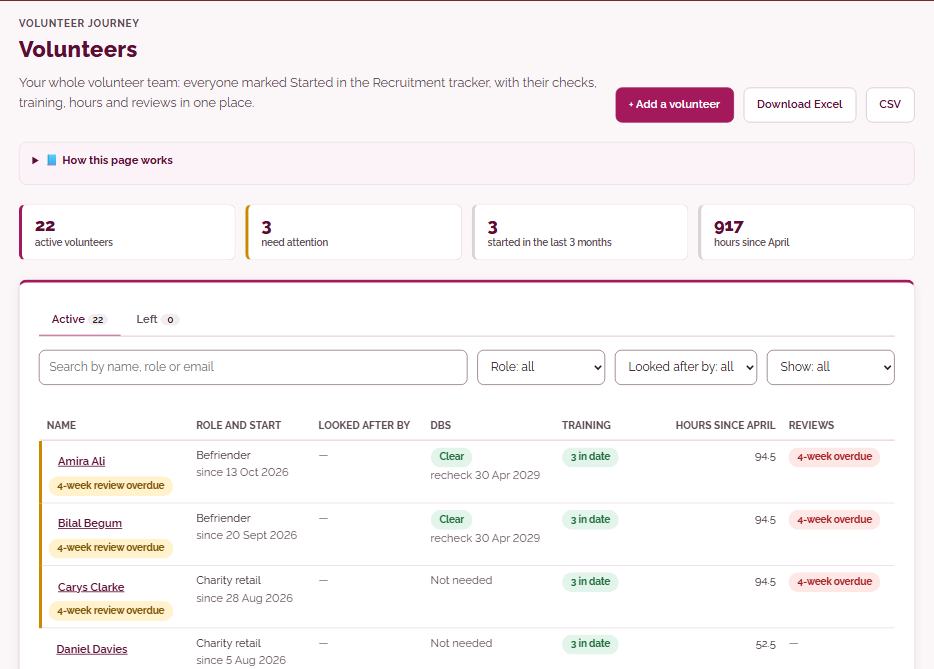
- 9Manage your whole volunteer teamRoles, hours, milestones and check-ins for every volunteer, in one place.
- 10Prepare your AGM pack and slidesAgenda, papers and an outline slide deck, built from your records.
- 11Start your accreditation planNCVO Trusted Standard or Investing in Volunteers: see your gaps and log your evidence.
- 12Brand your training libraryEvery module in your logo and colours, ready to deliver.
Volunteer journey
Every volunteer, from first enquiry to thank-you
Recruit, check, welcome, support and thank your volunteers, with every record in one place and nothing falling through the gaps.
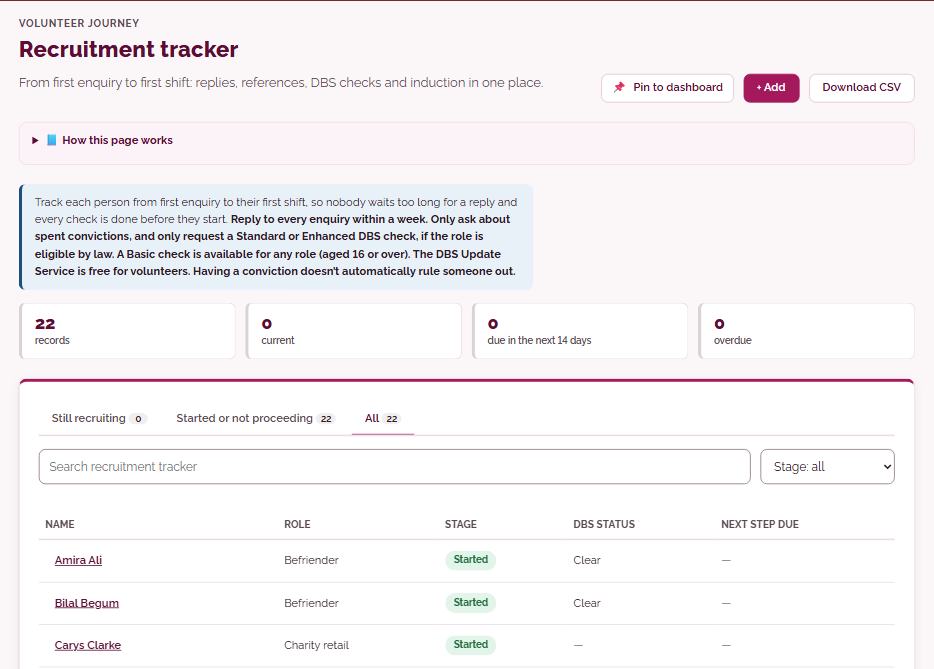
- Recruitment trackerfrom first enquiry to first shift: replies, references, DBS checks and induction
- Volunteer with usyour public page of open roles, in your colours, with an application form for each role
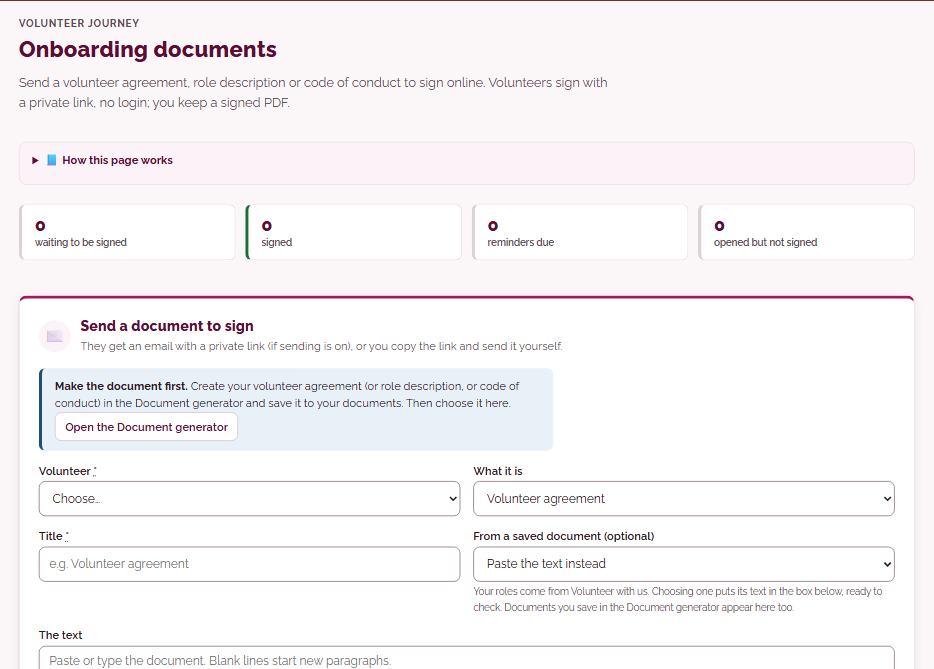
- Onboarding documentsvolunteers sign agreements and role descriptions online, with no login, and you keep a signed PDF
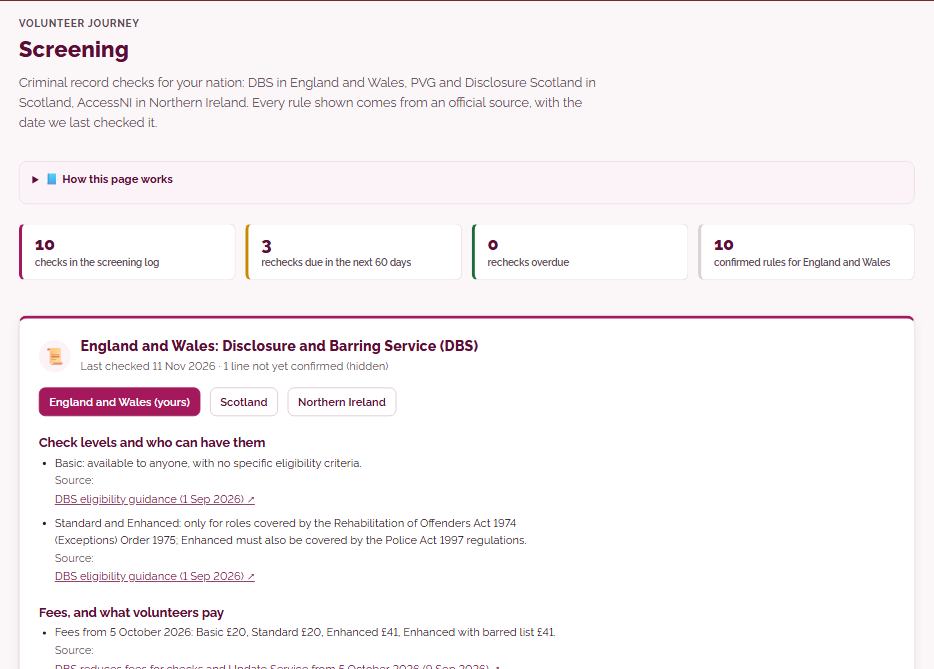
- ScreeningDBS, PVG and Disclosure Scotland, and AccessNI, with the rules for your nation
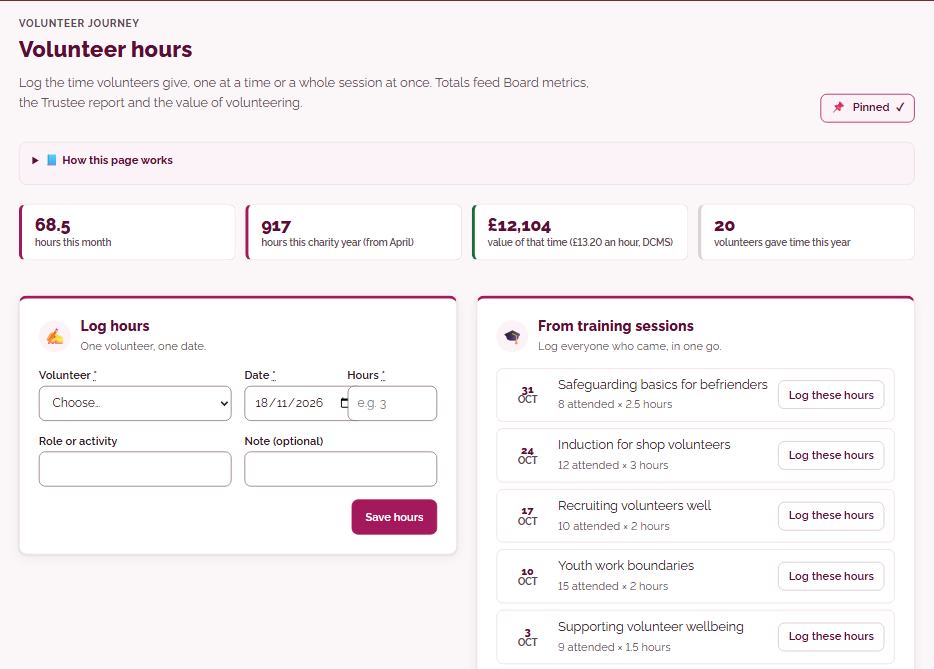
- Volunteer hourslog time one person or a whole session at once; totals feed your reports
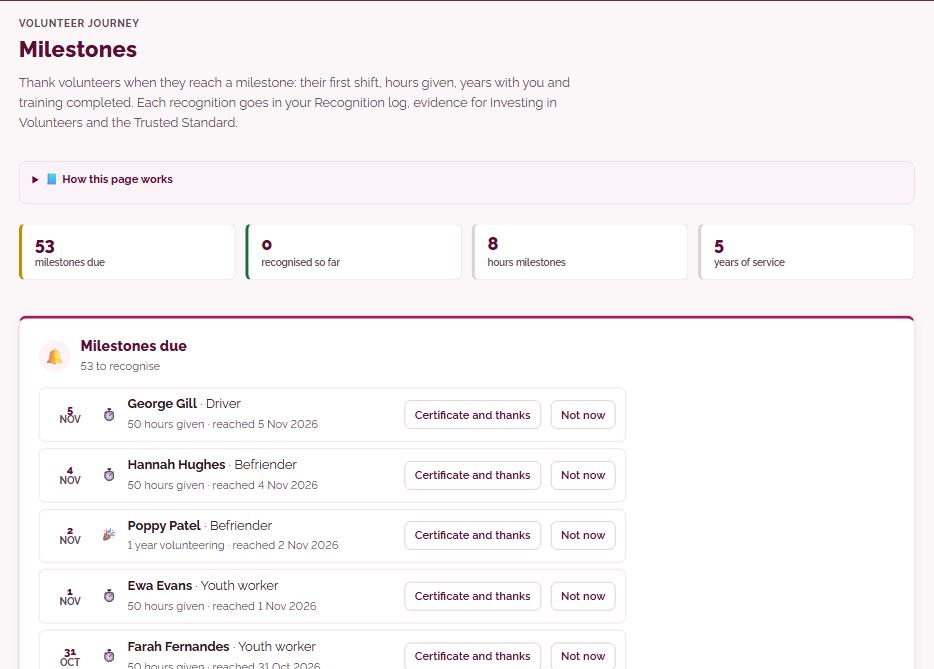
- Milestonesthank volunteers for first shifts, hours given, years with you and training completed
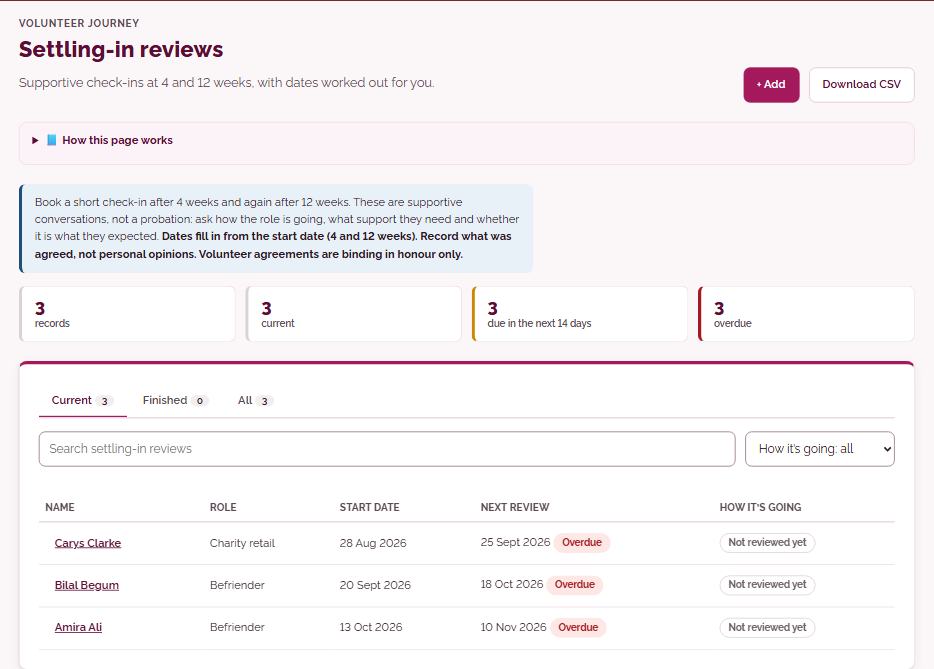
- Settling-in, stay and exit conversationssupportive check-ins at 4 and 12 weeks, and a proper goodbye
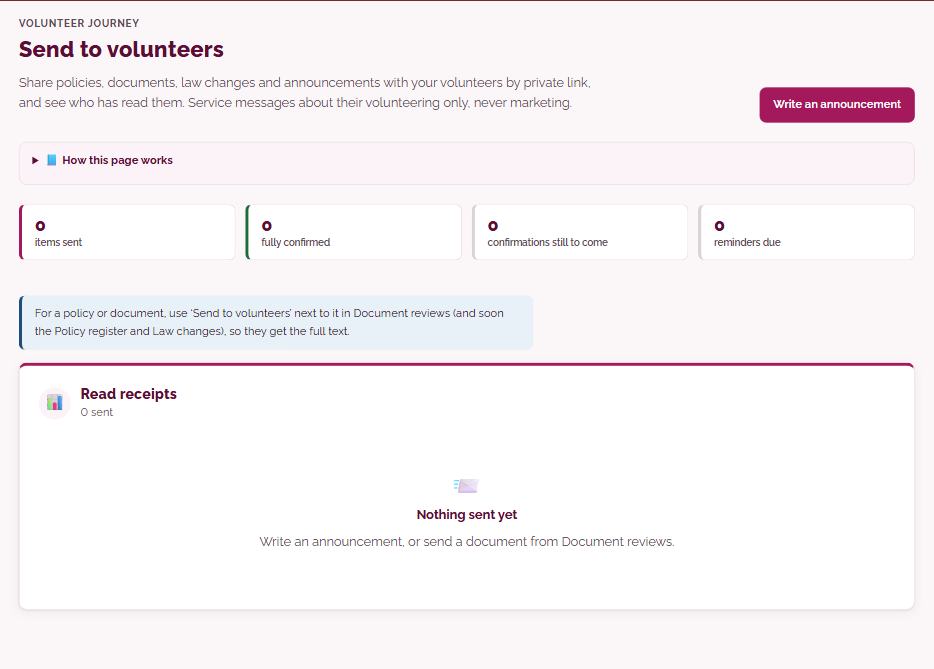
- Send to volunteersshare policies and updates by private link and see who has read them
- Coordinator hubwhat to do, say and record in the situations coordinators meet most
Training
Train every volunteer, and prove it
The whole Volunteer Solutions library, ready to deliver in person, online or as self-study, with the records to show who has done what.
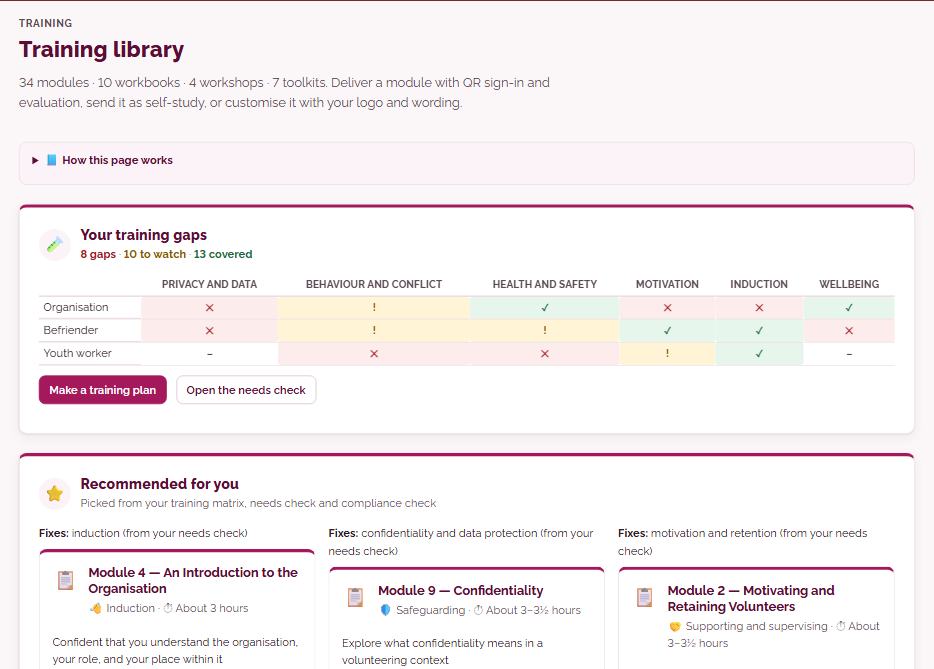
- Training library34 modules, 10 workbooks, 4 workshops and 7 toolkits
- Training needs checkfive minutes, and you get a gap map linked to the right modules
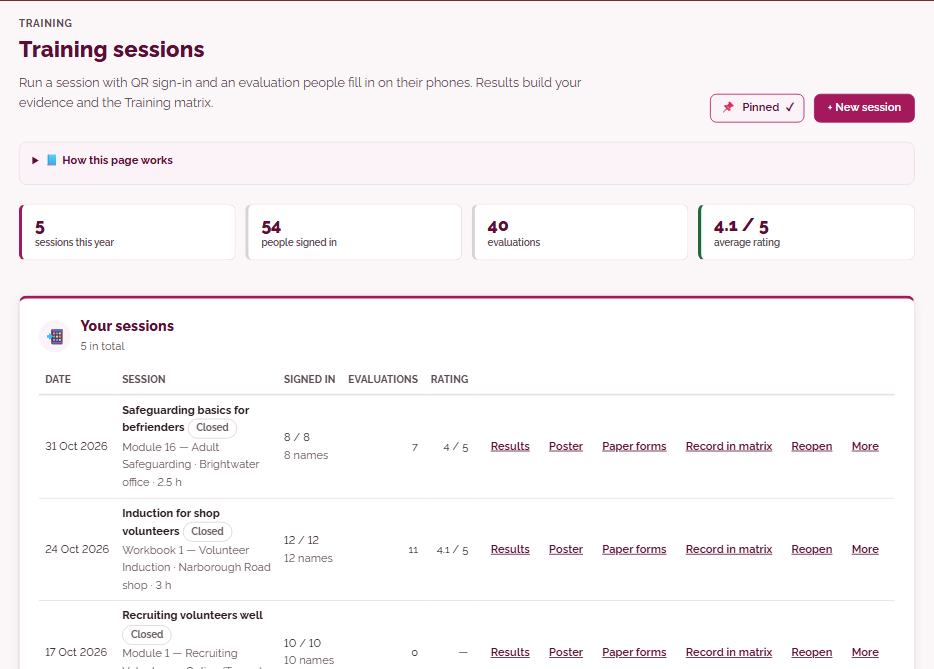
- Training sessionsQR sign-in and an evaluation people fill in on their phones
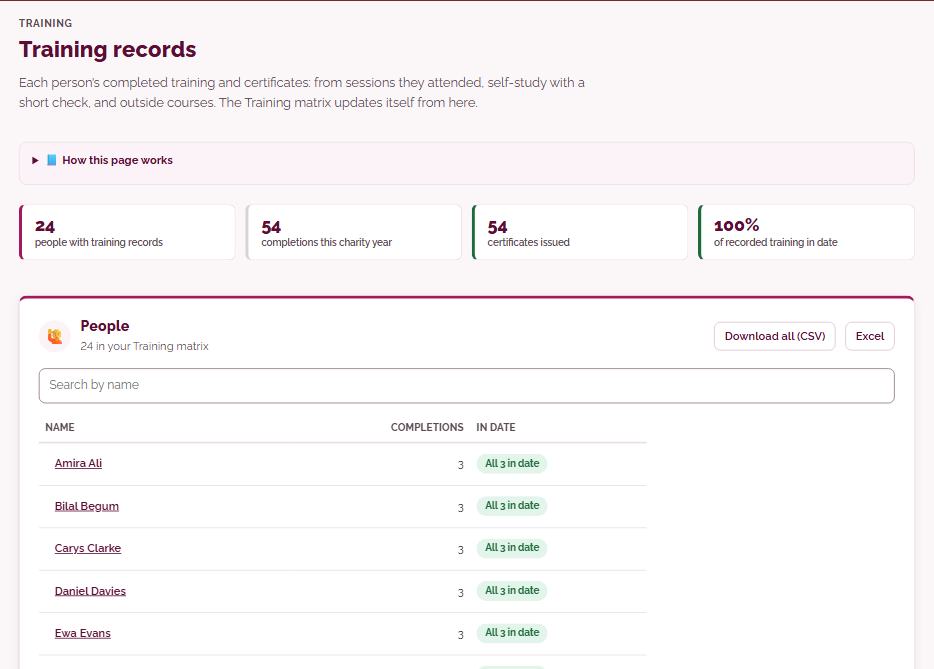
- Training records and certificatesfrom sessions, self-study with a short check, and outside courses
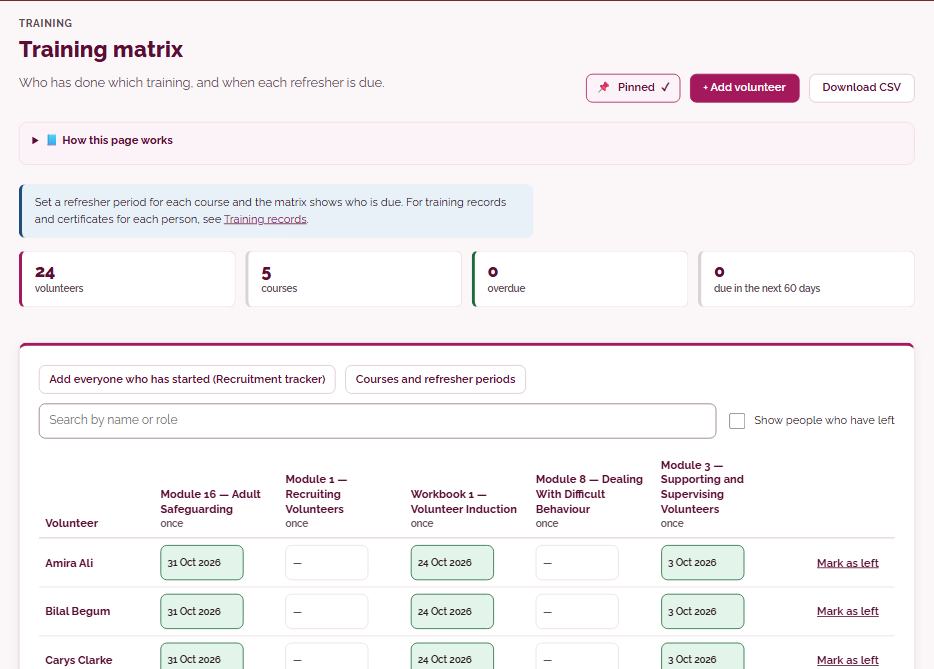
- Training matrixwho has done which training, and when each refresher is due
- Training plan and Programme buildera schedule built from your gaps, for a cohort or the whole year
Compliance and calendar
Know where you stand, and never miss a date
A clear picture of your volunteer management against UK law and good practice, with the fix for every gap and reminders before anything is due.
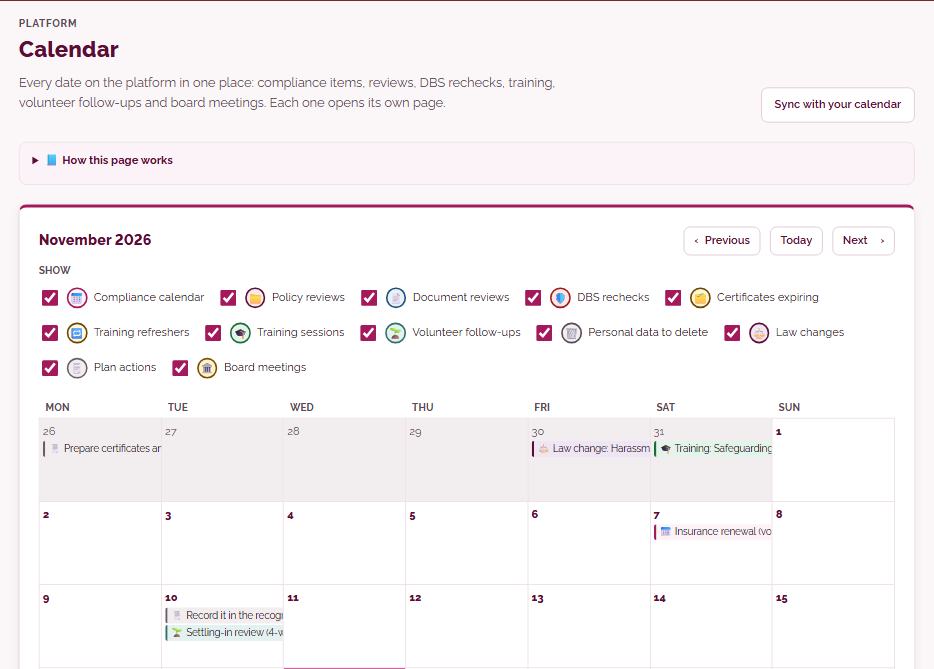
- Calendarevery date in one place: compliance items, reviews, DBS rechecks, training, volunteer follow-ups and board meetings
- Compliance checklist28 areas of volunteer management law and good practice, rated red, amber or green
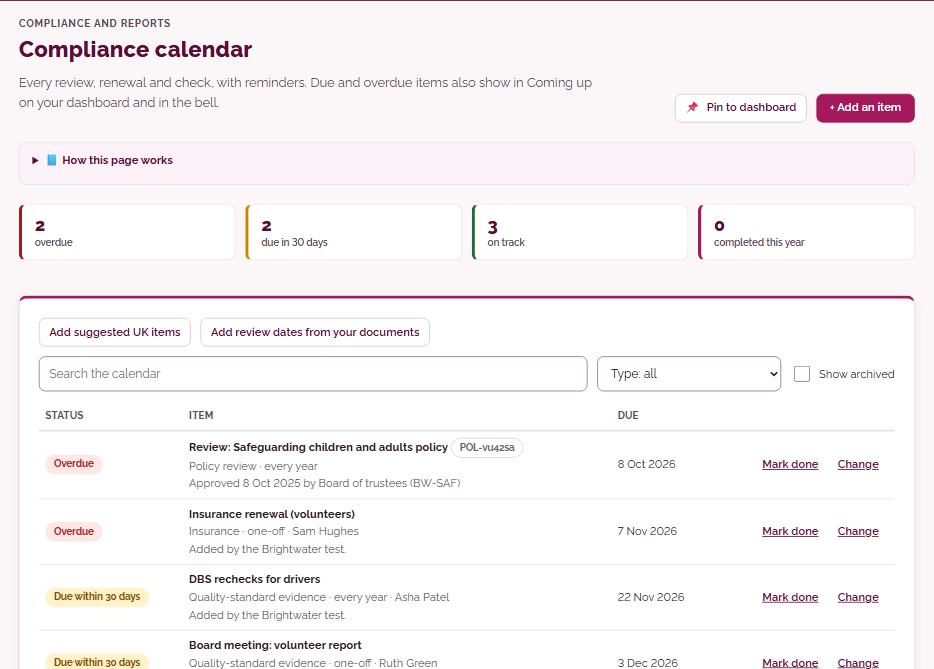
- Compliance calendarevery review, renewal and check, with reminders
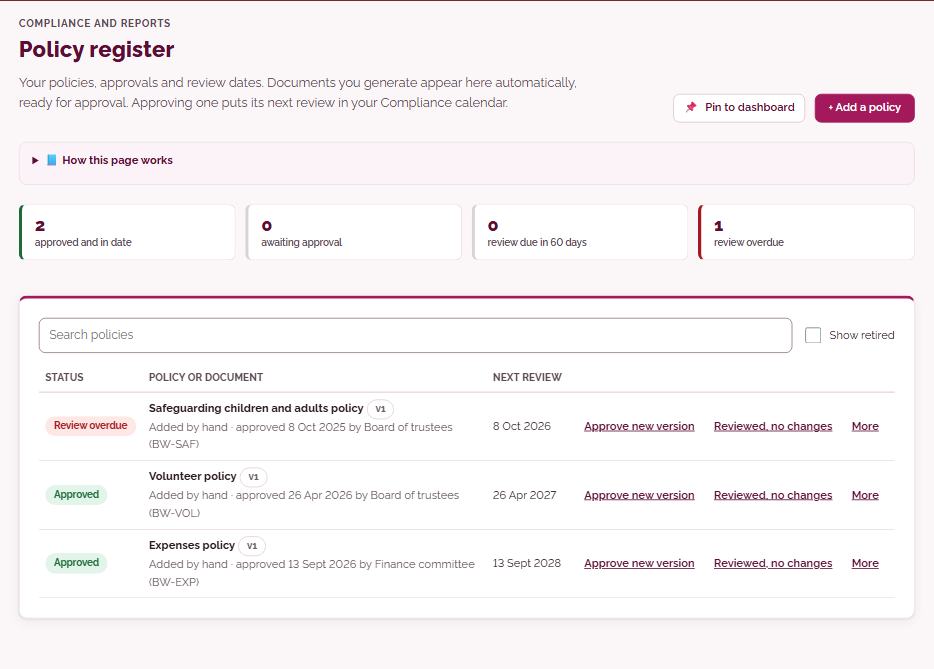
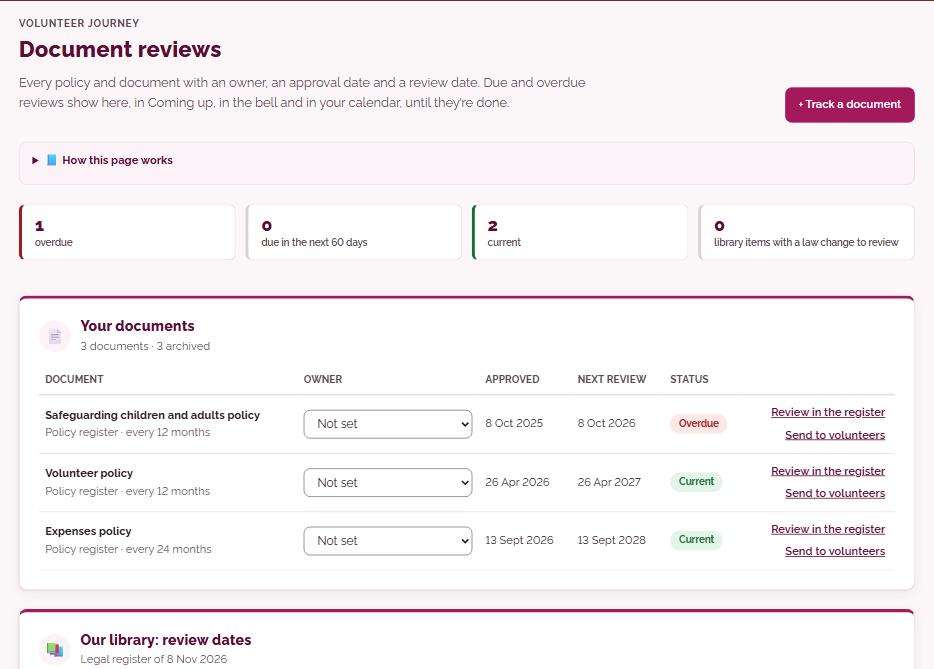
- Policy register and Document reviewsowners, approvals and review dates for every policy
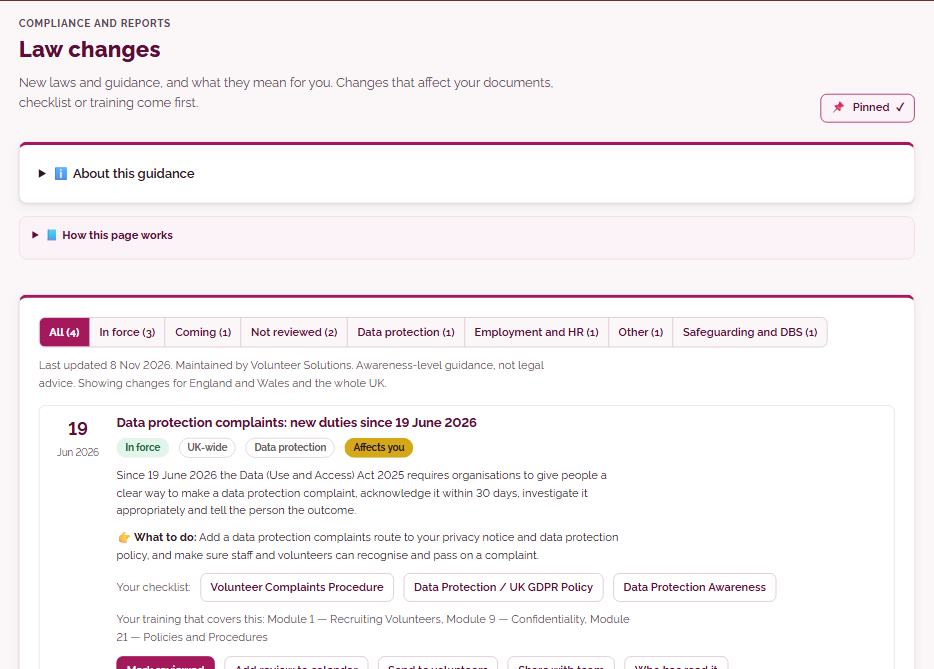
- Law changesnew laws and guidance in plain English, and what they mean for you
Reports
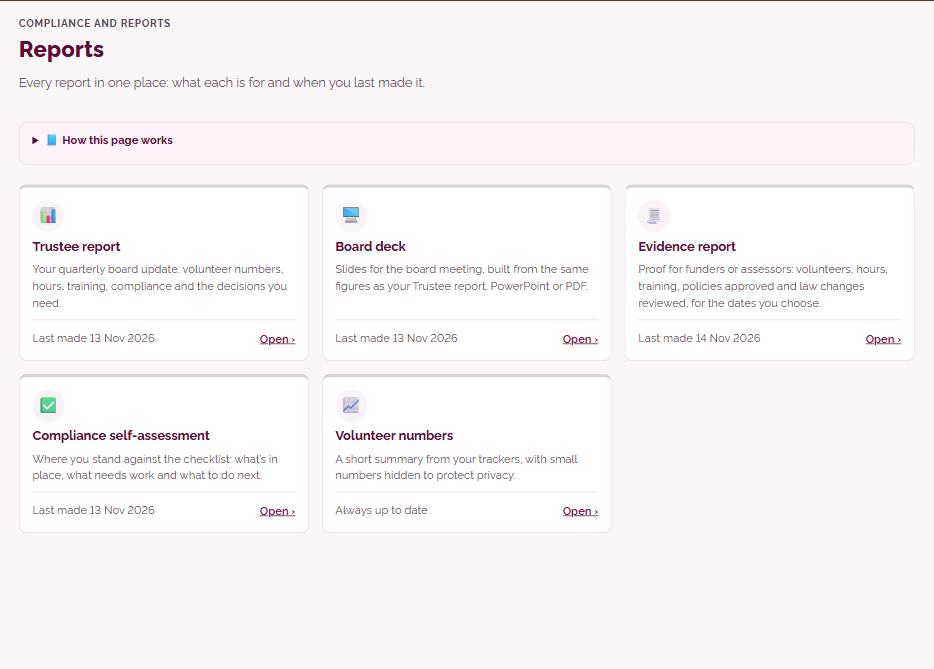
Reports your trustees and funders will thank you for
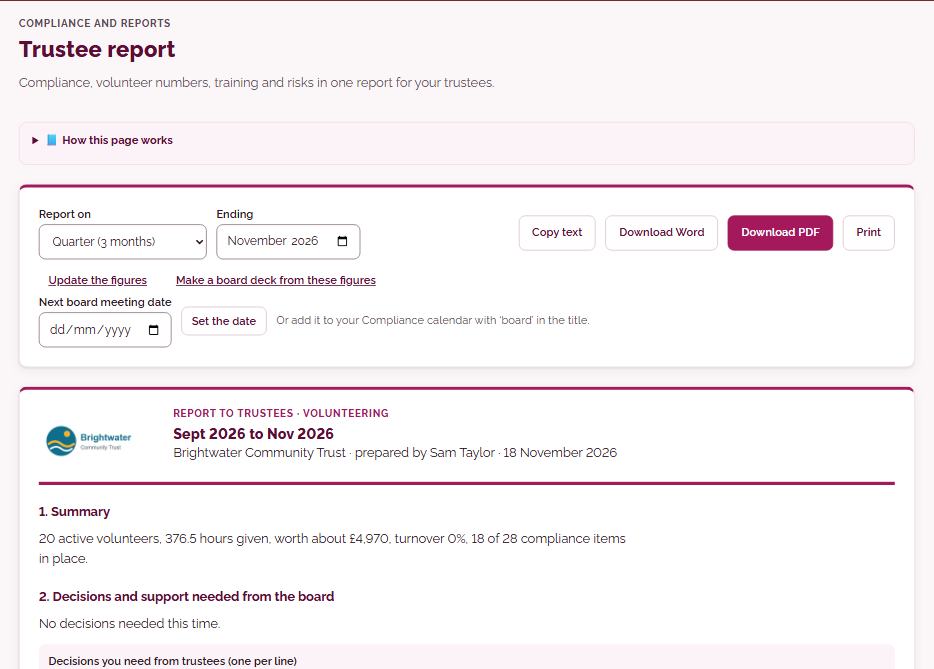
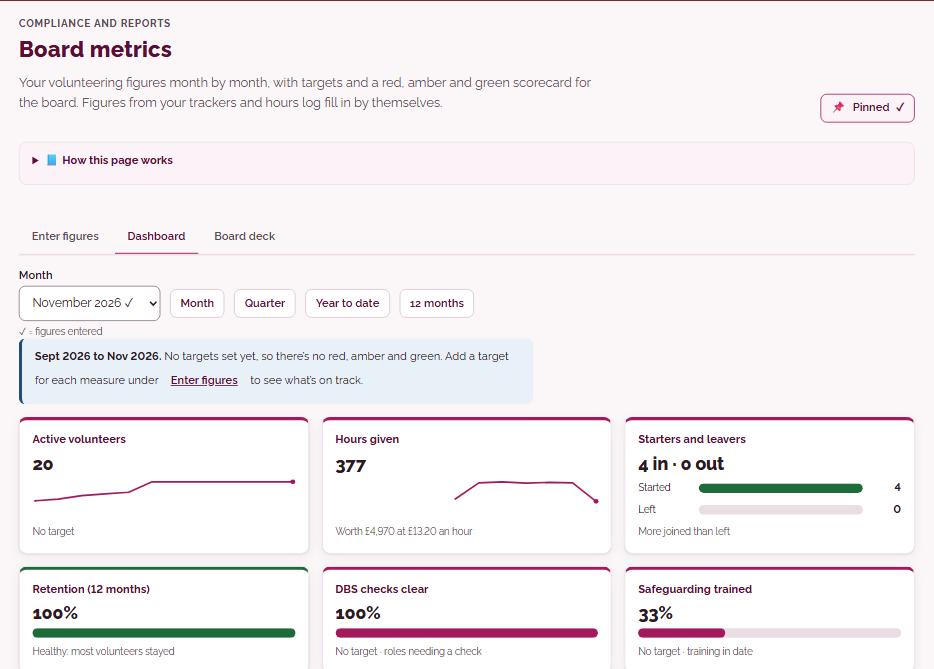
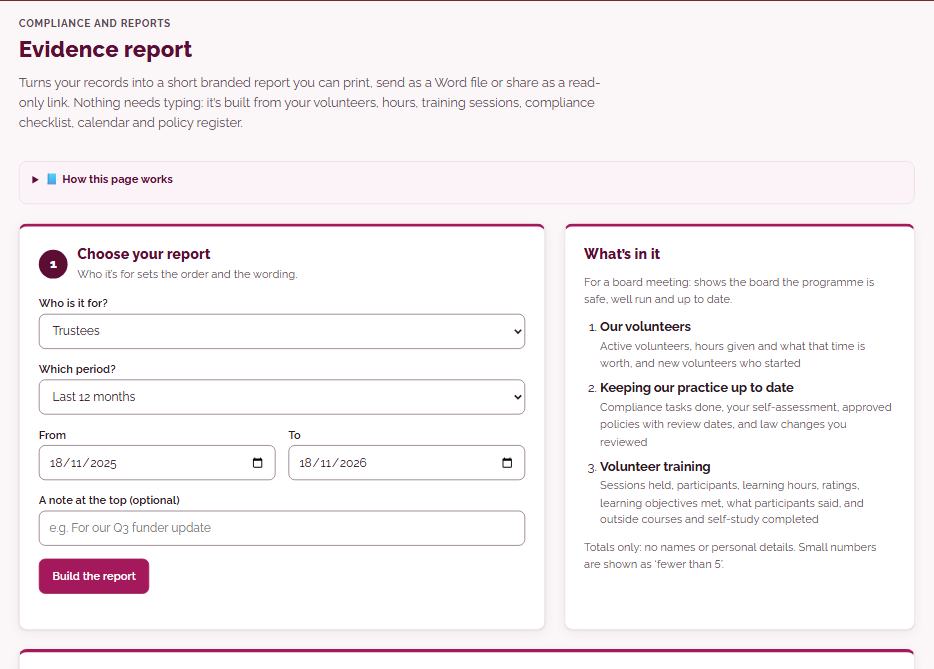
Built from your records, so nothing needs typing. Print them, send them as Word files or share a read-only link.
- Trustee reportcompliance, volunteer numbers, training and risks in one report
- Board metricsyour figures month by month, with targets and a red, amber and green scorecard
- Evidence reporta short branded report for funders and inspectors
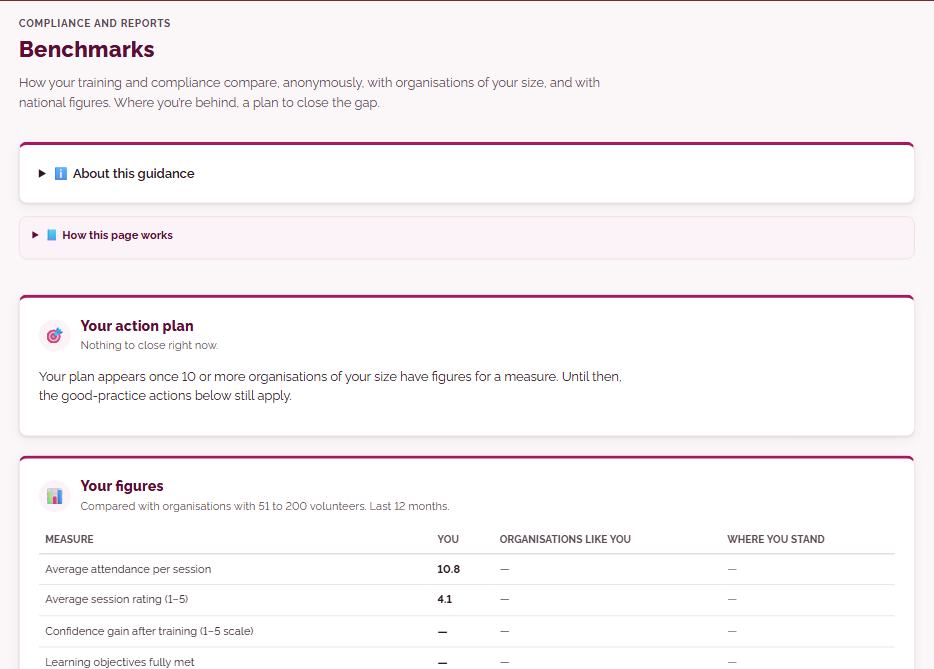
- Benchmarkshow you compare, anonymously, with organisations of your size
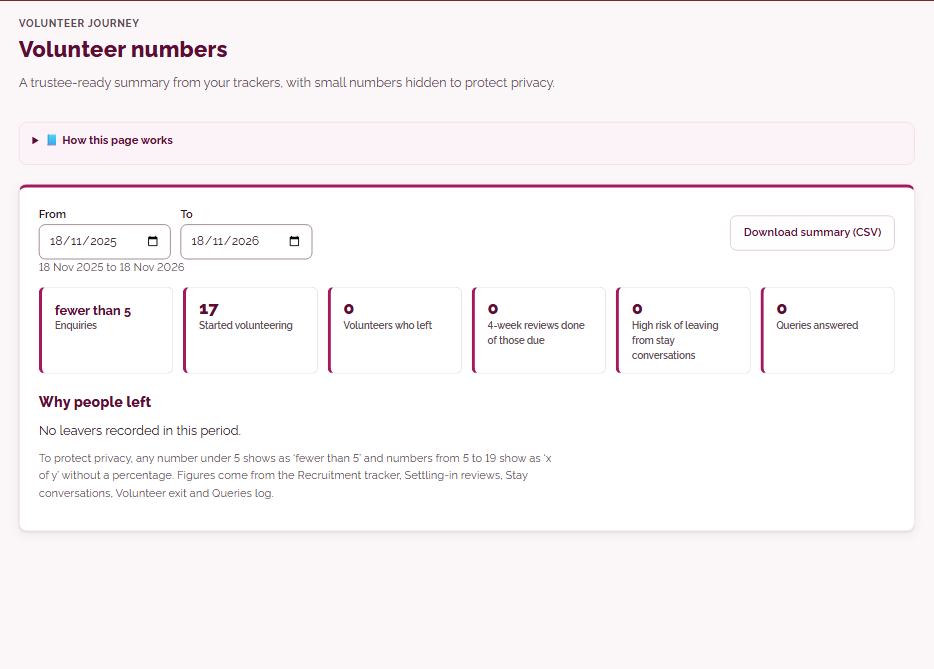
- Volunteer numbersa trustee-ready summary, with small numbers hidden to protect privacy
Documents
Policies and documents, written for you
Every document is written and checked by Volunteer Solutions, tailored to your organisation and filled in with your details.
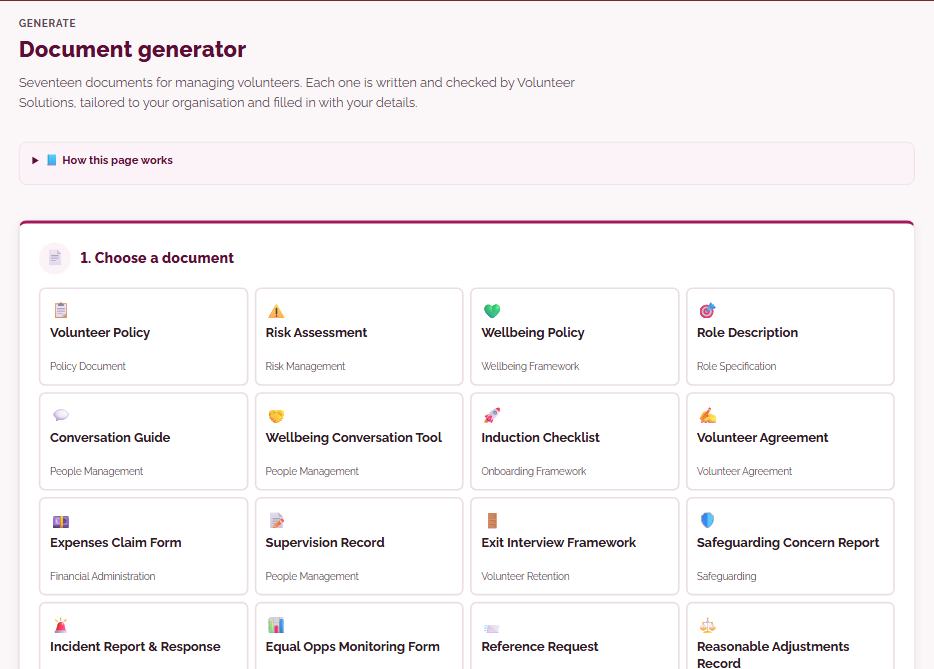
- Document generatorseventeen documents, from volunteer policy and risk assessment to volunteer agreement
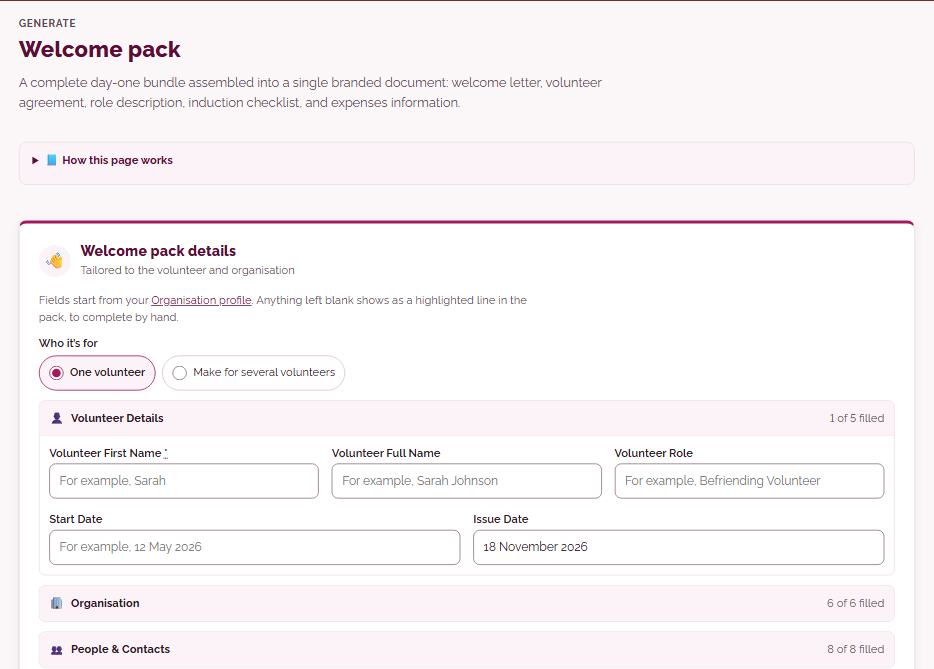
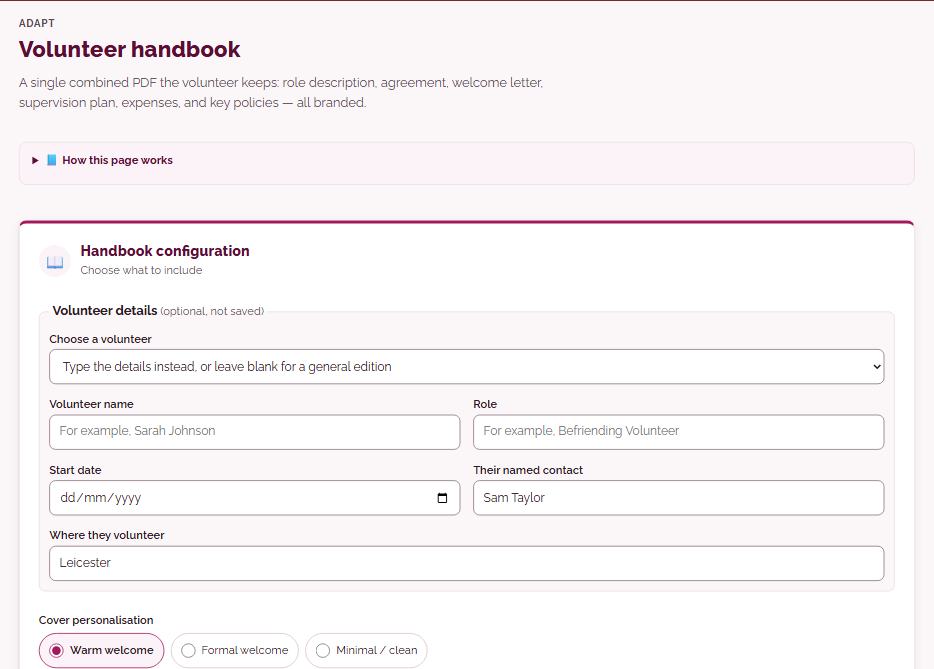
- Welcome pack and Volunteer handbooka complete day-one bundle in one branded document
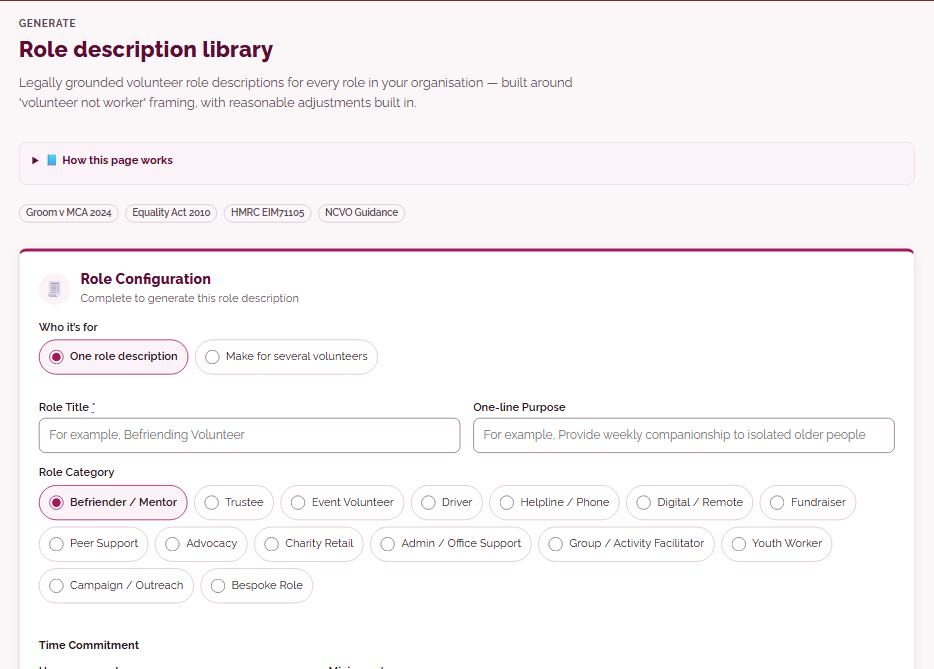
- Role description librarylegally grounded role descriptions for every role
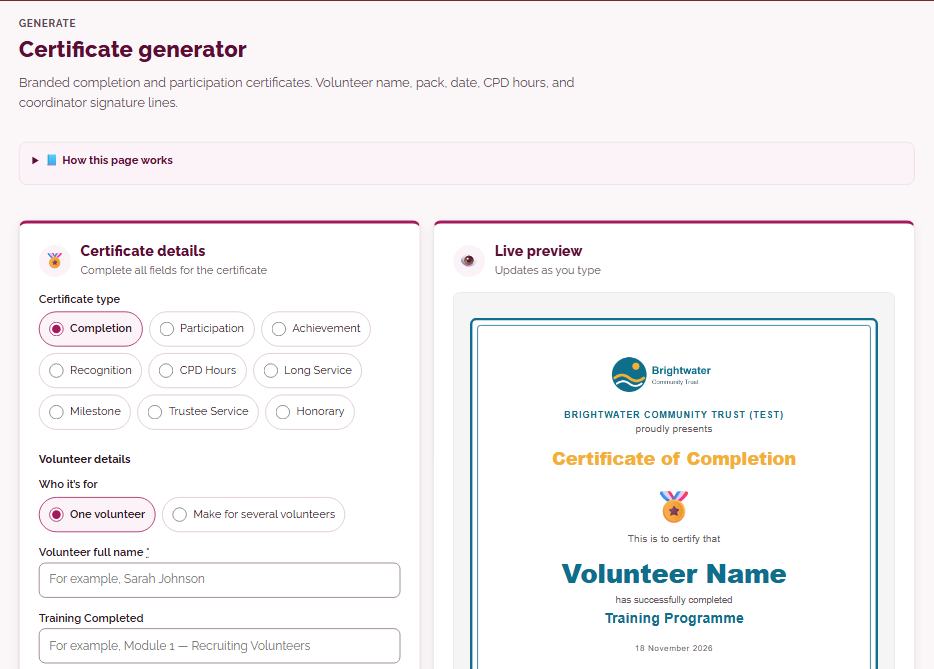
- Certificatesbranded completion and participation certificates
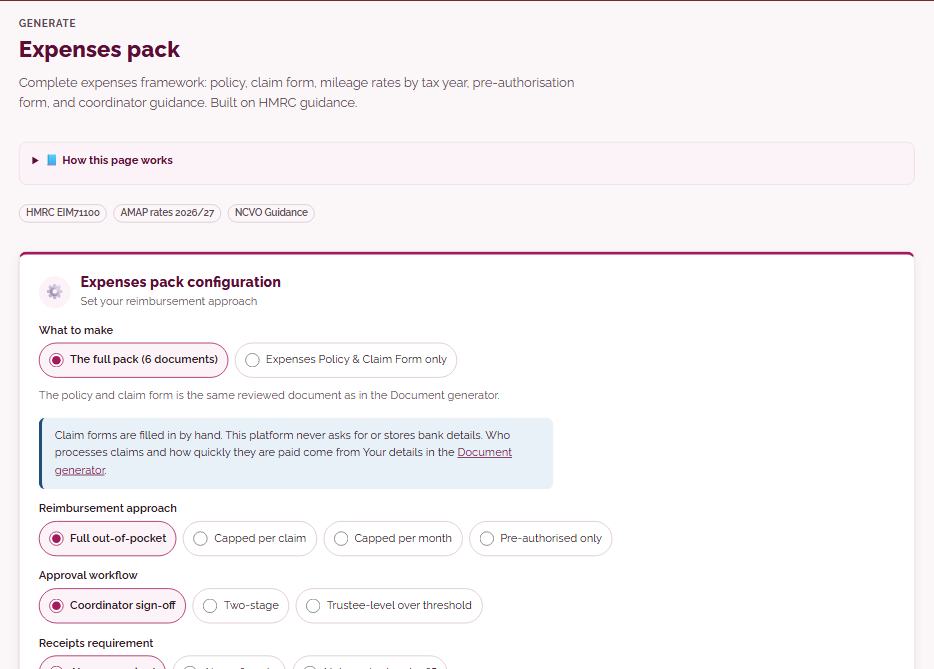
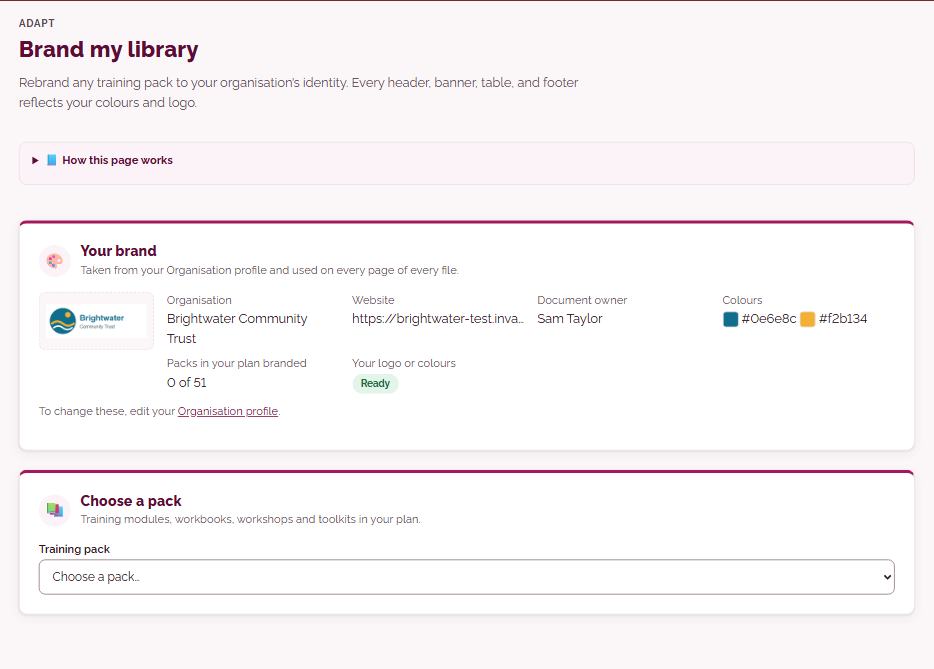
- Expenses, supervision and AGM packscomplete frameworks, built on current guidance
- Evaluation pack and Survey builderforms and surveys grounded in NCVO research
- Email templates30 ready-made emails, branded and adapted for your nation
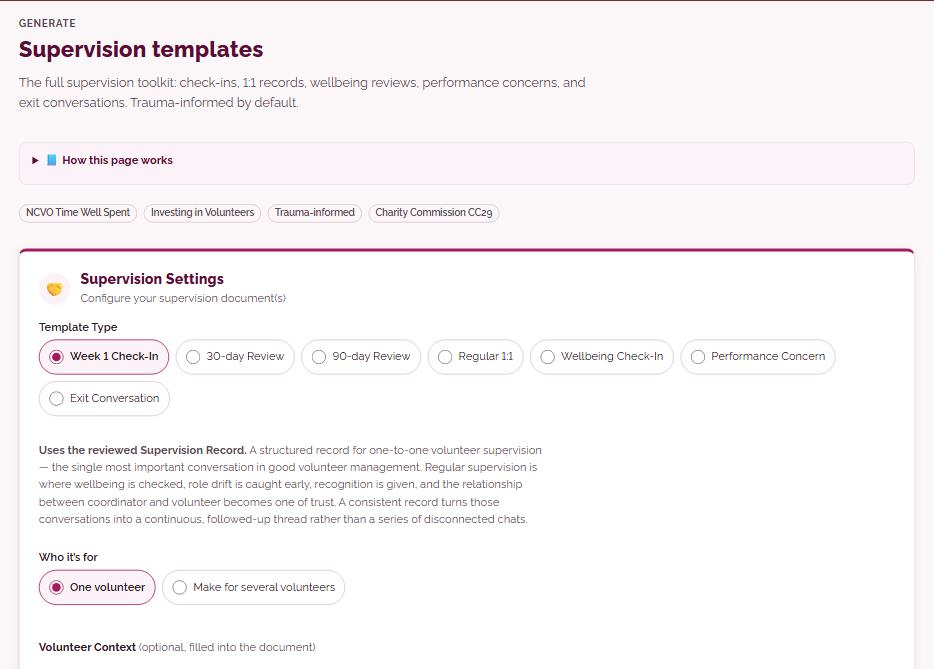
Your brand
Your organisation’s brand, built in
Add your logo, colours and details once. From then on, everything the platform makes carries your organisation’s name and look.
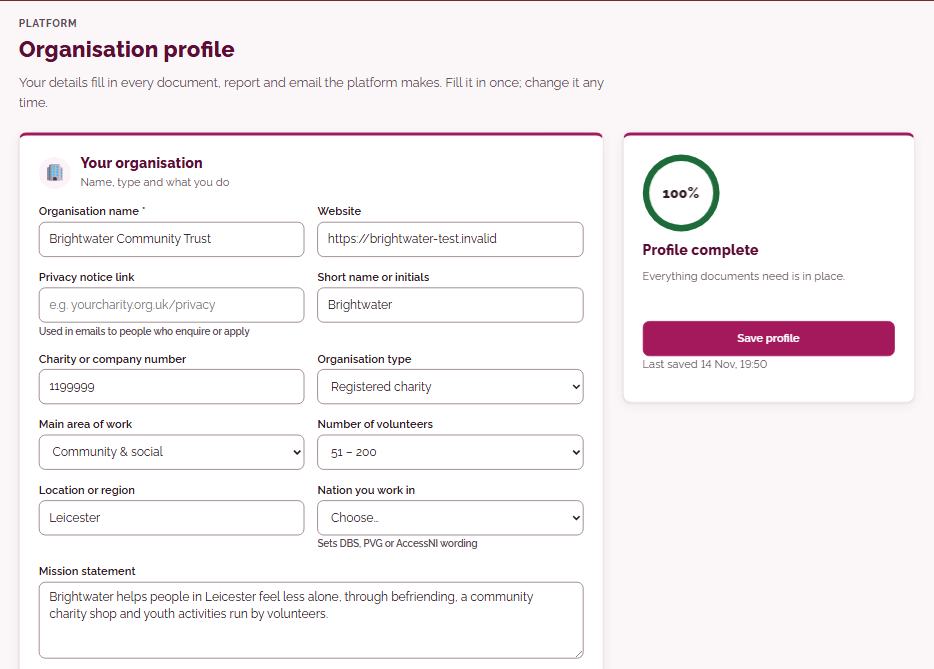
- Organisation profileyour details fill in every document, report and email
- Brand my libraryrebrand any training module: every header, banner, table and footer in your colours and logo
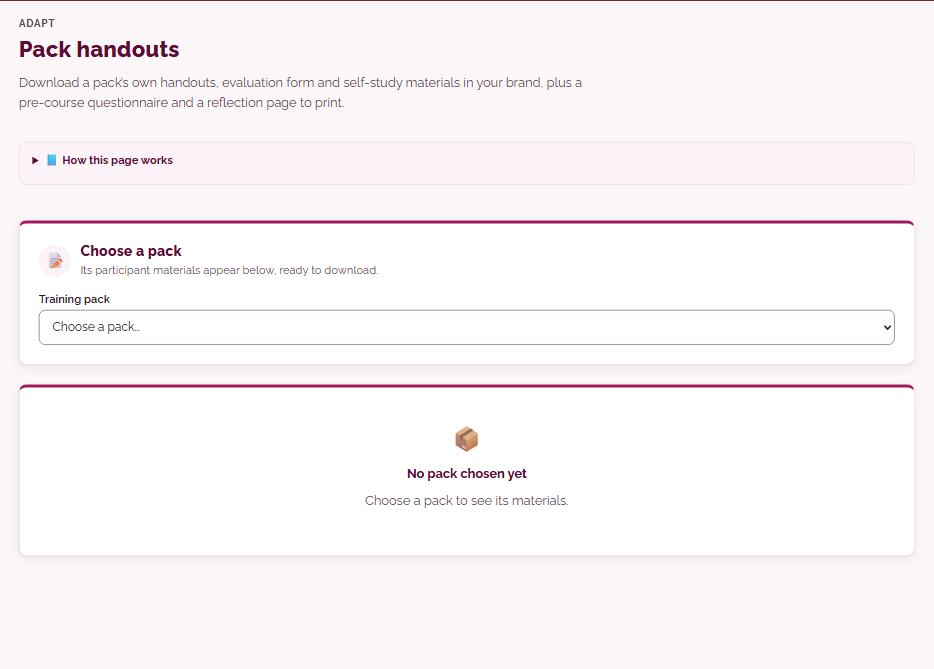
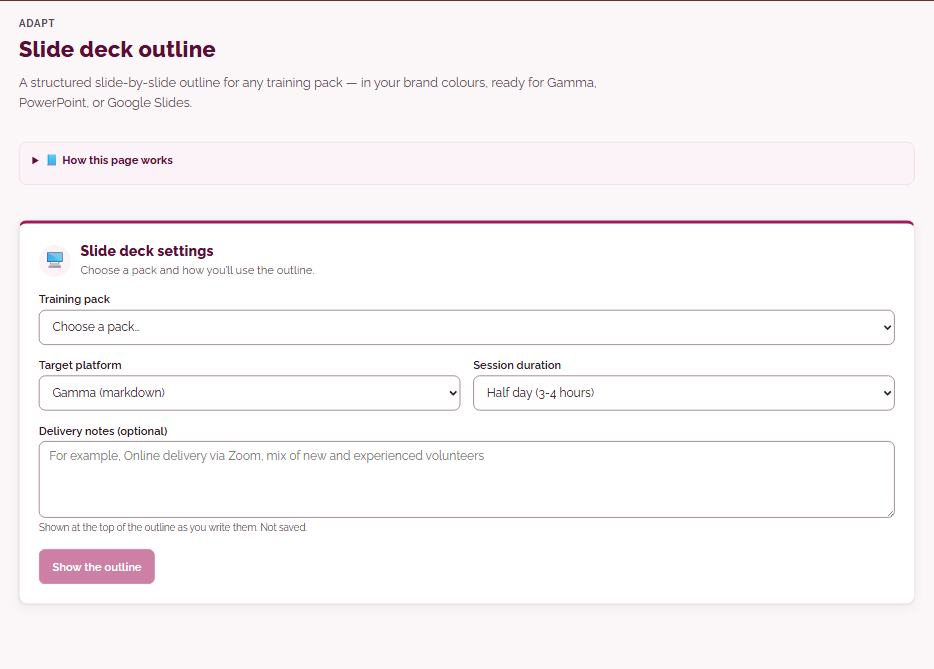
- Module handouts, slide outlines and trainer briefingsall in your brand, ready to use
- Your Volunteer with us pageopen roles and application forms in your organisation’s name and colours
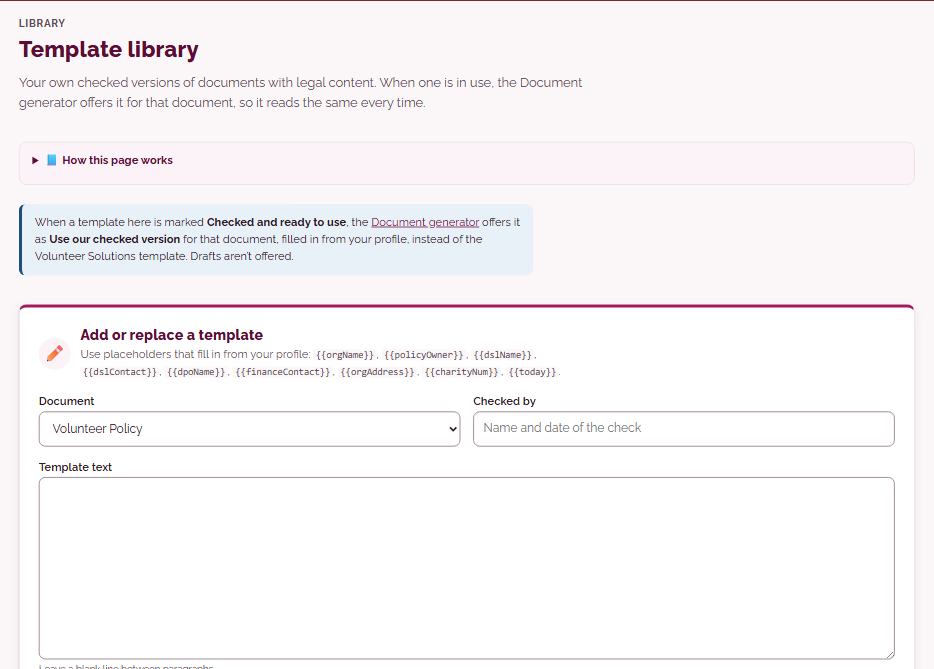
- Template libraryyour own checked versions of documents, used every time
AI help
Expert help when you need it
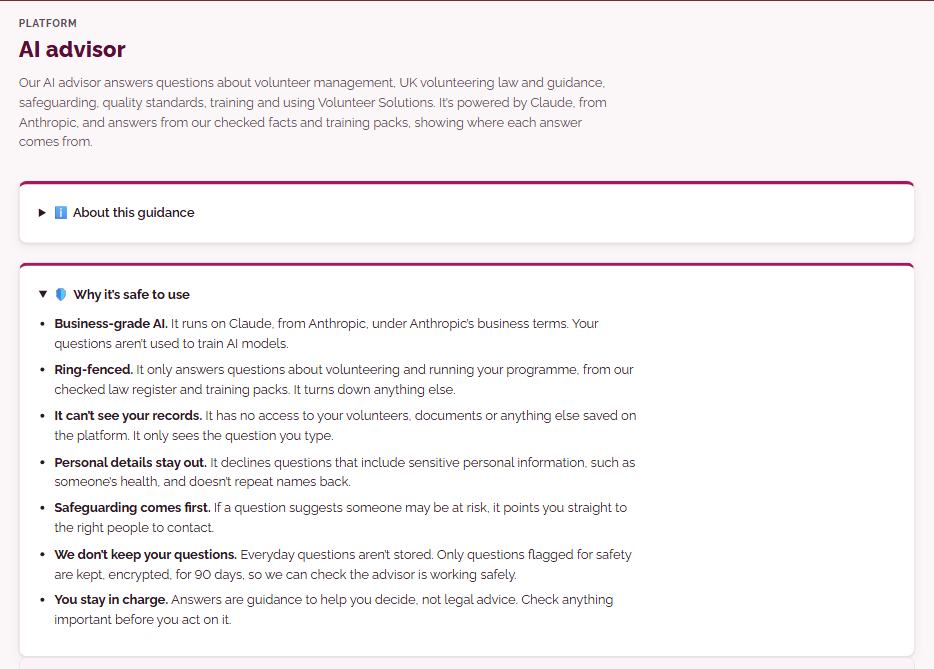
An AI advisor for everyday questions, and AI tools that start from our expert-written templates and suggest small, checked changes. It never writes your policies from scratch.
- AI advisoranswers on volunteer management, UK volunteering law and guidance, safeguarding and quality standards
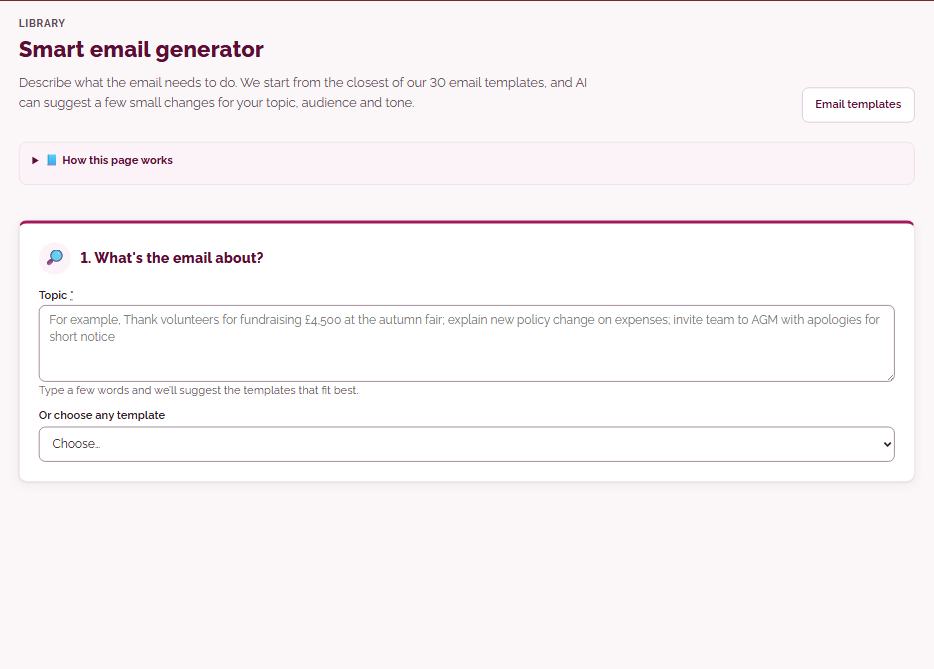
- Smart email generatorstarts from the closest of 30 checked templates, then suggests small changes
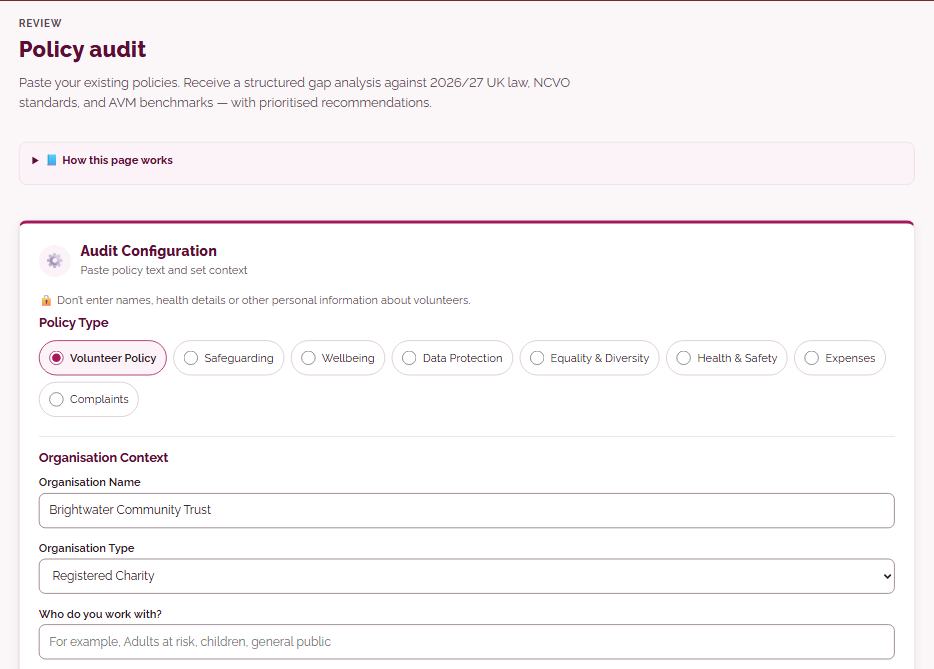
- Policy audita gap analysis of your existing policies against current UK law and good practice
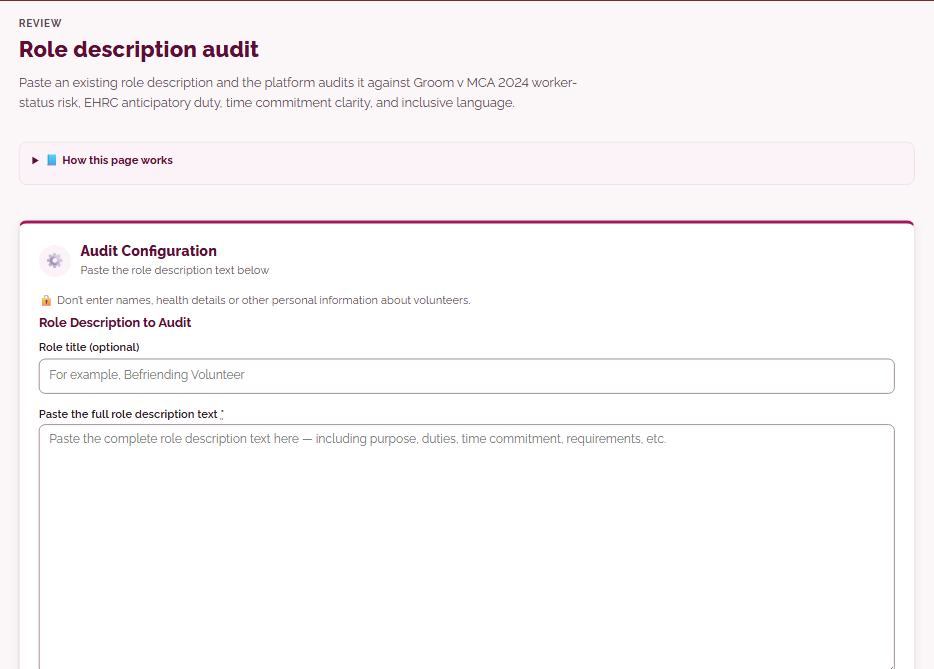
- Role description auditchecks a role description for worker-status risk and fair, accessible wording
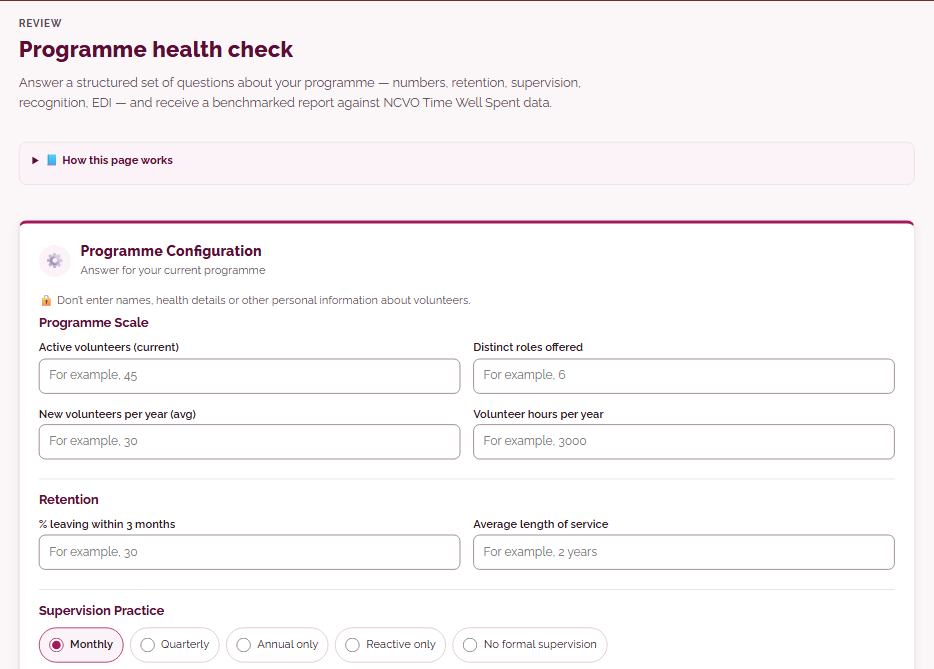
- Programme health checka benchmarked report on retention, supervision, recognition and inclusion
Awareness-level guidance, not legal advice. Please don’t include names or personal details in questions.
Quality standards
Work towards the quality standards that matter
Track progress, log evidence once and see your gaps for every major volunteering standard.
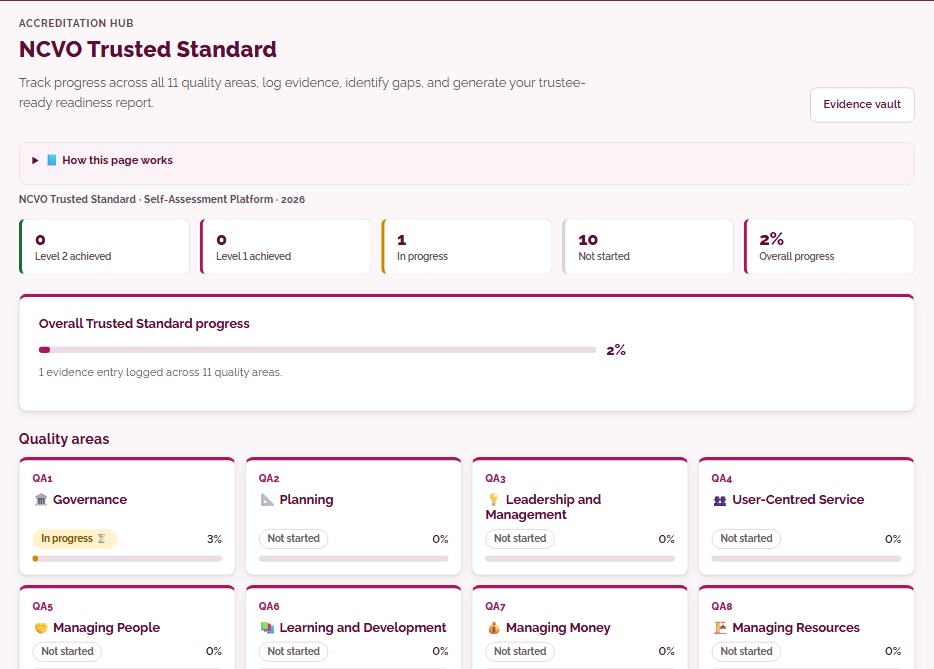
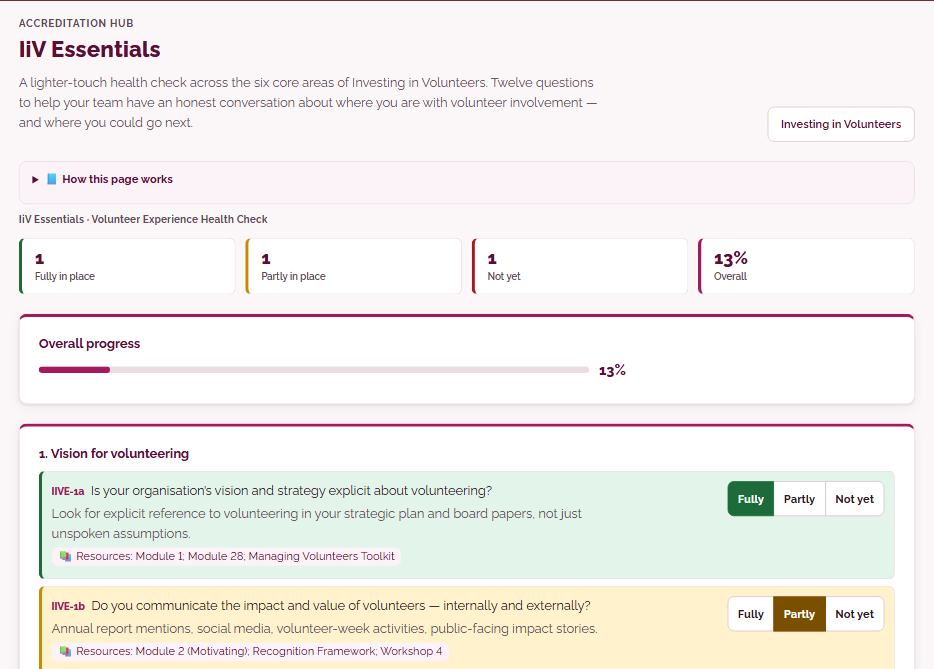
- NCVO Trusted Standardall 11 quality areas, with a trustee-ready readiness report
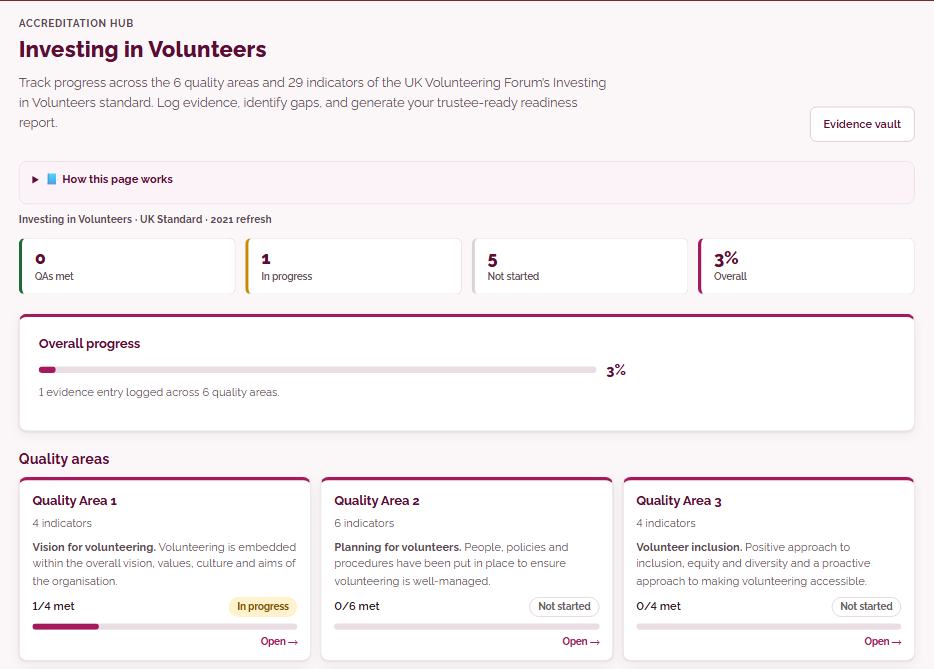
- Investing in Volunteersthe 6 quality areas and 29 indicators
- IiV Essentialsa lighter-touch health check in twelve questions
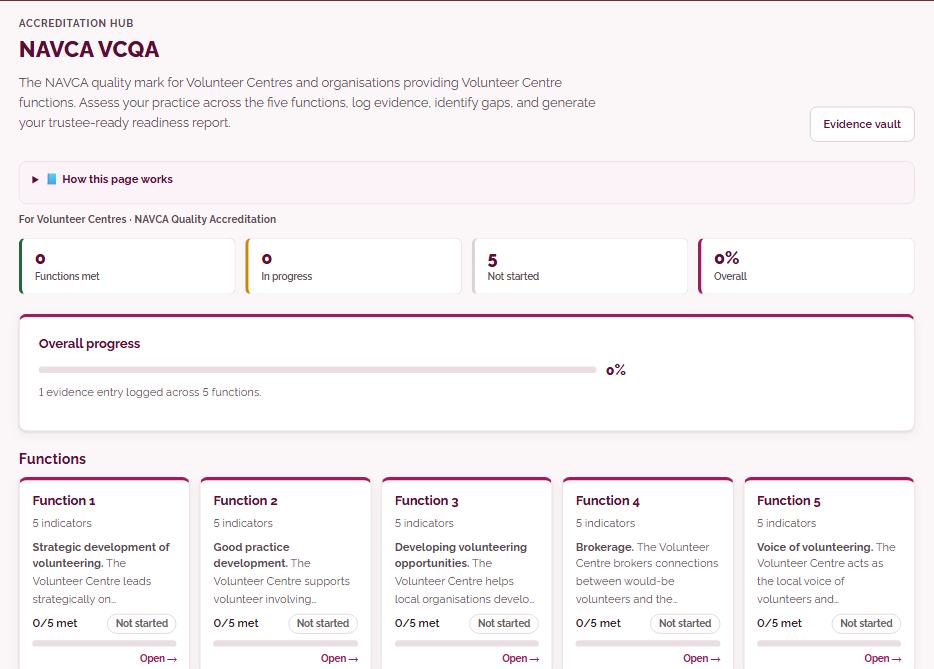
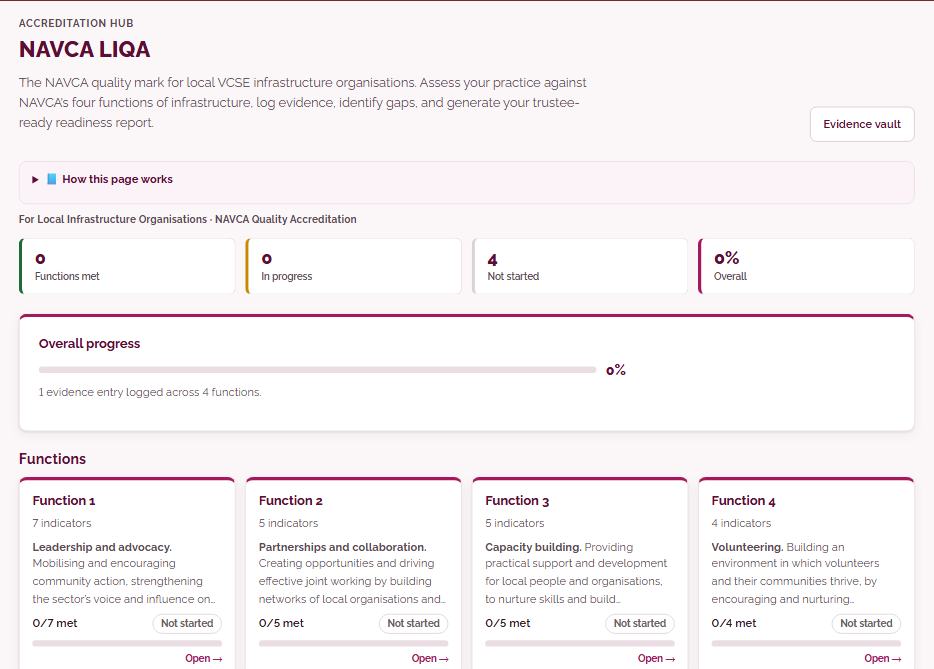
- NAVCA VCQA and LIQAfor Volunteer Centres and local infrastructure organisations
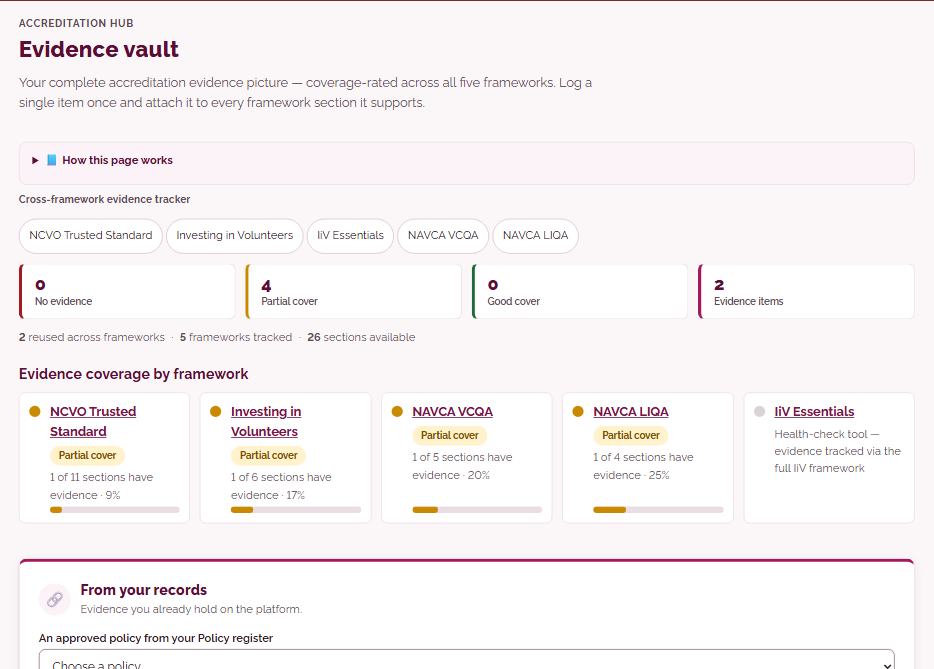
- Evidence vaultlog an item once and attach it to every framework
Manage your platform
You stay in control of your platform
Your organisation’s settings, your team and what each person can do, your data coming in and going out, how you keep in touch, and your AI allowance, all in one place.
- Organisation settingsyour details, logo and colours, filled in once and used everywhere
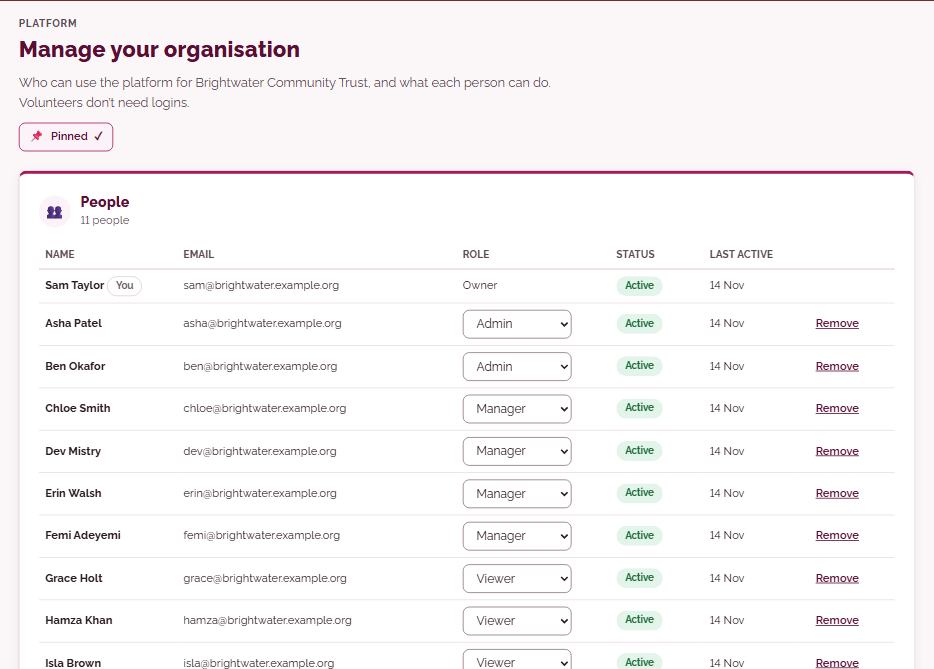
- Admins and rolesOwners, Admins, Managers and Viewers each see and do what they need. Volunteers don’t need logins
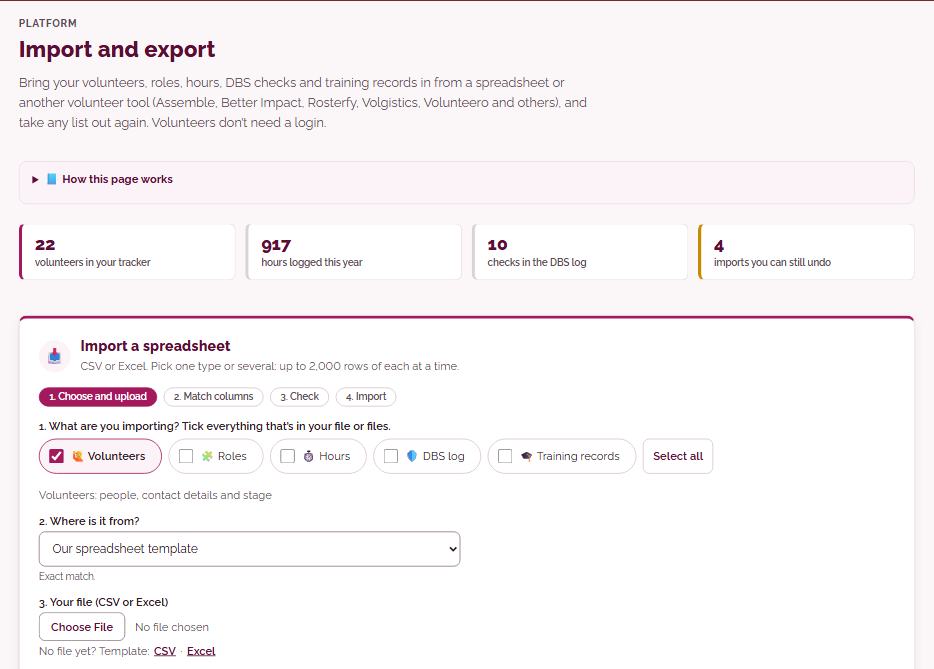
- Import and exportbring in volunteers, roles, hours, DBS checks and training records from a spreadsheet or tools such as Assemble, Better Impact, Rosterfy, Volgistics and Volunteero, and take any list out again
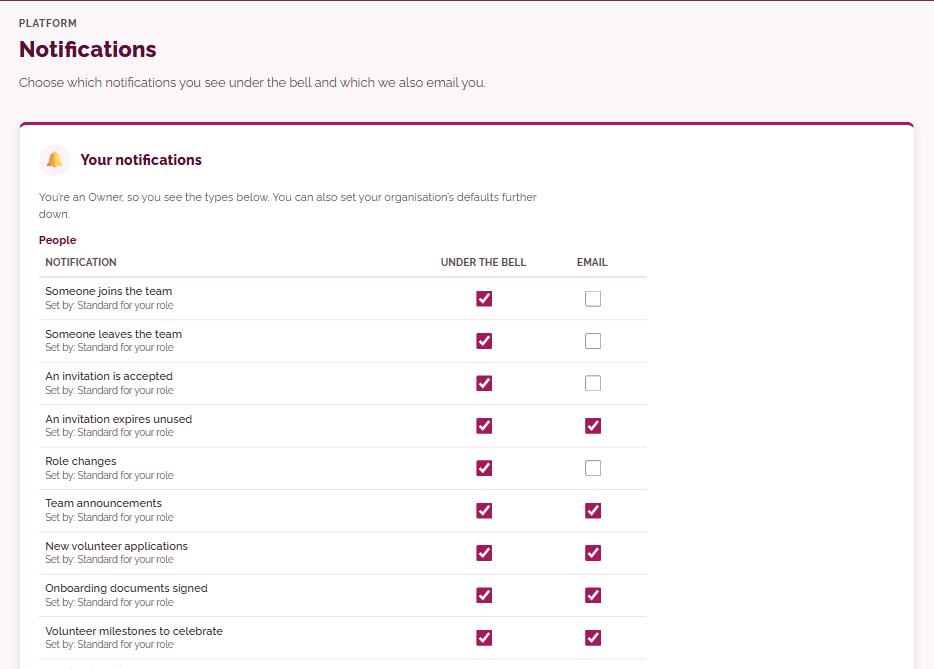
- Communicationsnotification settings, private links to share documents with volunteers and see who has read them, and 30 email templates
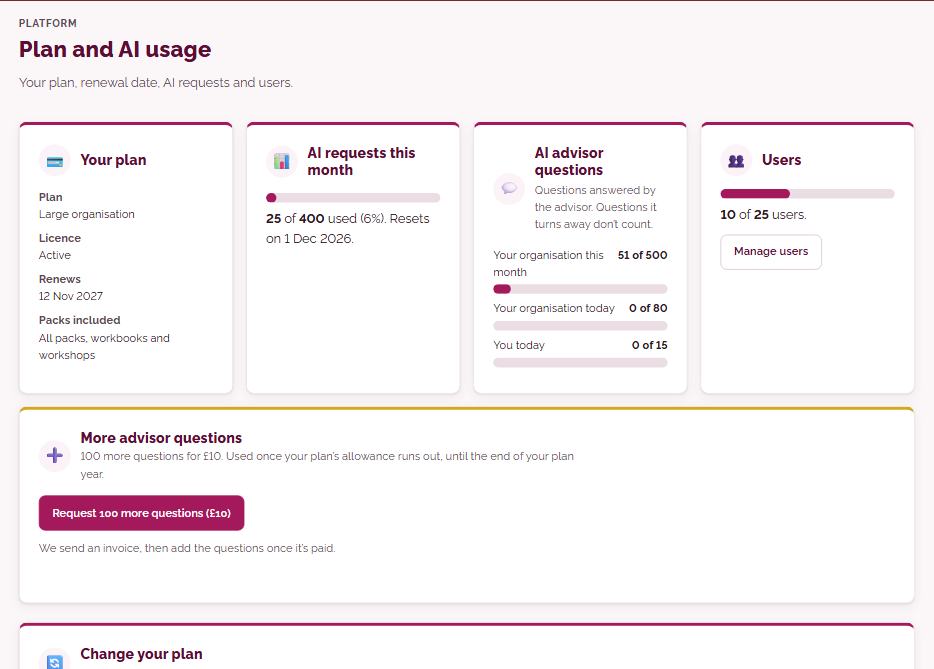
- Plan and AI creditsyour plan, renewal date, users, and your AI credits for the year: 10% of your plan back. Need more? 500 credits for £10
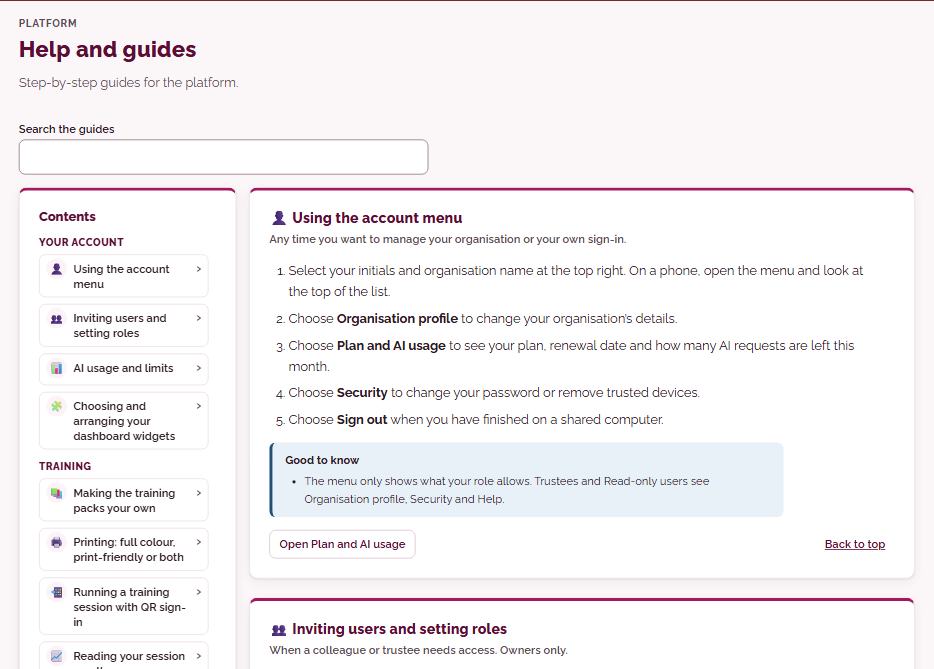
- Security, privacy and supporttrusted devices, data hosted in Germany (EU) with hourly backups, and support access only when you allow it
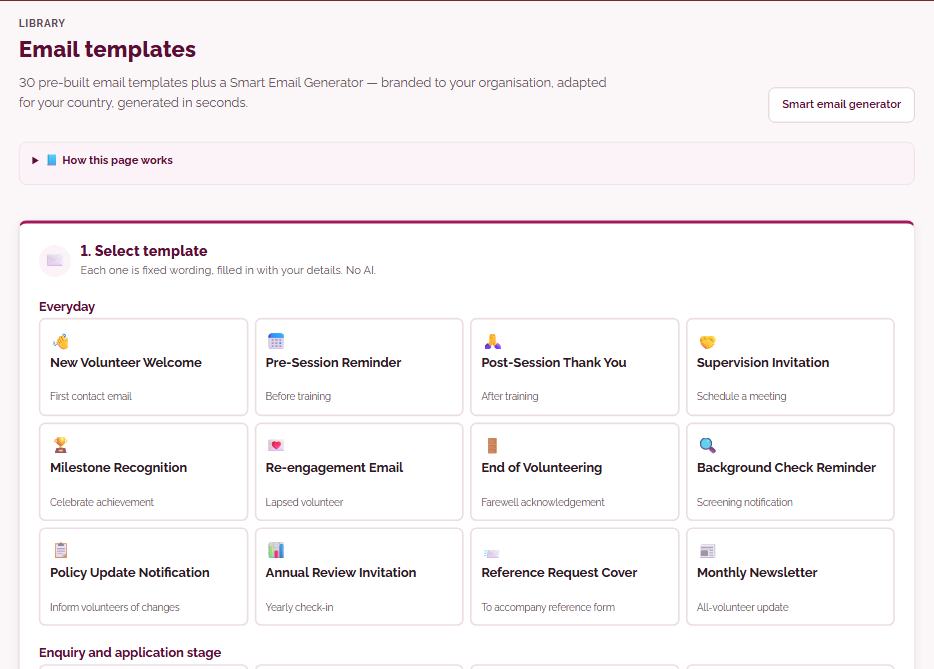
See it set up
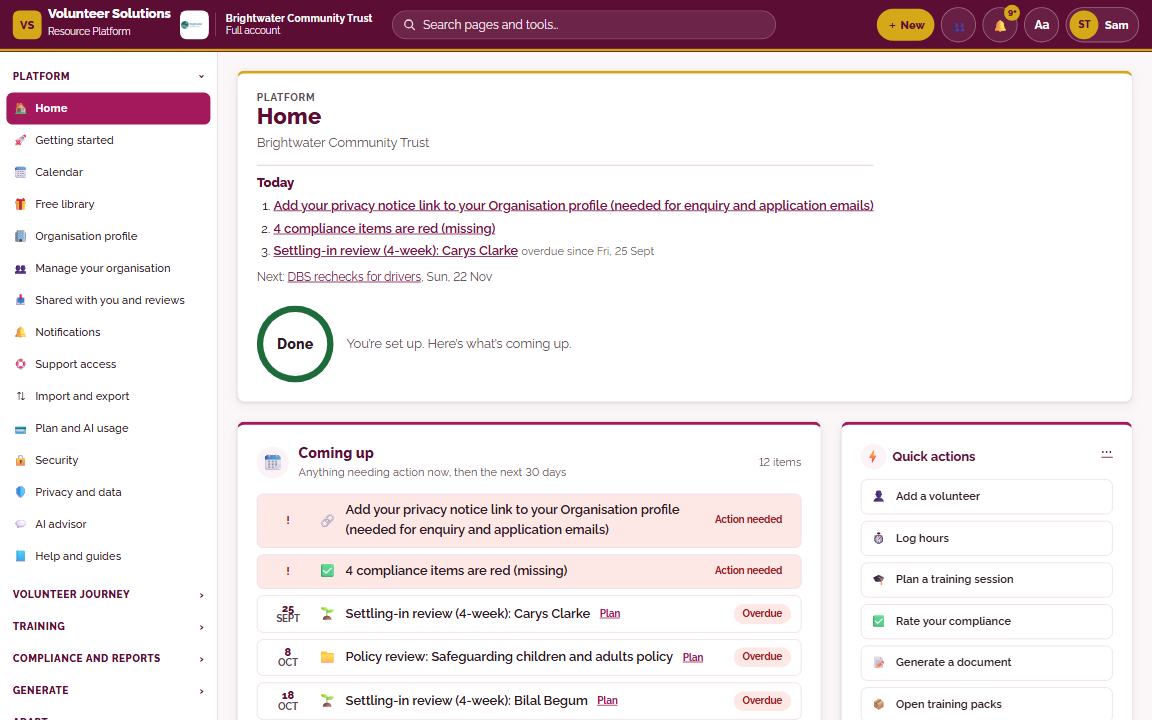
Riverside Community Trust, once it’s configured
Add your logo, colours and details once, and the whole platform becomes yours. Here is how a fictional example organisation, Riverside Community Trust, looks after a single afternoon’s setup.
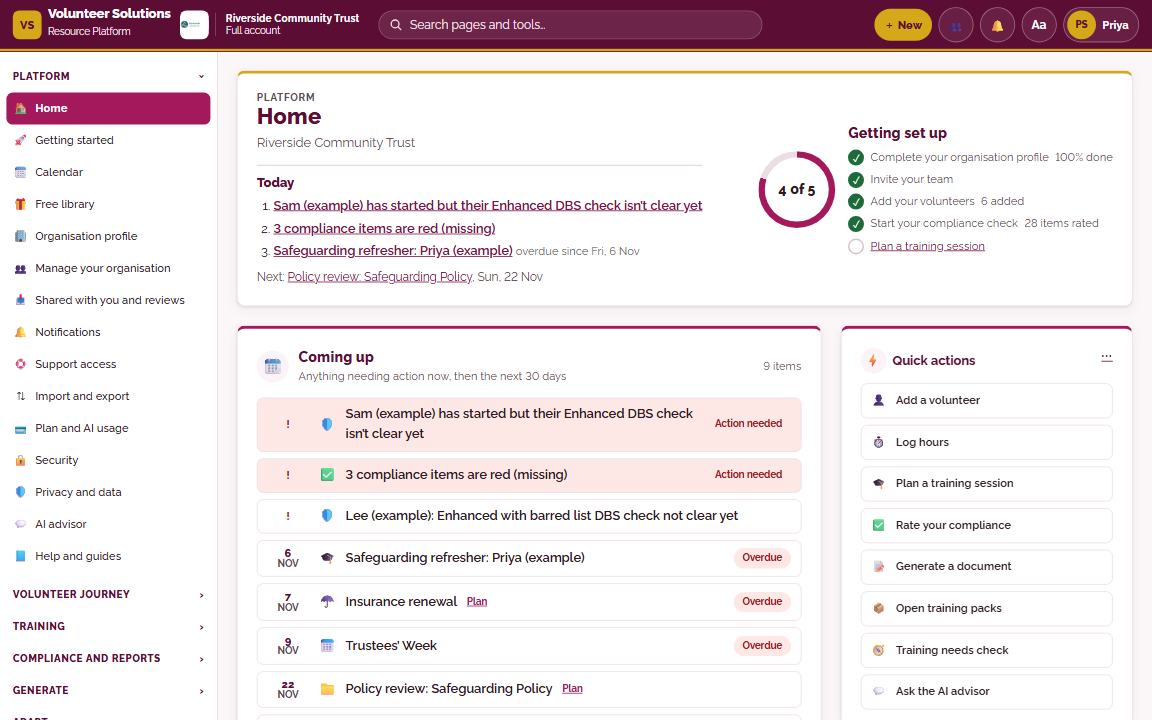
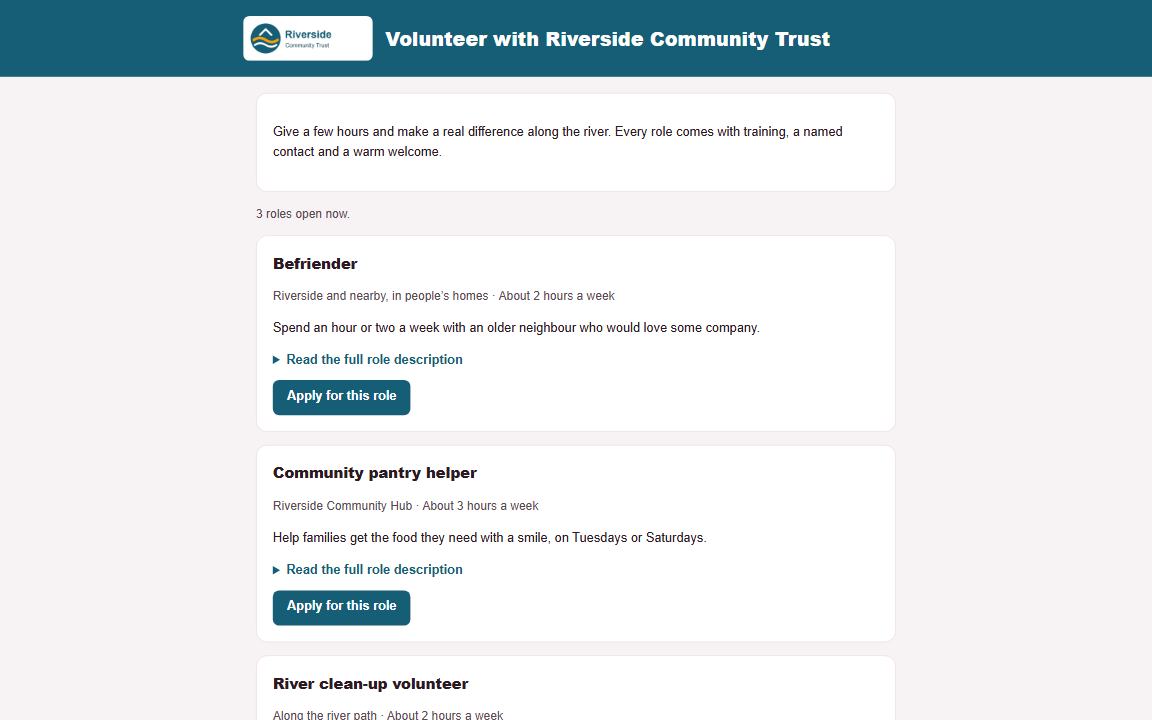
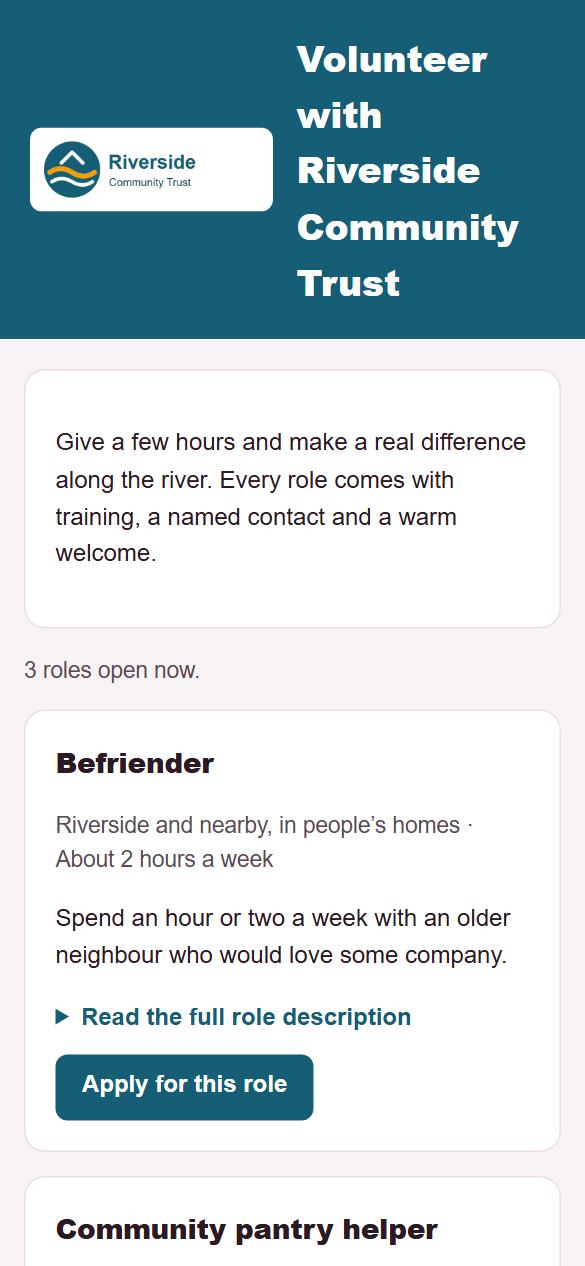
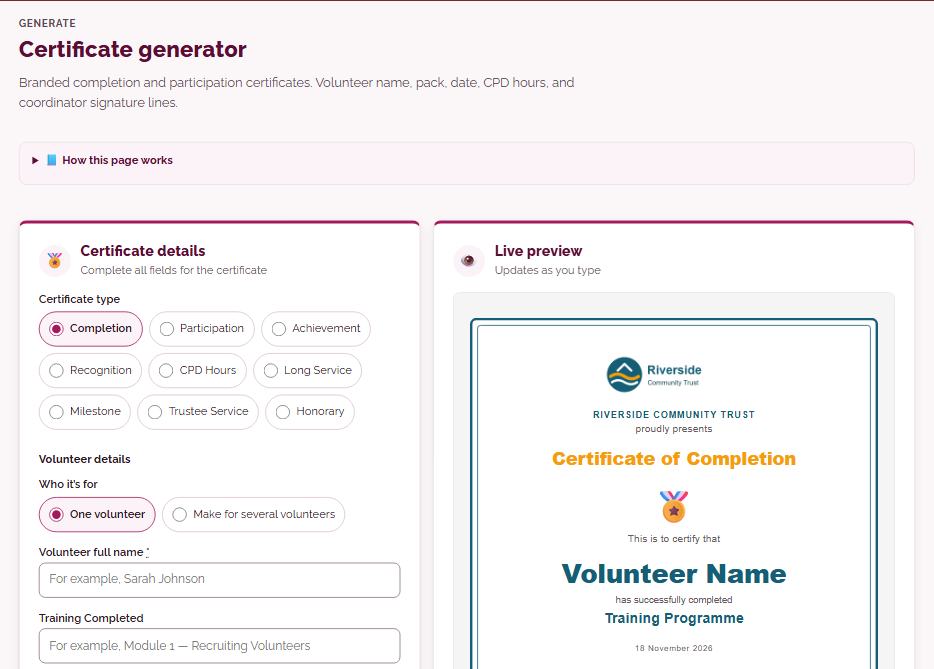
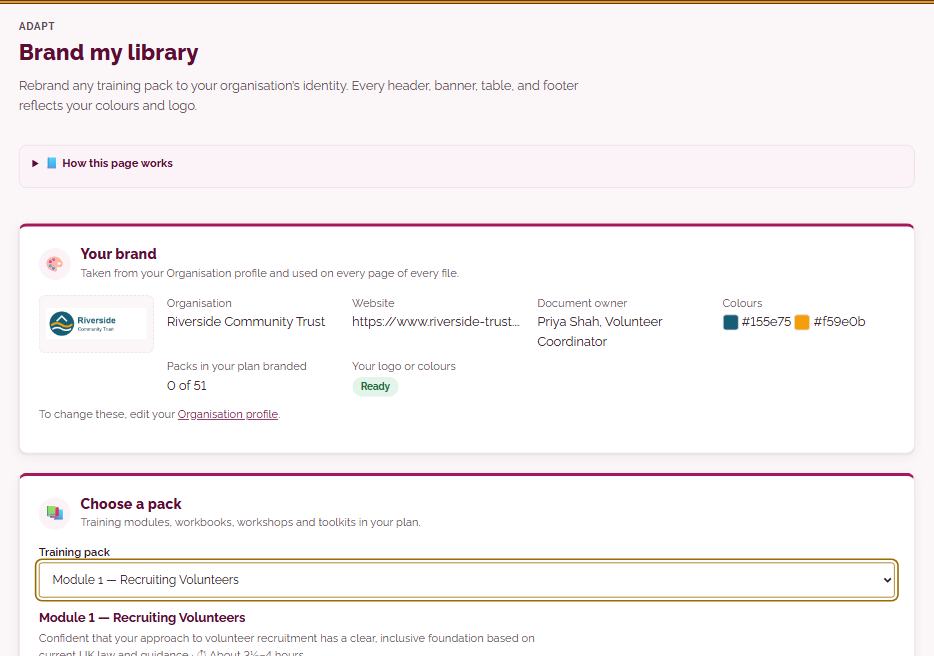
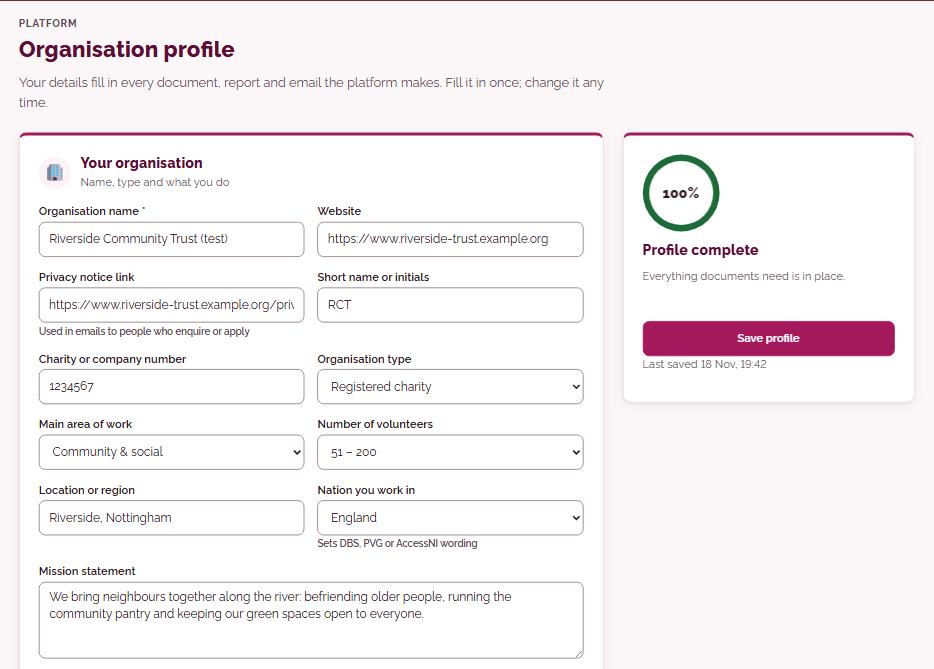
Riverside Community Trust is a fictional example organisation used to show the platform.
How the free trial works
14 days to try it
Try the main tools with up to 2 people, including Module 1, a few documents and AI help. Certificates, trustee reports and the full training library open when you choose a plan. We send a short guide every few days so you get the most from it.
Choose a plan
Standard £295 or Large £495 a year. Pay by card, or by invoice or purchase order.
Your work is kept
Everything you set up carries on. If you don’t continue, you keep read-only access for 30 days before it is deleted.
Pricing
Every plan includes every module in the library and every platform feature.
Standard
For most charities and community groups
£295 a year
- 10 staff users included
- Extra users £20 a year
- No per-volunteer feesTrain as many as you like and manage your whole volunteer team in the platform
- Everything in the platformThe full library and every tool: see the list below
No card needed for the trial. Try Module 1 and the main tools with up to 2 people.
Renews each year. We email you 30 days before, and you can stop renewal at any time from your Plan page.
Large
For larger charities, councils and housing associations
£495 a year
- 25 staff users included
- Extra users £20 a year
- No per-volunteer feesTrain as many as you like and manage your whole volunteer team in the platform
- Everything in the platformThe full library and every tool: see the list below
No card needed for the trial. Try Module 1 and the main tools with up to 2 people.
Renews each year. We email you 30 days before, and you can stop renewal at any time from your Plan page.
Network
For umbrella bodies, CVS and networks of organisations
£850 a year
- Plus £75 per member a year
- 3 users per member included
- Everything for every memberTrain as many volunteers as you like and manage them all in the platform
- Everything in the platformThe full library and every tool: see the list below
- Central oversight across your members
Renews each year. We email you 30 days before, and you can stop renewal at any time from your Plan page.
Every plan includes
- The full training library: 55 resources as PDF and PowerPoint, in your own brand
- Recruitment, onboarding, DBS and screening
- Compliance check, calendar and reminders
- 17 policies and documents with your logo
- Training records, QR sign-in and certificates
- Volunteer hours, milestones and your Volunteer with us page
- Trustee, funder and board reports
- Quality standards: NCVO Trusted Standard, Investing in Volunteers
- AI advisor and AI tools
- Email support from a real person
Prefer to pay by invoice or purchase order? Get an invoice, emailed straight away.
See every one of the 76 platform tools →
Every plan gives you 10% of its price back as AI credits, to use on the AI advisor and AI tools through your plan year. Bigger jobs use more credits: an advisor question usually uses 1 to 3, a full document 5 to 20. See the AI credits guide. Need more? 500 credits for £10. The free trial includes 50 credits. Extra staff users are £20 a year each and add 200 credits.
Try the platform free for 14 days
Try the main tools with up to 2 people. If you decide it is not for you, that is fine.
Not ready yet? Get free resources first