Training library · Coordinator toolkit
Toolkit 1
Supporting Volunteers: Coordinator Toolkit
A coordinator toolkit of reference guidance and ready-to-use templates for supporting volunteers through the whole volunteer journey, from welcome and induction to supervision, wellbeing, recognition and endings.
Also available: Supervising Volunteers Training Toolkit
Overview
Volunteers need to feel supported, and the staff who work with them need to feel able to give that support, which is not always easy for busy teams. This toolkit gives coordinators reference guidance and ready-to-use templates for the whole volunteer journey. Twelve sections cover the coordinator's role, welcoming and inclusive environments, induction, digital and hybrid volunteers, supervision and support, recognition and retention, addressing difficulties, volunteer wellbeing, communication, endings and transitions, and troubleshooting, followed by templates and checklists that each start on their own page. Read it in full or go straight to the topic you need. Legal content is awareness-level guidance, not legal advice.
What’s included
- 12 sections of reference guidance covering the whole volunteer journey
- Troubleshooting quick-reference section
- 4 templates: volunteer journey checklist, supervision record, wellbeing check-in and a script for addressing concerns
- 2 checklists: legal compliance for volunteer programmes and recognition ideas
- User guide slide deck
- PDF versions (colour, print and ink-saver) and an editable Word version
What’s inside
Every page of every part, zoomed out so you can see the scale and layout: 54 pages in all.
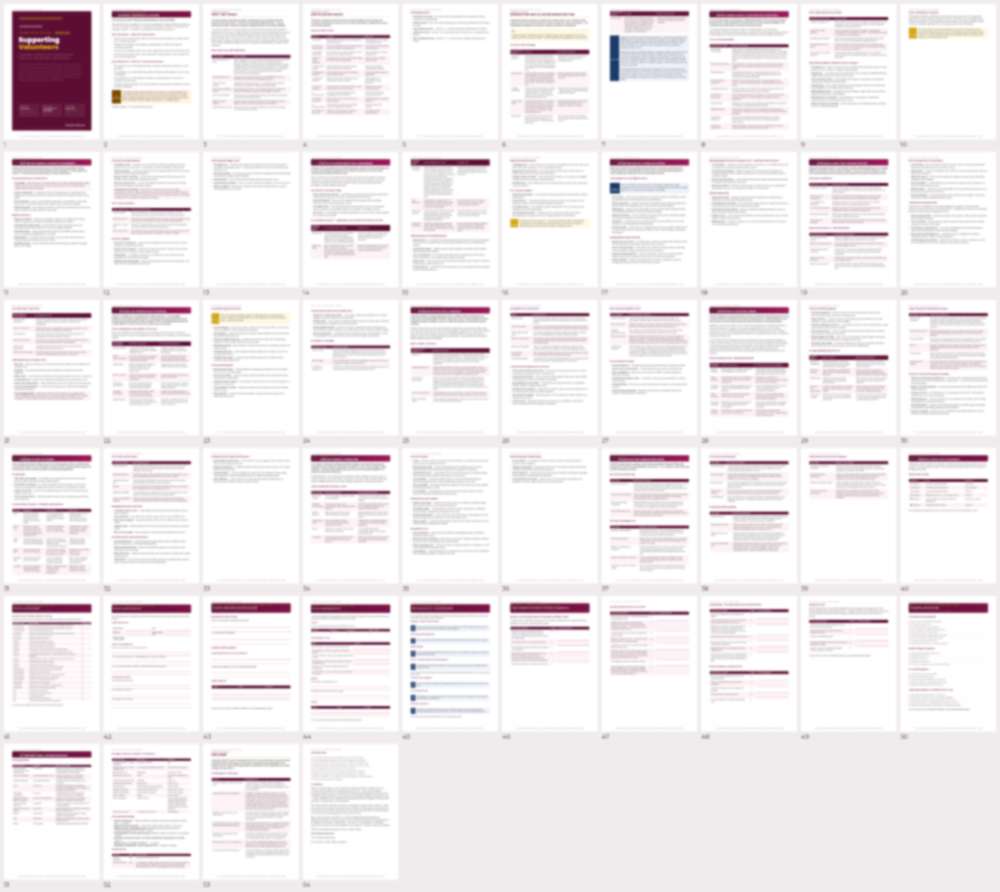
Previews are shown at low resolution. The full files come with your plan or single purchase.
Deliver it yourselves, in-house
A practical reference for the people who run your volunteer programme, with templates and checklists your team can adapt and use straight away, instead of paying a consultant. Kept up to date when the law or guidance changes, and it builds your team’s skills and confidence as they use it.
Try the platform free for 14 days
Try the main tools with up to 2 people. If you decide it is not for you, that is fine.
Not ready yet? Get free resources first