Training library · Coordinator toolkit
Toolkit 6
Planning & Running Events: Charity Toolkit
This Toolkit is for anyone who is likely to be involved with planning and running an event. It will become your go-to event resource.
Also available: Event Planning Training for Charities
Overview
Events are the lifeblood of many voluntary organisations, and they usually start as someone's good idea. Turning that idea into an event the organisation can be proud of takes careful planning. This toolkit guides you through the whole event cycle in nine sections: choosing the type and format of event, setting clear objectives, legal and compliance essentials (risk assessment, UK GDPR, the Equality Act 2010, licensing, safeguarding, and health and safety), virtual and hybrid events, marketing and promotion, planning, building your team, sixteen 'what if' scenarios, and evaluating impact. The appendices give you templates, a master planning checklist, a risk assessment, a privacy notice, an accessibility checklist, useful resources and a glossary. Legal content is awareness-level guidance, not legal advice.
What’s included
- 9 sections covering the whole event cycle, including virtual and hybrid events
- 2 templates: objective setting and impact report
- 4 forms: master event planning checklist, risk assessment, UK GDPR privacy notice and accessibility checklist
- 16 'what if' troubleshooting scenarios
- Useful resources and glossary
- User guide slide deck
- PDF versions (colour, print and ink-saver) and an editable Word version
What’s inside
Every page of every part, zoomed out so you can see the scale and layout: 67 pages in all.
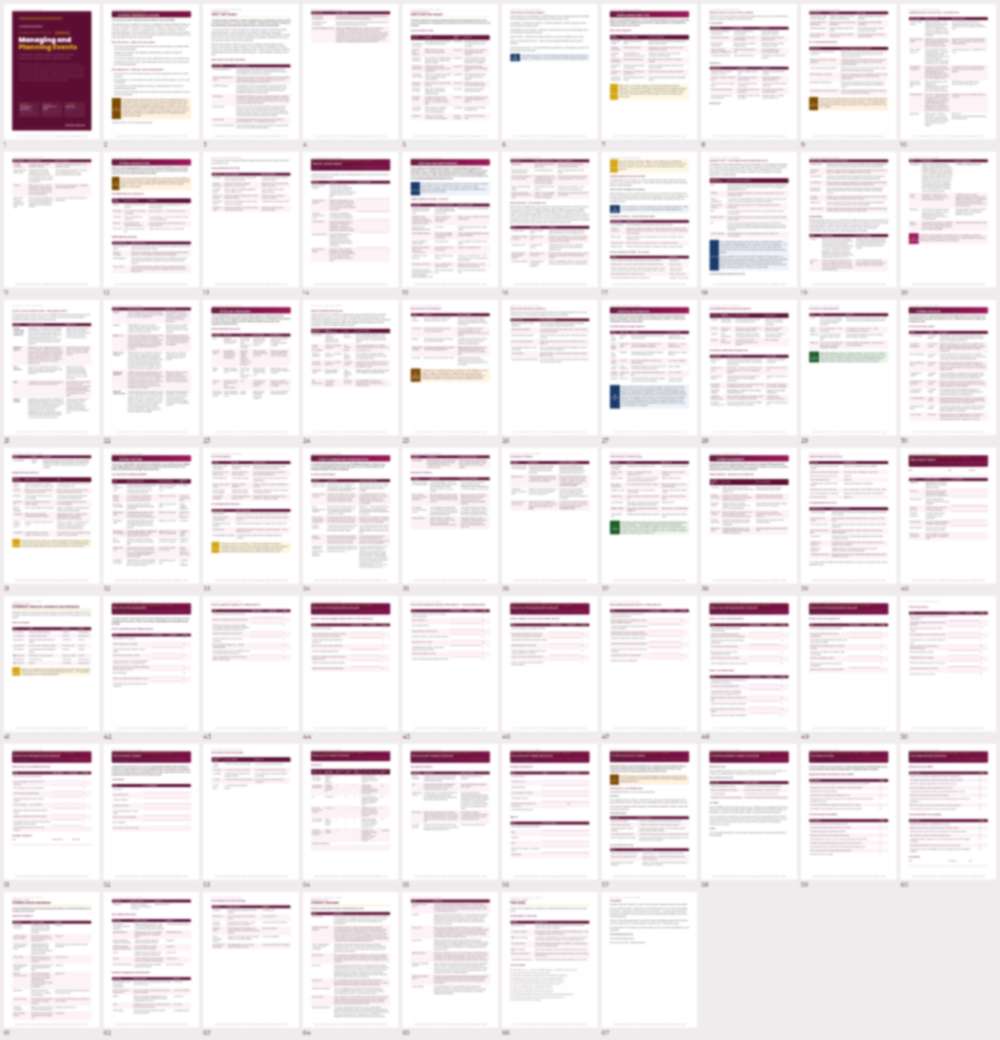
Previews are shown at low resolution. The full files come with your plan or single purchase.
Deliver it yourselves, in-house
A practical reference for the people who run your volunteer programme, with templates and checklists your team can adapt and use straight away, instead of paying a consultant. Kept up to date when the law or guidance changes, and it builds your team’s skills and confidence as they use it.
Try the platform free for 14 days
Try the main tools with up to 2 people. If you decide it is not for you, that is fine.
Not ready yet? Get free resources first